
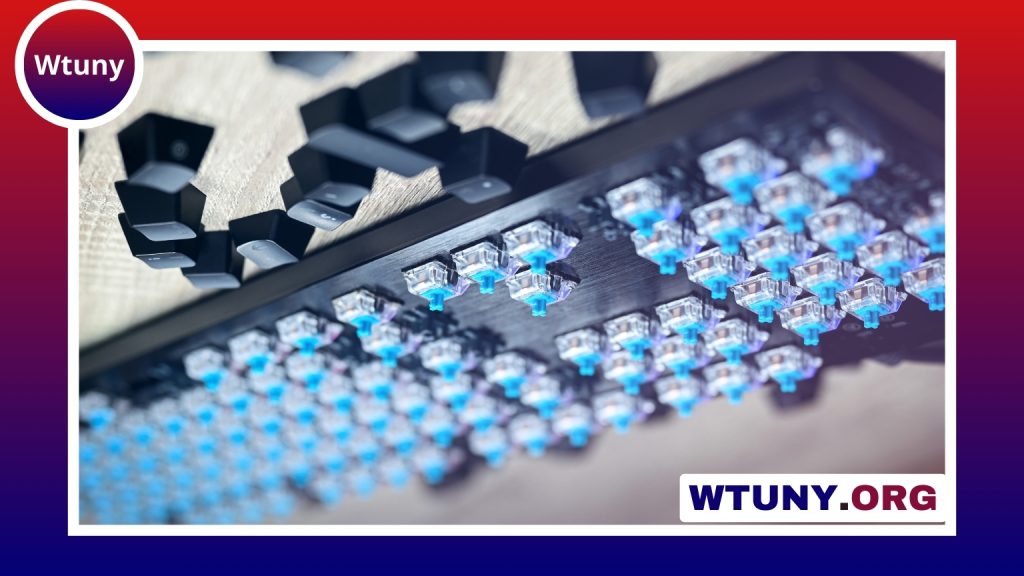
SA profile keycaps are known for their tall, sculpted shape, rounded tops, and unmistakable vintage character. They can give a mechanical keyboard a bold visual identity while also changing how the board feels to type on. Before choosing a set, it helps to understand the profile’s height, materials, legend styles, layout requirements, and relationship to your switches. Check switch compatibility when pairing SA profile keycaps to ensure proper fit and stable keypress feel.
What are SA profile keycaps?
SA is a tall, sculpted keycap profile inspired by keyboards from the 1970s and 1980s. Each row is shaped to create a stepped typing surface, while the top of each key has a pronounced spherical curve. This combination gives SA keycaps a deeper, more substantial appearance than lower profiles such as Cherry, DSA, or many OEM sets.
The curved surface is designed to guide the fingertip toward the centre of the key. Some typists enjoy this defined contact point, while others need time to adjust to the increased height and more prominent shape. SA keycaps are therefore not simply a cosmetic upgrade: they noticeably change the hand position and overall interaction with the keyboard.
How SA keycaps change the typing experience
The additional height can make each keystroke feel more deliberate. Fingers generally move farther before reaching the bottom of the switch, and the tall caps may create a stronger sense of key presence even when the switches themselves are relatively light. The sculpted rows can also make the keyboard feel more structured during touch typing.
That same geometry may not suit everyone. Users accustomed to low-profile or flat keycaps might find SA sets slower or less familiar at first, particularly during rapid typing or gaming. If you prefer short finger travel and a compact feel, a lower profile may be a better match. An adjustment period is normal when moving to SA, especially if your previous keycaps were much shorter.
Materials and legend options
SA keycaps are commonly made from ABS or PBT plastic. The material affects texture, appearance, and how the surface changes with use:
- ABS: Often provides strong colour saturation and crisp-looking legends. Its smooth surface can develop a glossy shine over time, which some users see as part of its retro appeal.
- PBT: Usually has a more textured feel and is more resistant to developing a shiny surface. It is a popular choice for users who want a durable, less glossy finish.
Legend construction is another important detail. Doubleshot keycaps form the characters from a separate layer of plastic, so the legends do not rely on surface printing. Dye-sublimated legends are transferred into the keycap material, commonly on PBT, and are also designed for long-term durability. The choice between these methods is mainly about the appearance, typography, and construction style you prefer.
Switch and layout compatibility
Most SA keycap sets use Cherry MX-style stems and can fit many modern mechanical switches, including switches from Cherry, Gateron, and Kailh. Compatibility should still be confirmed before buying, because unusual vintage or custom sets may use a different stem design. For a deeper build, pairing sculpted SA keycaps with tactile banana switches creates a distinctive typing feel.
Keyboard layout is equally important. SA sets may include keys for ANSI, ISO, and compact layouts, but coverage varies between sets. Check the included key sizes against your board’s layout, paying particular attention to the spacebar, Shift keys, Enter key, bottom row, and any nonstandard modifiers.
Because SA is sculpted by row, the intended row placement matters. Mixing keys from different rows can produce an uneven surface, and combining SA caps with another profile may create an awkward transition. For the most consistent feel, use a complete set with the correct row assignments for your keyboard.
Why choose SA profile keycaps?
SA keycaps are a strong choice when appearance and character matter as much as compactness. Their height and rounded tops suit retro colour schemes, themed designs, artisan keys, and display-focused keyboard builds. They can make a keyboard feel like a deliberate design object rather than a purely utilitarian device.
They may be less suitable if your main priorities are minimal finger movement, a low visual profile, or immediate familiarity for fast-paced use. In those cases, Cherry or DSA may offer a flatter and more restrained alternative.
Installation and care
Use a proper keycap puller when removing an existing set, applying even pressure so the switch stem is not pulled or stressed. Before pressing the new caps into place, sort them by row and confirm their positions against the keyboard layout. Correct row placement preserves the intended sculpted curve.
For routine cleaning, remove the keycaps and wash them in mildly soapy water with a soft brush. Rinse them thoroughly and allow them to dry completely before reinstalling them. Avoid prolonged direct sunlight, particularly with ABS caps, and keep organised sets separated by row if you frequently change keycap styles.
Final considerations
SA profile keycaps combine a dramatic vintage appearance with a tall, sculpted typing surface. The best choice depends on whether you enjoy their substantial feel, whether the material and legends meet your preferences, and whether the set supports your switches and layout. If those details align with your needs, SA keycaps can transform both the appearance and character of a mechanical keyboard.






