
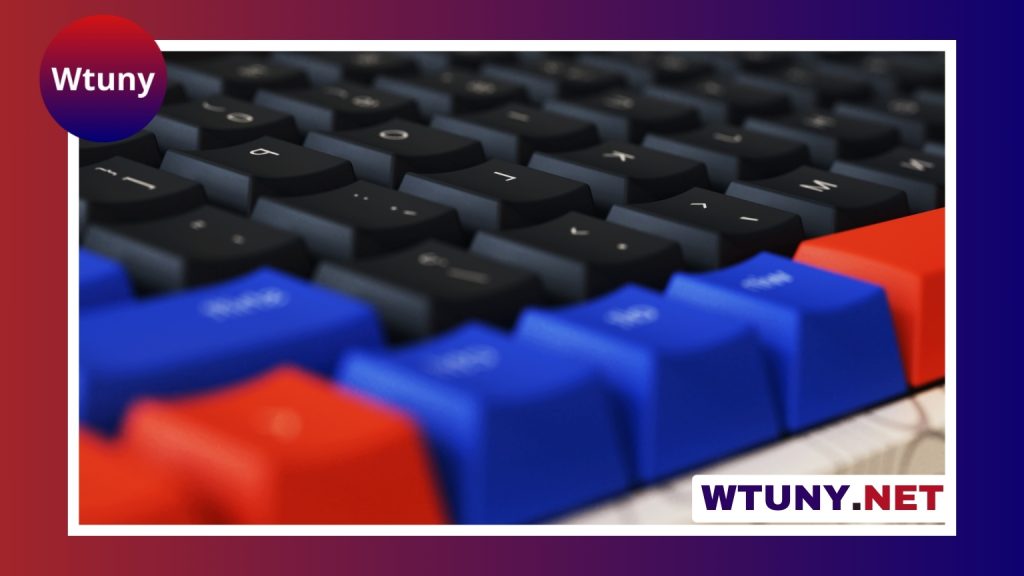
Anime keyboards combine functional gaming hardware with the visual style of a favorite series, character, or color palette. Some are ready-made peripherals with printed artwork, themed cases, or matching wrist rests. Others are built around anime-inspired keycaps, lighting, and custom components. The right choice depends on how much you value convenience, customization, typing feel, and budget. Explore anime themed keycap sets to personalize your mechanical rig for immersive competitive and casual play.
Why choose an anime keyboard?
A keyboard is one of the most visible parts of a gaming desk, so it can contribute as much to the overall setup as a monitor or headset. Anime-themed designs allow gamers, streamers, and collectors to create a more personal workspace instead of relying on generic black or white peripherals.
The visual design may be subtle, such as pastel keycaps and coordinated RGB lighting, or more prominent, with character artwork across the case and wrist rest. For content creators, a distinctive keyboard can also support a broader desk or streaming theme. For everyday users, the main benefit may simply be enjoying a familiar aesthetic during gaming, writing, and general computer use.
Types of anime gaming keyboards
Membrane keyboards
Membrane models are usually the simplest and most affordable option. They often come as complete themed products, making them convenient for anyone who wants anime artwork without assembling or modifying a keyboard. Their typing action is generally quiet and familiar, although they offer less switch-level customization than mechanical designs.
Mechanical keyboards
An anime mechanical keyboard uses individual switches beneath the keys. Different switch designs can provide a lighter, firmer, quieter, or more tactile feel, so mechanical models are appealing to both gamers and people who type frequently. They also tend to offer more opportunities for personalization, including replacement keycaps, artisan keys, and switch changes.
Some mechanical keyboards use hot-swappable sockets, allowing compatible switches to be replaced without soldering. This is useful if you want to experiment with the sound or resistance of the keys over time.
Hybrid and compact designs
Hybrid keyboards aim to sit between membrane and mechanical designs, combining aspects of both. Layout is another important distinction. Full-size keyboards include a number pad, while tenkeyless models remove it to create more room for a mouse. Compact 60-percent layouts save even more desk space but omit dedicated navigation and function keys, which may require shortcuts.
Building a custom anime keyboard
A custom anime keyboard offers greater control over both appearance and performance. Instead of choosing one finished product, you select compatible components and assemble a design around a particular theme.
A typical build may include:
- A case and PCB that support the desired layout
- Switches chosen for their feel and sound
- Anime-themed or color-coordinated keycaps
- A plate, stabilizers, and other compatible internal parts
- Lighting, foam, or other modifications for appearance and acoustics
Artisan keycaps can add a focal point without covering every key in character artwork. Another approach is to use a restrained color scheme inspired by a series, then add themed legends or symbols. Before buying parts, check that the keycap sizes, PCB, plate, and case all support the same layout. Limited-run components and commissioned artwork can also increase the total cost. Anime-themed keyboards can still deliver rapid typing performance when responsive switches and low latency matter.
What to consider before buying
Switch feel and sound
Choose switches according to how you use the keyboard. Lighter switches may suit fast, repeated inputs, while tactile switches provide a noticeable bump during a press. Quieter options can be preferable in shared spaces. No switch is automatically best for every player, so the intended feel matters more than the label.
Layout and ergonomics
Consider whether you need a number pad, dedicated arrow keys, or easy access to function keys. Adjustable feet, a comfortable wrist rest, and a suitable case height can make long sessions easier. A compact keyboard may look cleaner and leave more room for mouse movement, but only if its missing keys will not disrupt your work.
Software and compatibility
Check whether the keyboard works with your operating system and whether its software supports the features you want. Depending on the model, these may include RGB profiles, remapped keys, macros, or onboard profile storage. If you prefer a simple plug-and-play setup, avoid paying extra for customization tools you will not use.
Budget and build quality
Ready-made membrane keyboards are typically the easiest entry point. Mechanical models cost more when they include better components, hot-swapping, themed keycaps, or specialized artwork. Custom builds can become especially expensive when they use limited-run parts or artisan keycaps. Set a budget first, then prioritize the layout, switch type, and construction features that affect daily use.
Care and maintenance
Dust and debris can collect between the keycaps, particularly on keyboards used for gaming or eating at the desk. Regularly disconnect the keyboard, remove loose debris, and clean the surface with suitable tools. Keep liquids away from the switches and avoid harsh products that could damage printed artwork or keycap legends.
Replacement keycaps can refresh a worn design, while hot-swappable mechanical models may allow individual switches to be changed. With basic care, an anime keyboard can remain both a practical input device and a lasting part of a themed setup.
Finding the right balance
The best anime keyboard is not necessarily the most elaborate one. A prebuilt model is a sensible choice when convenience and artwork are the priorities. A mechanical keyboard offers more control over typing feel and future upgrades, while a custom build provides the greatest freedom to match a specific fandom or desk design. Start with your everyday needs, then choose the visual details that make the setup feel personal.






