
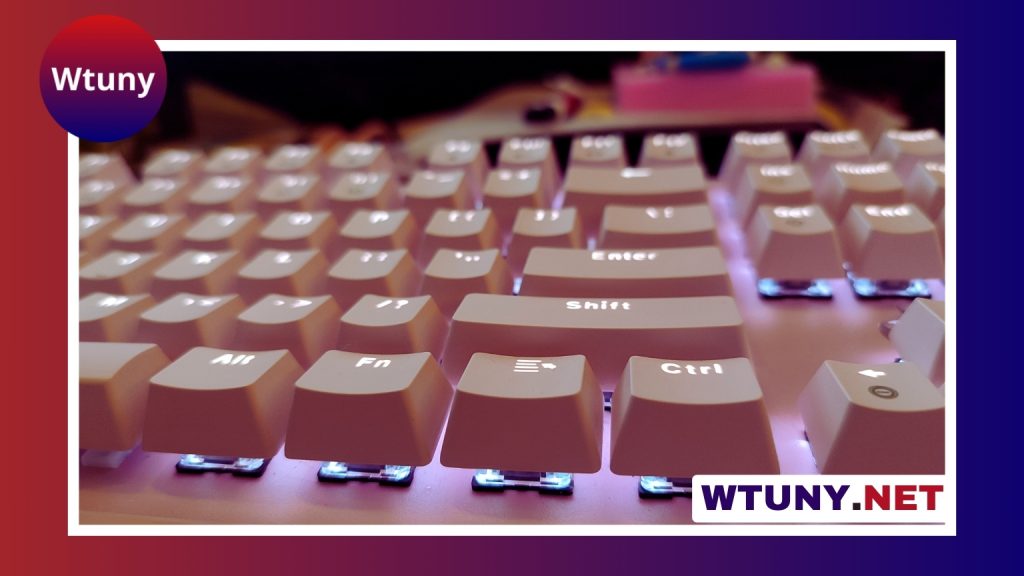
Mechanical keyboard switches have a major effect on how each keystroke feels and sounds. The right choice depends on whether you value smooth movement, physical feedback, audible clicks, rapid key presses, or a quieter environment.
The three main switch types are linear, tactile, and clicky. They can look similar from the outside, but their internal designs create noticeably different typing experiences.
Linear switches: smooth and consistent
Linear switches move smoothly from the top of the keypress to the bottom. They do not have a tactile bump or a deliberate click, so resistance remains relatively consistent throughout the stroke. The key registers at its actuation point, while the user may continue pressing until the key bottoms out.
This uninterrupted movement makes linear switches popular for gaming and other tasks involving frequent or repeated inputs. Many users like the predictable feel for rapid movement commands, double-taps, and repeated key presses. Lighter linear switches can feel quick and easy to press, while heavier versions provide more resistance and can help prevent accidental inputs.
Examples commonly associated with this category include Cherry MX Red, Gateron Red, and heavier linear variants such as Cherry MX Black. The exact experience still depends on the individual model, spring weight, lubrication, keycaps, and keyboard construction.
Tactile switches: physical feedback without a click
Tactile switches contain a noticeable change in resistance, or tactile bump, during the keypress. This bump provides physical confirmation that the switch has reached its actuation point. In practical terms, this is what “tactile keyboard” means: your fingers receive feedback from the key itself rather than relying only on bottoming out or hearing a sound.
That feedback can be useful for touch typing, writing, coding, and general office work. A typist may be able to release the key after feeling the bump instead of pressing all the way down. Some people find this helps them maintain a deliberate rhythm and avoid accidental presses.
Tactile switches vary considerably. A mild tactile switch may feel only slightly different from a linear model, while a stronger design produces a pronounced bump. Cherry MX Brown and Zealios V2 are examples often associated with tactile keyboards, although their feel is not identical.
Tactile switches are often chosen for shared environments because they provide feedback without the dedicated click mechanism found in clicky switches. They are not silent, however: the keys can still produce sound when they bottom out or return upward.
Clicky switches: tactile feedback with an audible click
Clicky switches combine a tactile bump with a separate sound-producing mechanism. The result is both a physical and audible signal during the keystroke. The sharp click gives each press a clear, deliberate character, which many writers and keyboard enthusiasts enjoy.
Classic examples include Cherry MX Blue and Kailh Box White. Clicky switches can make typing feel highly responsive and rhythmic, but their volume is an important consideration. They may be distracting in an open office, shared room, or home where other people are nearby.
The final sound is influenced by more than the switch itself. Keycap material, the keyboard case, internal dampening, desk surface, and the way a key is pressed can all change the sound profile. A clicky switch will still retain its characteristic click, but the surrounding keyboard can make it seem sharper, deeper, or more resonant.
Linear vs tactile vs clicky at a glance
- Linear: smooth travel, no tactile bump, and generally lower switch noise. Often preferred for gaming and repeated inputs.
- Tactile: a physical bump with no dedicated click. A flexible choice for typing, coding, and mixed everyday use.
- Clicky: a tactile bump plus an intentional audible click. Best suited to users who enjoy strong sound and feedback and can use a louder keyboard.
How to choose the right switch
Start with the way you use your keyboard most. If smooth, uninterrupted key travel matters most, a linear switch may be the best starting point. If you want confirmation during typing without a loud click, consider a tactile switch. If the sound is part of the enjoyment, a clicky switch offers the strongest auditory response.
Your environment matters just as much as personal preference. A clicky keyboard may be enjoyable at a private desk but unsuitable around sleeping family members or coworkers. Linear and tactile switches can also be noisy when keys bottom out, so sound-dampening materials and careful typing technique may help.
Actuation force is another factor. Two switches from the same category can feel very different if one uses a light spring and the other uses a heavier one. Travel distance, bump shape, return force, and bottom-out feel all affect the overall experience.
Try before committing
Switch descriptions provide useful guidance, but they cannot fully replace hands-on testing. A switch tester lets you compare several weights and tactile profiles, while a hot-swappable keyboard makes it easier to experiment with different switch families.
Modifications can also change the result. Lubrication may make some linear switches smoother, while spring changes alter resistance. Modifying tactile or clicky switches requires more care because lubrication or other changes can reduce the bump or soften the characteristic click.
Ultimately, there is no universally best switch. Linear switches emphasize smoothness, tactile switches emphasize physical feedback, and clicky switches emphasize sound as well as feedback. Choose according to your work, games, surroundings, and preferred typing sensation.






