
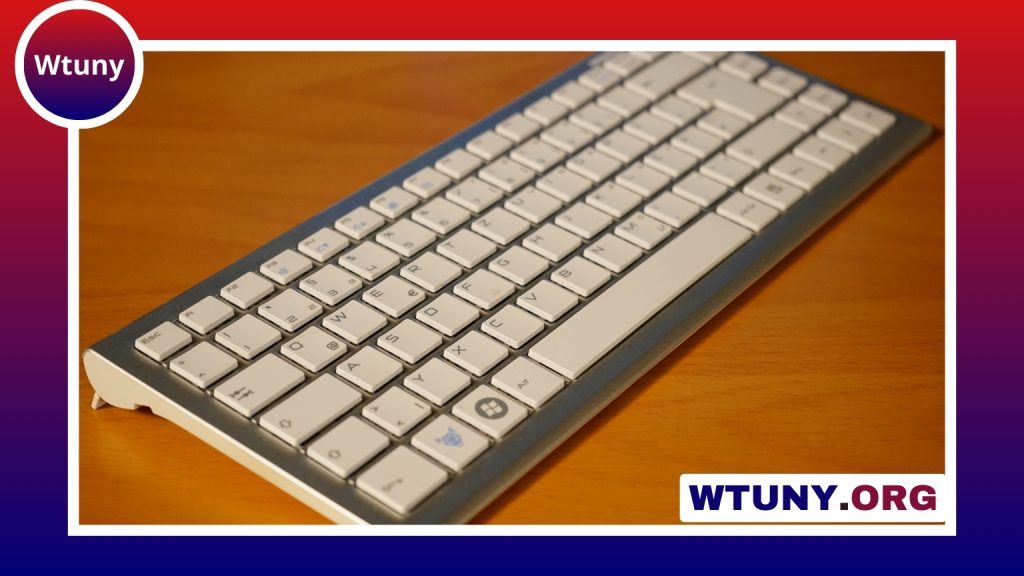
A hot-swappable keyboard lets you remove and replace mechanical switches without soldering. That simple design makes it easier to change the way a keyboard feels, sounds, and responds, whether you are building a custom board or upgrading a ready-made model.
Instead of being permanently soldered to the keyboard’s circuit board, the switches sit in removable sockets. When a switch is pressed into place, its pins connect with the socket and complete the electrical circuit. A compatible replacement can then be installed with a switch puller, making experimentation much more accessible than traditional mechanical keyboard modification.
Why choose a hot-swappable keyboard?
The main advantage is flexibility. You can try several switch types without buying a new keyboard or learning to solder. Linear switches offer a smooth keystroke, tactile switches provide a noticeable bump, and clicky switches add audible feedback. Switching between them can significantly change the typing and gaming experience.
Hot-swappable sockets are also useful for maintenance. If one switch starts chattering, feels inconsistent, or stops working, you can replace that individual switch instead of discarding the entire keyboard. This makes the keyboard easier to repair and gives it room to evolve as your preferences change.
Switches do not have to be identical across the entire board, either. Some users prefer lighter switches for frequently pressed letter keys and heavier switches for modifiers such as Shift, Control, or the spacebar. A hot-swap design makes these experiments relatively straightforward.
Check switch and socket compatibility
Not every mechanical switch fits every hot-swappable keyboard. Before buying replacements, check which switch format the keyboard supports and whether the sockets accept the switch pin arrangement you intend to use. Some boards are designed for common three-pin or five-pin mechanical switches, while others may require a particular configuration.
Compatibility can also affect stabilised keys such as the spacebar, Enter, Backspace, and Shift keys. These keys use stabilizers in addition to their main switch, so replacement parts need to match the keyboard’s layout and mounting style. Keycap profile and switch housing clearance may matter as well, particularly when mixing components from different manufacturers.
Choose the right keyboard layout
Layout should be considered before switch selection because it determines the board’s size, available keys, and some replacement-part requirements.
- Full-size: Includes the number pad and is useful for spreadsheets, accounting, data entry, and users who want dedicated navigation keys.
- Tenkeyless (TKL): Removes the number pad to create more desk space while retaining the function row and navigation cluster.
- Compact layouts: Save space by reducing or combining keys. They can work well for minimal desks, but may require function layers for less frequently used commands.
- Expanded layouts: Larger boards may add macro columns, media controls, or additional navigation keys for specialised workflows.
A full-size hot-swappable keyboard is often a practical choice for productivity, while a TKL or compact board may be more comfortable when desk space or mouse movement is important. The best layout is the one that matches the keys you use regularly.
Consider more than the switches
Hot-swapping is valuable, but it should not be the only feature you evaluate. A stable case, reliable key registration, comfortable key spacing, and well-supported firmware all contribute to the daily experience. Case materials can also influence the board’s weight and sound. Plastic cases are often lighter, while metal cases can provide additional rigidity.
Wireless connectivity may be useful if you move the keyboard between devices, but check whether the board also offers a wired mode and whether that connection suits your gaming or work requirements. Programmable layers, remapping options, backlighting, and media controls can also be important depending on how you use the keyboard.
When planning a custom build, check the compatibility of the PCB, plate, case, stabilizers, switches, and keycaps as a complete system. A hot-swap PCB alone does not guarantee that every other component will fit.
How to replace switches safely
- Turn off or disconnect the keyboard before removing switches.
- Remove the keycap carefully, then use a switch puller to release the switch tabs.
- Pull the switch straight upward and inspect its pins before installing a replacement.
- Align the pins with the socket and press the new switch down evenly.
- Reconnect the keyboard and test the key before replacing the keycap.
Bent pins are one of the most common problems during installation. If a switch does not seat easily, remove it and check the pins rather than forcing it into the socket. Keeping the keyboard clean and replacing faulty switches promptly can help maintain a consistent typing experience.
Is a hot-swappable keyboard worth it?
For users who want to explore mechanical switches, a hot-swappable keyboard is a flexible starting point. It supports changes to feel and sound without soldering, simplifies individual switch replacement, and can serve as the foundation for a more personalised setup. Compare the layout, socket compatibility, construction, connectivity, and firmware features—not just the switch type—to find a board that will remain useful as your preferences develop.






