
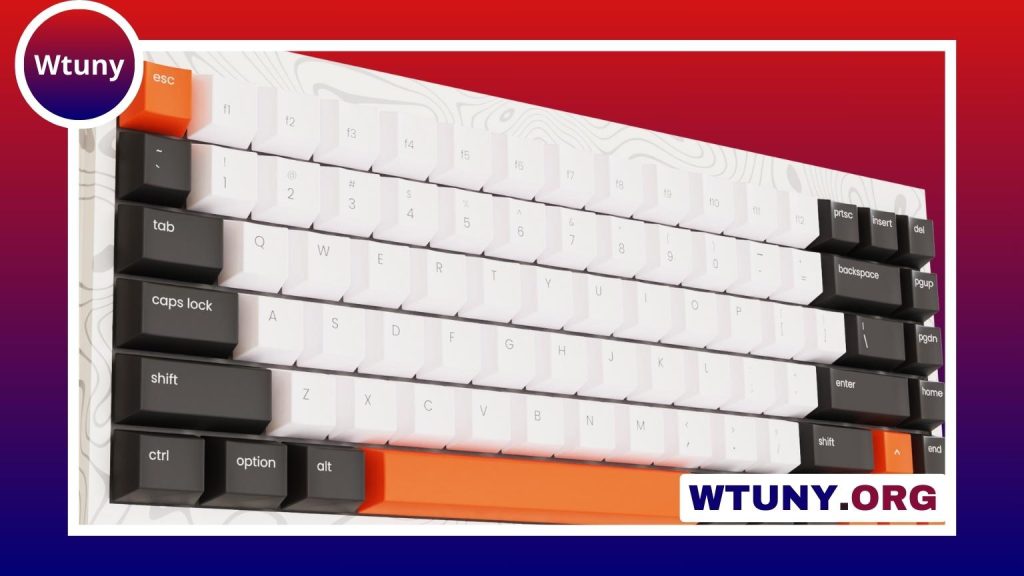
Ducky keyboards have earned a strong reputation among mechanical-keyboard users, but that does not automatically make every model the right choice for every buyer. The brand is best known for solid construction, dependable typing performance, quality keycaps, and a straightforward approach to customization. In return, some Ducky keyboards offer fewer software, wireless, and switch-swapping features than competing products.
So, are Ducky keyboards good? For many typists and gamers, yes. The more important question is whether Ducky’s priorities match yours.
Where Ducky keyboards stand out
Solid construction and durable keycaps
Ducky generally focuses on making keyboards that feel stable and dependable rather than loading them with unnecessary extras. Depending on the model, the case may use sturdy plastic or aluminum. A well-assembled case, tight fit, and limited wobble contribute to a more substantial feel during long typing or gaming sessions.
Keycaps are another common strength. Many Ducky keyboards come with PBT keycaps using double-shot or dye-sublimated legends. PBT is valued because it typically resists the smooth, shiny wear that can develop on frequently used ABS keycaps. This helps the keyboard retain a consistent texture and appearance over time.
Consistent mechanical typing feel
Ducky keyboards have commonly been paired with Cherry MX mechanical switches, including linear, tactile, and clicky options. The best choice depends on your preference:
- Linear switches: smooth presses with no tactile bump, often preferred for fast, uninterrupted keystrokes.
- Tactile switches: a noticeable bump that provides feedback without the sharper sound of a clicky switch.
- Clicky switches: both tactile feedback and an audible click, which some users enjoy for typing but others may find distracting.
Switch choice has a major effect on sound and feel, so it is worth checking the exact configuration of the model you are considering. Ducky keyboards are also often recognized for reasonably well-tuned stabilizers on larger keys, such as the spacebar, Shift, and Enter keys. That can make the overall board feel more polished straight out of the box.
Features and customization
Ducky generally takes a hardware-first approach. Depending on the model, you may find RGB or other backlighting, compact layouts, DIP switches, and key combinations for changing onboard settings. These controls allow users to adjust parts of the keyboard without depending on a desktop application.
This approach is particularly appealing if you prefer a keyboard that works without an extensive software suite. It can also mean fewer background applications and less time spent managing profiles. However, onboard controls are not as flexible as a full graphical configuration tool. Users who want elaborate macros, cloud-synced profiles, or extensive remapping may find Ducky’s approach limited compared with brands built around companion software.
Which users are Ducky keyboards suited to?
Gaming
Compact Ducky layouts can be a good fit for gaming desks where extra mouse space matters. A smaller keyboard reduces the amount of room occupied on the desk and can make it easier to position the mouse comfortably. The choice between linear, tactile, and clicky switches comes down to personal preference and the type of feedback you want while playing.
Writing, programming, and office work
For frequent typing, durable keycaps and a consistent mechanical feel are major advantages. A full-size model may be more practical if your work involves regular number entry, while a smaller layout may suit users who do not need a dedicated number pad.
Travel and compact setups
Smaller boards are easier to fit into limited desk spaces and can be more convenient to carry than full-size keyboards. Before choosing a compact layout, make sure you are comfortable working without dedicated navigation keys or a number pad.
Limitations to consider
Ducky’s strengths come with several trade-offs:
- Limited wireless options: many Ducky keyboards have traditionally focused on wired operation.
- Soldered switches on some models: replacing switches may require desoldering rather than simply removing them from hot-swap sockets.
- Less software-based customization: users seeking complex macros, cloud profiles, or a highly visual configuration tool may prefer another brand.
- Fewer aesthetic choices: boutique keyboard makers may offer more case, plate, and finish combinations.
These limitations are not necessarily problems if you value reliability and simplicity more than extensive customization. They become more important if you want to frequently change switches, build elaborate layouts, or use the same profiles across multiple devices.
Final verdict
Ducky keyboards are a strong choice for buyers who want sturdy construction, durable keycaps, dependable mechanical switches, and a refined typing experience without relying heavily on desktop software. They can work well for gaming, writing, programming, and general daily use.
They may be less suitable if hot-swappable switches, advanced macro software, wireless connectivity, or extensive visual customization are essential requirements. Check the specifications of the individual model rather than judging the entire brand by reputation, especially for switch type, layout, connection options, and customization features.






