
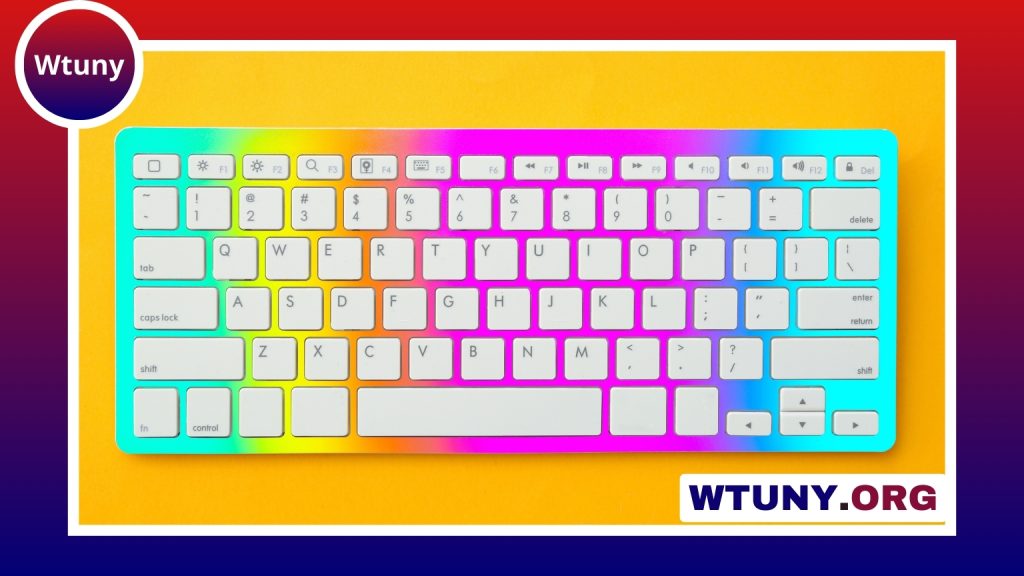
A computer keyboard is more than a basic input device. Its size, layout, key mechanism, and connectivity all affect how comfortably and efficiently you work. The best choice depends on what you do most often, how much desk space you have, and whether you prefer a quiet, soft press or more noticeable typing feedback.
Keyboard sizes and layouts
Keyboard form factor determines which keys are available and how much room the device occupies. Consider these common options:
- Full-size: Includes the main typing area, function row, navigation keys, and a numeric keypad. It is useful for spreadsheets, accounting, and frequent number entry.
- Tenkeyless: Removes the numeric keypad while keeping the main keys and function row. This saves desk space and leaves more room for a mouse.
- Compact: Designs such as 60- and 65-percent keyboards remove or combine some navigation and function keys. They are portable and minimalist, but may require shortcuts or an alternate function layer.
- Portable and low-profile: Slim keyboards are convenient for laptops, tablets, travel, and smaller work areas. Their shorter key travel may feel different from a traditional desktop keyboard.
Regional layouts also matter. ANSI, ISO, and JIS keyboards use different key shapes and placements, particularly around the Enter, Shift, and punctuation keys. Choosing a layout that matches your usual typing habits can reduce mistakes when moving between devices.
Understanding key switches
The switch beneath each key largely determines typing feel, sound, and durability. General computer keyboards commonly use one of three designs:
- Membrane or rubber dome: Usually affordable and relatively quiet, with a soft press. These keyboards are suitable for everyday browsing, email, and office tasks.
- Scissor switch: Common on laptops and slim keyboards. The mechanism has shorter travel and can provide a more stable, crisp feel than a basic membrane design.
- Mechanical: Uses individual switches beneath the keys. Mechanical keyboards are available with different actuation forces, travel distances, and sound profiles.
Mechanical switches are often described as linear, tactile, or clicky. Linear switches move smoothly, tactile switches provide a physical bump during the press, and clicky switches add an audible confirmation. None is universally best; the right option depends on your preferred feel, noise tolerance, and working environment.
Features that affect performance
People who type quickly, play games, or use shortcut-heavy software may benefit from features such as anti-ghosting and key rollover. These help the keyboard register multiple simultaneous key presses more reliably. Programmable keys and macros can also reduce repetitive actions in applications such as editing, design, and productivity software.
Some mechanical keyboards use a hot-swappable circuit board, allowing compatible switches to be changed without soldering. This can make experimentation, repair, and customization easier. Backlighting or RGB lighting may improve visibility in dim conditions, although lighting is primarily a preference rather than a requirement for most users.
Ergonomics and accessibility
If you use a keyboard for several hours each day, comfort should be a priority. Split keyboards, tenting adjustments, and alternative layouts can help some users maintain a more natural position for their hands and forearms. Adjustable feet and a suitable wrist rest may also improve positioning, but a wrist rest should support the hands during pauses rather than force the wrists upward while typing.
Key spacing, keycap shape, and labeling are important for accessibility. Larger or high-contrast keys may be easier to identify, while programmable controls can simplify complex commands. If you experience persistent pain, numbness, or tingling, changing equipment alone may not solve the problem; consider taking breaks and seeking appropriate professional advice.
Wired or wireless connectivity?
A wired USB or USB-C keyboard draws power from the computer and avoids battery charging. It is a practical choice for a fixed desk, shared workstation, or situation where a consistent connection is important.
Wireless keyboards generally use Bluetooth or a dedicated 2.4 GHz receiver. Bluetooth is useful when pairing with several compatible devices, while a receiver-based connection may be preferred for a dedicated desktop setup. Check battery requirements, charging methods, device compatibility, and whether the keyboard can switch between multiple paired devices.
Most standard keyboards work with common desktop operating systems without extensive setup. However, media controls, function-row shortcuts, remapping tools, and lighting software may behave differently across Windows, macOS, and Linux. Confirm that the keyboard’s important features support your preferred system before buying.
Choosing a keyboard for your needs
- Office and general use: Look for dependable construction, comfortable keys, a suitable layout, and quiet operation if you share a workspace.
- Writing and programming: A tactile or otherwise comfortable switch, reliable keycaps, and easy access to navigation keys can support long typing sessions.
- Gaming: Consider rollover and anti-ghosting, consistent key registration, connection reliability, and a layout that leaves enough room for mouse movement.
- Creative work: Programmable keys, shortcuts, and profile support may be more valuable than lighting or a particular switch type.
- Travel and small desks: A compact Bluetooth or low-profile keyboard can reduce bulk, provided you are comfortable using its abbreviated layout.
Cleaning and long-term care
Regular cleaning helps prevent sticking keys and buildup of dust and debris. Disconnect a wired keyboard or turn off a wireless one, then use a soft cloth and carefully remove loose debris. Compressed air can help clear particles from between keys when used appropriately. Avoid eating and drinking over the keyboard, since liquid damage can be difficult or impossible to repair.
Before choosing a more expensive model, compare its warranty, replacement parts, software support, and expected maintenance. A keyboard that fits your daily habits and can be cared for or repaired may provide better long-term value than one chosen only for appearance.
Related Guides
- Budget Keyboard
- Computer Computer Keyboard
- Hewlett Packard Keyboard
- Hp Laptop White Keyboard
- Laptop Keyboard Replacement
- Quiet Typing Keyboard
- Quiet Wireless Keyboard And Mouse Combo
- Replacement Keyboard For Surface Book
- Standard Keyboard Keys
- Surface Laptop 3 Keyboard






