
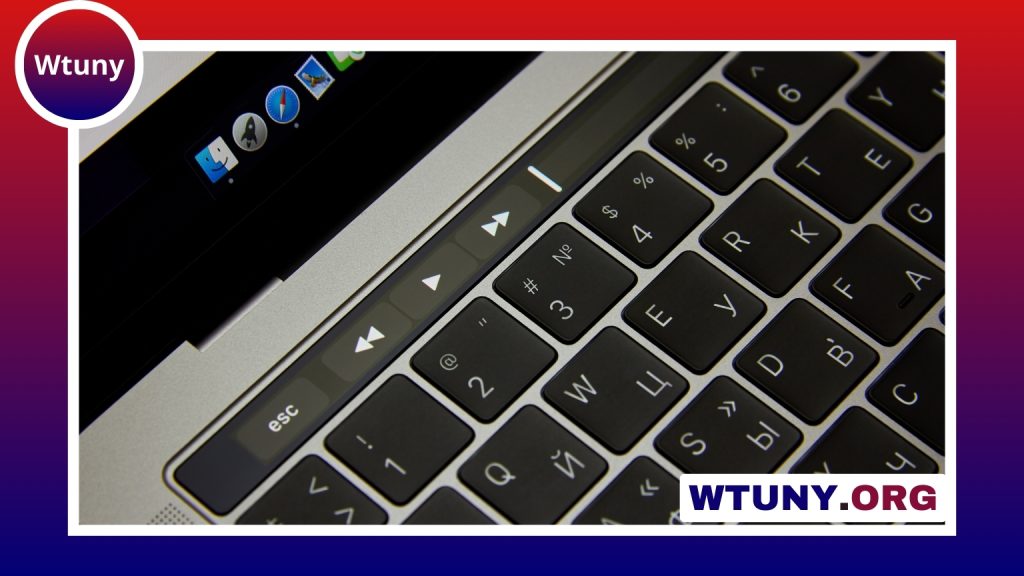
A mechanical keyboard with a fingerprint reader combines the tactile feel and customisation of mechanical switches with biometric authentication. Instead of treating the keyboard as only an input device, this type of hardware can also help users unlock a computer, switch between accounts, or authenticate with supported services. Explore how biometric keyboard features like a built-in fingerprint reader enhance authentication and usability.
The idea is especially appealing for people who lock their computers frequently, work with sensitive information, or want a quicker alternative to typing a password. However, fingerprint-enabled keyboards vary considerably in sensor technology, operating-system support, privacy practices, and overall keyboard quality. The biometric feature should therefore be evaluated alongside the switches, layout, connectivity, and firmware support.
How a fingerprint reader is built into a mechanical keyboard
The sensor can be positioned in several places, including a dedicated key, the upper-right area of the keyboard case, or a detachable wrist rest. Its location affects how naturally users can scan a finger and whether the reader is easy to reach without interrupting typing.
Most designs use either a capacitive or optical sensor:
- Capacitive sensors detect electrical differences associated with the ridges of a finger. They are generally compact and efficient.
- Optical sensors capture an image of the fingerprint and process it for authentication. They may require more processing hardware.
Another important distinction is where fingerprint matching takes place. Some products perform the comparison on the keyboard or another dedicated security component. Others send protected biometric data to the host computer for processing. A product description should explain whether fingerprint templates remain local, how they are protected, and what software handles enrolment and authentication.
What the biometric feature can do
When supported by the computer and its operating system, fingerprint authentication can make unlocking faster and reduce the need to type a long password repeatedly. This can be useful at a busy desk, in a home office, or at a shared workstation where users need to secure their sessions whenever they step away.
Some keyboards and operating systems support authentication frameworks such as Windows Hello or FIDO2. Depending on the hardware, software, and service involved, this may extend beyond computer login to supported websites, password managers, or workplace applications. Compatibility should be confirmed before purchase rather than assumed from the presence of a fingerprint sensor.
Biometrics are not a replacement for every security measure. A fingerprint reader can improve convenience and discourage casual access, but it does not eliminate the need for strong account policies, device encryption, updates, and a backup sign-in method. Users may also be required to enter their password after a restart or under other operating-system security conditions.
Key features to compare
Authentication and privacy
- Check whether the keyboard supports the operating systems and authentication standards you actually use.
- Find out whether it stores protected fingerprint templates locally or transfers biometric information to the computer.
- Look for clear documentation about firmware updates, encryption, and the vendor’s handling of biometric data.
- Confirm whether the reader works over Bluetooth, through a wireless receiver, or only when connected by USB.
Mechanical keyboard design
The fingerprint reader should not distract from the keyboard’s primary job. Consider the switch type, key layout, stabiliser quality, keycap material, and case construction. Hot-swappable switch sockets can make future customisation easier, while N-key rollover may be valuable for fast typing or gaming. A detachable cable, adjustable feet, wrist rest, and lighting controls are practical details that can affect daily use. Fingerprint-enabled mechanical keyboards can also benefit from silent red switches, especially in shared workspaces requiring quieter typing.
Wireless models deserve additional attention. The sensor may have different functionality depending on the connection mode, and biometric scanning can have implications for battery life. Read the technical documentation carefully if you plan to move the keyboard between devices.
Operating-system support and setup
Setup normally involves connecting the keyboard, installing any required utility or driver, and enrolling one or more fingerprints through the operating system or manufacturer software. Windows support may be more straightforward on products designed for Windows Hello, while macOS and Linux support can be limited or dependent on additional software.
A keyboard with a fingerprint reader is not automatically equivalent to Apple’s Touch ID hardware. If you use a Mac, verify exactly what the reader can authenticate and whether the manufacturer provides compatible drivers. Also check support for multiple users if the keyboard will be installed at a shared terminal.
Maintenance and everyday reliability
Fingerprint sensors work best when their surface is clean and dry. A soft, lint-free cloth is generally suitable for routine cleaning; avoid applying liquids directly to the sensor. Shared keyboards should be cleaned regularly, and each user should enrol their own fingerprint rather than sharing an account.
Long-term value depends on more than switch lifespan. Firmware support, replacement parts, software maintenance, and the reliability of the fingerprint reader all matter. A durable case and replaceable keycaps are useful, but they cannot compensate for a sensor that becomes unreliable or loses compatibility with the host system.
Is a fingerprint-reader mechanical keyboard worth considering?
This type of keyboard makes the most sense when quick authentication is genuinely useful and the product’s security model fits your needs. Before buying, verify sensor storage, authentication standards, operating-system support, connection limitations, and firmware policies. Then assess the keyboard like any other mechanical model: focus on typing feel, layout, build quality, and comfort.
Used as part of a broader security strategy, a fingerprint-enabled mechanical keyboard can provide a convenient bridge between tactile desktop hardware and passwordless authentication. The best choice is one whose biometric features are clearly documented and whose keyboard design remains comfortable and dependable for everyday work.






