
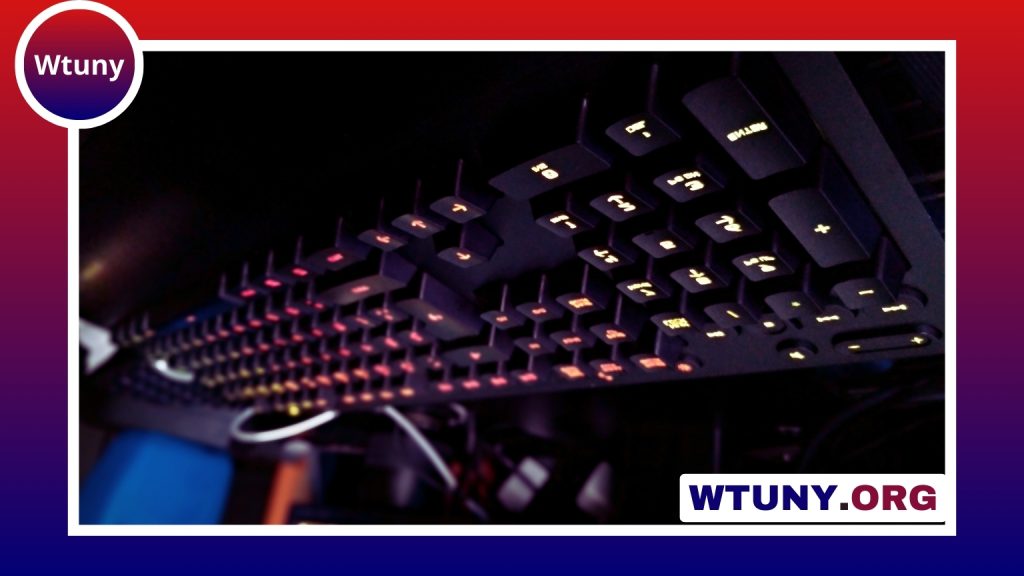
A custom keyboard kit gives you the essential foundation for building a mechanical keyboard around your preferences. Instead of accepting a fixed layout, switch type, sound profile, or case design, you can select the parts that suit your typing habits, gaming setup, and available desk space.
What comes in a custom keyboard kit?
The exact contents vary, so check the kit’s parts list before ordering. Most kits include several core components:
- PCB: The circuit board that connects the switches and communicates with your computer.
- Plate: A support layer that holds the switches in position.
- Case: The outer body, available in materials such as plastic or aluminum.
- Stabilizers: Components that keep larger keys, including the spacebar and Enter key, from wobbling.
- Connection hardware: Depending on the design, this may include a USB cable or other required components.
Switches, keycaps, and sometimes stabilizers may need to be purchased separately. This separation is one of the main benefits of a DIY mechanical keyboard: the final board can be assembled to match your preferred feel and appearance.
Choose a layout that fits your work
Keyboard size affects both functionality and desk space. A compact 60% keyboard kit removes the function row, navigation keys, and number pad for a small footprint. It is useful for minimal setups and portability, although some commands may require function-layer shortcuts.
A 65% layout keeps dedicated arrow keys while remaining compact. A 75% keyboard generally retains the function row in a compressed arrangement, making it a practical choice for users who want more access to standard keys without moving to a larger board.
Tenkeyless, or TKL, kits remove the number pad while preserving the function row and navigation cluster. This can leave more room for a mouse. A full-size keyboard kit retains the complete traditional layout and is often the most convenient option for spreadsheets, accounting, and other number-heavy work.
Hot-swap or soldered assembly?
Hot-swap keyboard kits
A hot-swap PCB uses sockets that allow switches to be inserted and removed without soldering. This is a convenient choice for beginners and for anyone who expects to experiment with different switches. Switches must still be aligned carefully with the plate and PCB, since bent pins can prevent a key from registering.
Solder keyboard kits
A solder kit requires each switch to be attached electrically to the PCB. It involves more work and requires soldering equipment, but it can be a rewarding project for builders who want hands-on control. Replacing switches later is possible, though it requires desoldering them first.
Select switches, keycaps, and stabilizers
Switches have a major effect on the keyboard’s feel and sound. Linear switches provide a smooth press, tactile switches offer a noticeable bump, and clicky switches add an audible click. The best option depends on personal preference and the environment in which the keyboard will be used.
Keycaps influence the appearance, texture, and sound of the board. PBT keycaps are valued for their durability and resistance to developing a shiny surface, while ABS keycaps can offer a different feel and acoustic character. Check that the keycap set supports your chosen layout, particularly if the keyboard uses nonstandard key sizes.
Stabilizers support larger keys but may produce rattle if they are poorly fitted. Many builders improve them by cleaning, lubricating, and tuning the stabilizer components before final assembly.
Tools and assembly process
A hot-swap build usually needs a switch puller, keycap puller, and basic tools for installing and tuning stabilizers. A solder build additionally requires a soldering iron, solder, flux, and solder wick. A multimeter can help diagnose electrical problems, although it is not essential for every project.
A typical build follows this sequence:
- Read the kit instructions and confirm that the PCB, plate, case, and layout are compatible.
- Prepare and install the stabilizers, tuning them before the plate becomes difficult to access.
- Position the plate and PCB, then install the switches. Solder each switch for a solder kit, or press the switches into the sockets for a hot-swap kit.
- Test every key before closing the case. A keyboard tester or the computer’s keyboard-viewing utility can reveal missed connections and bent switch pins.
- Install the case, keycaps, and any optional dampening material, then test the completed board again.
Configure the firmware
Many custom keyboards use firmware that supports layers, remapped keys, macros, and sometimes lighting controls. QMK is commonly used for programmable keyboard layouts, while VIA-compatible PCBs can allow remapping through a graphical interface without repeatedly flashing the board. Follow the instructions supplied for the specific PCB, since the setup process differs between designs.
Improve and maintain the finished keyboard
A custom keyboard can evolve after the initial build. You might replace the switches, change keycaps, tune the stabilizers again, add case dampening, or try a different plate. Hot-swap boards make switch experimentation especially straightforward.
Before modifying the board, disconnect it from the computer and work carefully around the PCB and sockets. Keep track of screws and small components during disassembly. With sensible maintenance and gradual upgrades, a keyboard kit can become a long-term project rather than a one-time purchase.






