
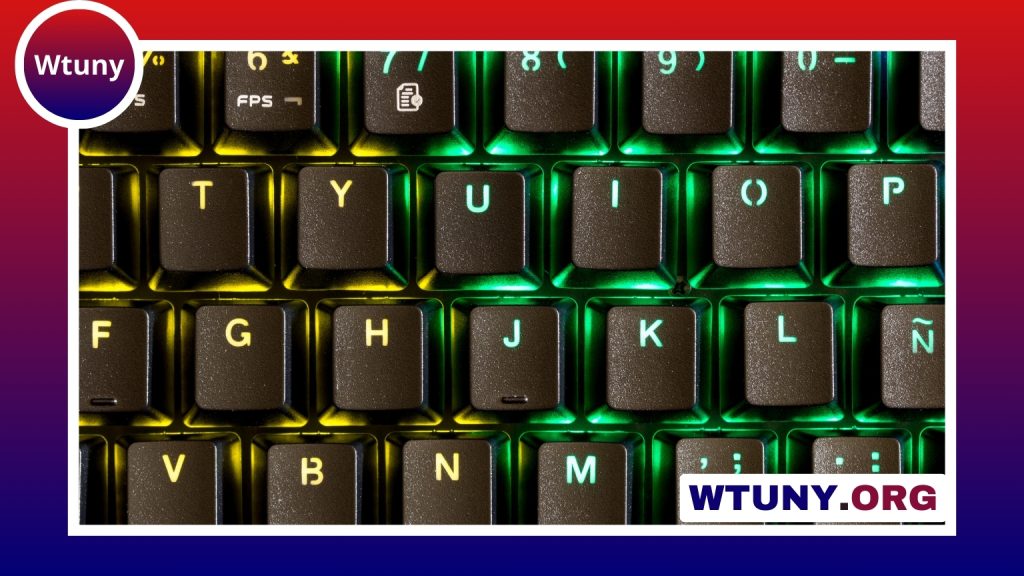
A magnetic keyboard can make a setup easier to carry, configure, and maintain. However, “magnetic keyboard” can describe several different designs. Some keyboards attach to tablets or protective covers with magnets, while others use magnetic mounts for modular accessories. A separate category uses magnetic or Hall effect sensors inside the switches for contactless key actuation. See our magnetic keyboard roundup for comparisons, specs, and links to in-depth keyboard reviews.
Understanding these differences will help you choose a keyboard that fits your work habits, gaming needs, or preferred level of customization.
What is a magnetic keyboard?
Magnetic keyboards use magnets for attachment, alignment, modularity, or switch operation. The most common designs include:
- Detachable tablet keyboards: These connect to a tablet or cover magnetically and can be removed when you want a lighter, more portable setup.
- Modular mechanical keyboards: These may use magnetic plates, covers, wrist rests, or removable numpads, allowing the layout to change without replacing the entire keyboard.
- Keyboards with magnetic switches: Hall effect or similar contactless switches use magnetic sensing to detect key movement. They are different from keyboards that merely use magnets to hold accessories in place.
Because these designs serve different purposes, the best magnetic keyboard is not necessarily the same for every user.
Why choose a magnetic keyboard?
The main advantage of a magnetic design is convenience. A detachable keyboard can turn a tablet into a more practical typing device while remaining easy to remove for reading, drawing, or travel. Magnetic accessories can also make a desktop keyboard more adaptable. For example, a removable wrist rest or numpad lets you change the arrangement between productivity and gaming sessions.
Modular construction can also simplify cleaning and maintenance. Components that attach without numerous screws may be easier to remove, although you should still follow the manufacturer’s instructions before disassembling the keyboard. A secure magnetic connection should hold parts firmly during normal use while allowing them to be detached without excessive force.
Key features to compare
Form factor and intended device
Start by deciding where the keyboard will be used. Tablet keyboards prioritise portability and compatibility with a specific device or case. Desktop users can choose among full-size, tenkeyless, compact, and modular layouts. A full-size board includes a number pad, while smaller layouts save desk space and may be more convenient for gaming or travel.
Typing feel and switch technology
For a mechanical keyboard, consider whether you prefer linear, tactile, or clicky switches. If the keyboard uses magnetic or Hall effect switches, check how the actuation system is configured and whether the software allows useful adjustments. These switches should not be confused with ordinary mechanical switches mounted to a magnetic plate or accompanied by magnetic accessories.
Connection options
Choose connectivity based on the devices and activities you use most often. Bluetooth can be useful for tablets and multi-device setups. A wired USB-C connection provides a stable option for desk work, while gaming-focused models may offer a low-latency wireless mode. If you regularly switch between devices, confirm how easily the keyboard changes connections and whether all required operating-system functions are supported. For readers comparing magnetic keyboards, mechanical typing switches can provide a responsive alternative for rapid, comfortable keystrokes.
Magnet quality and compatibility
For a detachable keyboard, check that the magnets align naturally and remain secure while typing. Compatibility is particularly important with tablets: the keyboard must fit the tablet or case correctly, and its function keys should work with the intended operating system. For modular desktop keyboards, examine how accessories attach and whether replacement parts are available.
Battery, materials, and software
Wireless models should offer battery performance suited to your routine, while a sturdy frame and comfortable key layout matter for longer sessions. Remapping software and firmware support can add value, especially if you want to customise layers, shortcuts, macros, or a magnetic-switch actuation point. Software quality is also important when troubleshooting device switching or key behaviour.
Choosing a magnetic keyboard for gaming
Gaming users should prioritise consistent input, low latency, and a stable connection. A detachable wrist rest can improve comfort, while a removable numpad or modular control section can create more room for a mouse. Keyboards with magnetic switches may also offer adjustable actuation, depending on the design and its software.
Do not treat magnetic attachment as a substitute for gaming performance. A keyboard can have strong magnets but still be unsuitable if its wireless connection is unreliable, its layout is uncomfortable, or its software lacks the controls you need. For competitive play, compare wired and low-latency modes and make sure removable components stay firmly in place during use.
Setup, care, and troubleshooting
Keep magnetic attachment points, connectors, and alignment surfaces free from dust and debris. Dirt can weaken the grip or prevent components from sitting correctly. Detach accessories gently rather than twisting them, and take extra care around contact points, guides, and flex cables.
If a magnetic connection feels loose, clean the contact areas and check that the components are aligned correctly. Firmware updates may resolve wireless or remapping problems. For modular keyboards, use the recommended disassembly process before replacing switches, plates, or other parts. If a magnet or connector appears damaged, check whether the manufacturer offers replacement components instead of forcing the part back into place.
Which magnetic keyboard is right for you?
Choose a detachable tablet keyboard if portability and quick attachment are your priorities. Select a modular mechanical keyboard if you want flexible layouts, removable accessories, or easier maintenance. Consider a magnetic-switch keyboard when adjustable actuation and contactless sensing are more important than magnetic attachment alone.
By comparing compatibility, layout, typing feel, connectivity, attachment strength, and software support, you can find a magnetic keyboard that delivers useful flexibility without sacrificing comfort or reliability.






