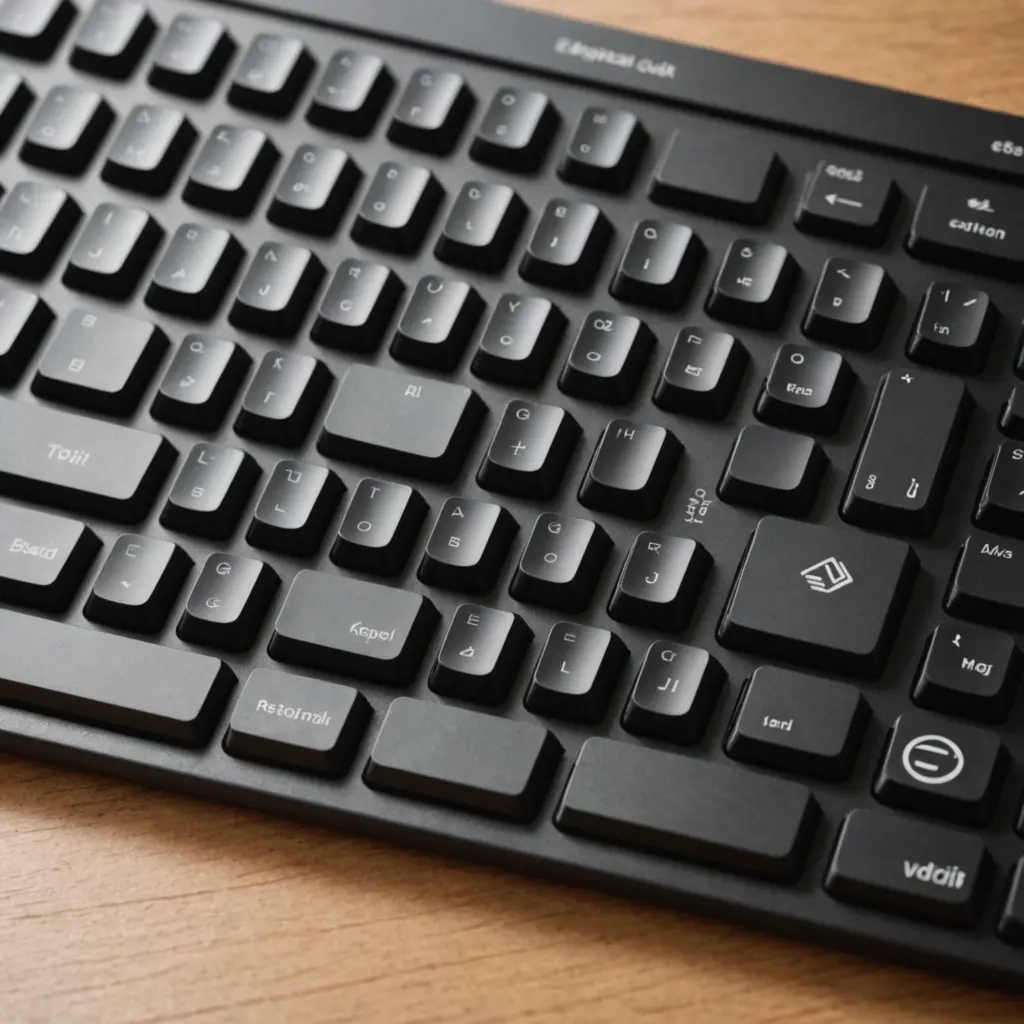
Mechanical keyboards are not a single category with one standard feel. They differ in the switches beneath the keys, the arrangement and number of keys, and the amount of customization they support. These choices affect sound, feedback, desk space, portability, and suitability for tasks such as gaming, writing, programming, or data entry.
The best way to compare mechanical keyboard types is to separate two decisions: how the keys feel and which keys the keyboard includes. Once those are clear, features such as hot-swappable switches, programmable layers, and case modifications become easier to evaluate.
Mechanical keyboard switch types
Switches determine what happens when a key is pressed. The three broad categories are linear, tactile, and clicky.
Linear switches
Linear switches move smoothly from the top of the keystroke to the bottom without a deliberate tactile bump. Their consistent motion appeals to users who prefer an uninterrupted keypress, including many gamers. Linear switches can still vary in spring weight, travel distance, and overall sound, so two switches in the same category may feel quite different.
Tactile switches
Tactile switches provide a noticeable bump during the keypress. This feedback can help typists and programmers recognise that a key has actuated without pressing it all the way down. Tactile switches range from subtle to pronounced, making it useful to try more than one variety before choosing.
Clicky switches
Clicky switches combine tactile feedback with a distinct click sound. Some users enjoy their crisp, audible response, while others may find the volume unsuitable for a shared office, classroom, or home. If sound matters, consider both the switch and the rest of the keyboard, since keycaps and the case also influence the final acoustic character.
Keyboard sizes and layouts
Keyboard form factor describes the physical size and the keys retained or removed from a conventional layout. The right choice depends on the work you do and how much desk space you want to use.
- Full-size: Includes the main typing area, function row, navigation keys, and numeric keypad. It is a practical choice for frequent number entry and spreadsheet work.
- Tenkeyless: Removes the numeric keypad while retaining the main typing area and function row. This creates more room beside the keyboard without changing the core typing layout.
- 65 percent: Uses a compact body while generally retaining arrow keys and some navigation functions. It suits users who want a smaller keyboard without giving up every dedicated navigation key.
- 60 percent: Removes the function row, numeric keypad, and usually the dedicated arrow-key cluster. These functions are accessed through layers or key combinations, making the design compact and portable.
- Ortholinear: Places keys in straight vertical and horizontal columns rather than the staggered arrangement found on most traditional keyboards. This alternative layout may appeal to users who want to explore a different typing arrangement.
- Split and ergonomic layouts: Separate the two halves of the keyboard or use a more specialised arrangement. They are worth considering for people who prioritise hand positioning and custom ergonomics.
Matching a keyboard type to your use
For gaming, a linear switch paired with a tenkeyless or compact layout can provide a smooth feel and leave more space for mouse movement. However, the preferred switch weight and layout are personal choices rather than universal rules.
Writers and editors often prefer tactile feedback, while some enjoy the stronger response and sound of clicky switches. Anyone working around other people should account for volume and may prefer a quieter tactile option or a keyboard with sound-dampening features.
Programmers can benefit from programmable layers, remappable keys, and layouts that make frequently used commands easier to reach. Spreadsheet users and anyone entering large amounts of numerical data will usually find a dedicated number pad more convenient than a compact layout.
Portable or minimalist setups often favour 60 or 65 percent keyboards. These save desk space, but they may require memorising function layers or using key combinations for commands that would otherwise have dedicated keys.
Prebuilt, custom, and hot-swappable keyboards
A prebuilt keyboard is the simplest starting point: its case, switches, keycaps, and electronics are supplied as a finished product. Custom keyboards allow users to select and combine these parts, often with greater control over appearance, sound, and typing feel.
A hot-swappable keyboard accepts compatible switches without requiring soldering. This makes it easier to experiment with linear, tactile, and clicky options or replace an individual switch. Other customisation choices include changing keycaps, tuning or lubricating stabilisers, adjusting springs, and adding case dampening. Each modification can affect the sound and feel, so changes are best made gradually.
What to consider before buying
- Feel: Decide whether you want smooth, tactile, or clicky feedback.
- Sound: Consider your workspace and the people around you.
- Layout: Make sure the keyboard includes the keys you use most often.
- Space: Compare the desk footprint of full-size, tenkeyless, and compact models.
- Flexibility: Choose hot-swappable hardware or programmable features if you expect your preferences to change.
- Maintenance: Look for a design that is easy to clean and service if long-term upkeep matters to you.
Mechanical keyboard types are best understood as combinations of switch characteristics and physical layouts. Start with the tasks you perform every day, then narrow the choice by sound, feel, desk space, and customisation needs. Trying a switch tester or several keyboards in person can make the differences much easier to judge than specifications alone.
Related Guides
- Analog Keyboard
- Are Mechanical Keyboards Better
- Benefits Of Mechanical Keyboard
- Linear Gaming
- Mechanical Keyboard Vs
- Qwerty Vs Dvorak