
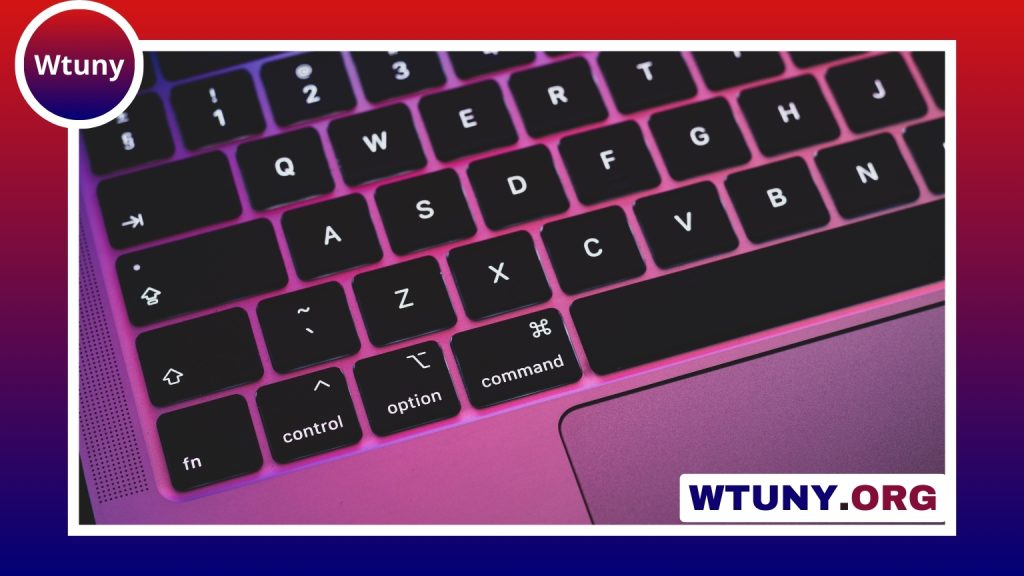
A mechanical keyboard can be more than a stylish addition to a desk. For people who type, code, play games, or work at a computer for long periods, it can provide a more consistent and personalised experience than a typical membrane or laptop keyboard. The main advantages come from the individual mechanical switch beneath each key, but factors such as layout, key shape, noise, and programmability also affect whether a particular keyboard is a good fit. Understanding mechanical keyboard benefits informs choosing switch types that match your preferred typing feel.
What makes a mechanical keyboard different?
Most membrane keyboards use a rubber dome layer to detect key presses. Mechanical keyboards instead place a separate switch beneath each keycap. That switch has its own travel, actuation force, and feedback, giving each key a more defined and consistent feel.
This design can make it easier to recognise when a key has actuated. Some users find that the clearer feedback supports more accurate typing and reduces the need to press each key all the way down. The result is a typing experience that feels more deliberate and predictable, particularly during long sessions.
Switch types and typing feel
Mechanical switches are commonly grouped into three broad categories. Each one changes the sound and sensation of pressing a key:
- Linear switches: These move smoothly from the start of the press to the bottom, without a tactile bump. Their uninterrupted motion is often preferred for rapid or repeated key presses.
- Tactile switches: These provide a noticeable bump during the press. The feedback can help typists recognise actuation without bottoming out every key.
- Clicky switches: These combine tactile feedback with an audible click. The sound and clear confirmation appeal to some users, although a clicky keyboard may be less suitable in a quiet shared space.
Other designs offer additional options. Optical switches detect a press using light, while hot-swappable keyboards allow switches to be changed without soldering. These features can be useful for people who want to experiment with different feels or maintain a keyboard over time.
Durability and long-term value
Mechanical switches are built to withstand tens of millions of keystrokes. That can give a mechanical keyboard a longer working life than many membrane models, especially for people who type heavily each day. A higher initial price may therefore be worthwhile when the keyboard remains reliable for years instead of needing frequent replacement.
Long-term value also depends on the rest of the construction. Replaceable keycaps, a reinforced frame, and adjustable or well-supported stabilisers can help a keyboard maintain a consistent feel. A durable design is particularly useful for workstations that receive constant daily use.
Comfort during extended use
Comfort depends less on the word “mechanical” alone and more on choosing suitable specifications. Actuation force, travel distance, key shape, and keyboard angle all influence how your hands feel during a session. A lighter switch may require less effort per press, while a tactile switch may help some typists avoid pressing keys farther than necessary. Mechanical keyboards make it easier to appreciate how different keyboard layout choices affect comfort and typing efficiency.
Mechanical keyboards are also available in ergonomic and split layouts. These designs can support a more natural hand position and reduce excessive wrist extension. They do not replace good posture, suitable desk positioning, or regular breaks, but the ability to choose a layout gives users more control over their setup.
Customisation for work and play
One of the strongest benefits of mechanical keyboards is the range of ways they can be personalised. Buyers can select a switch type, keycap profile, keyboard size, and layout based on their daily tasks. A full-size keyboard includes a number pad, while compact formats remove some keys to save desk space. Many compact boards retain missing functions through layers or programmable shortcuts.
Programmable firmware and remapping can also support macros, alternate functions, and task-specific layouts. This may help developers, content creators, and office workers speed up repetitive actions. Gamers can configure controls around their preferred games, while writers may prioritise a comfortable switch and familiar layout.
Additional options such as RGB lighting, sound-dampening materials, and lubricated switches let users adjust appearance, acoustics, and key feel. The benefit is not simply decoration: a keyboard can be configured around the environment and the work it needs to support.
Who is most likely to benefit?
- Writers and frequent typists may value consistent travel and tactile feedback.
- Developers and office professionals may benefit from durable keys, ergonomic layouts, and programmable functions.
- Gamers often choose linear or optical switches for smooth, rapid input.
- Shared-workspace users may prefer quieter switches over audible clicky designs.
- Enthusiasts can use hot-swappable parts and custom keycaps to refine the keyboard over time.
How to choose the right model
Start with the tasks you perform most often. Consider whether you need a number pad, how much desk space is available, and whether noise will be a concern. Then compare switch feel, actuation force, key travel, ergonomics, and customisation features. Testing switches in person, when possible, is one of the best ways to avoid choosing a feel that does not suit you.
Mechanical keyboards are not automatically better for every user, but they offer more choice, feedback, durability, and repair or customisation potential than a basic keyboard. Selecting the right combination of switch and layout can make everyday typing more comfortable and give the keyboard a useful role in both productivity and play.






