
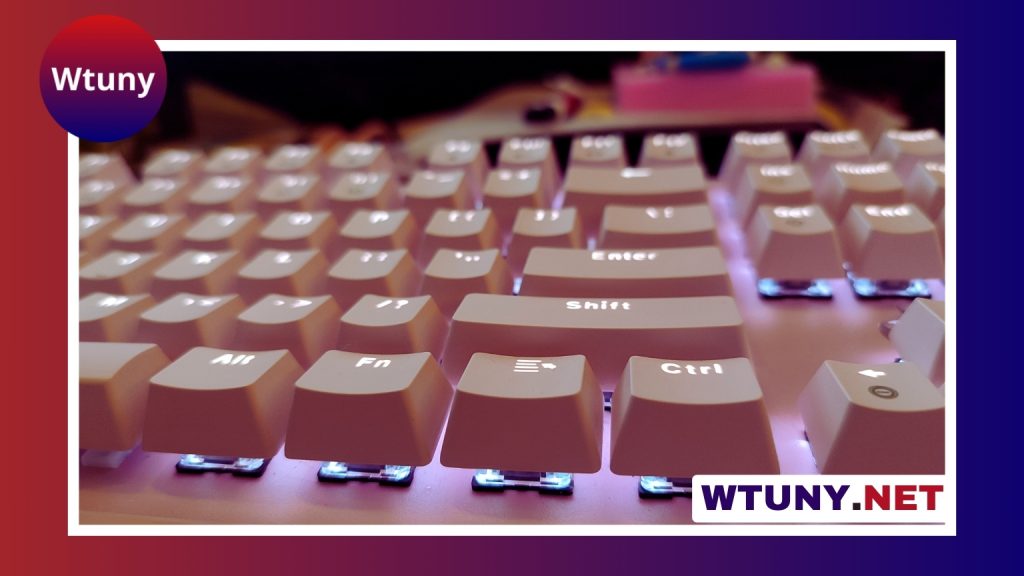
A USB computer keyboard light is a simple way to make keys easier to see when your room is dim, your keyboard has no built-in backlighting, or you need focused illumination without turning on a full desk lamp. These compact accessories are useful for late-night typing, gaming, coding, travel, and shared spaces where broad room lighting may disturb other people. Consider keyboard add-ons such as the USB keyboard light for improved visibility and late-night typing comfort.
Why use a USB keyboard light?
Many keyboards include backlighting, but that feature is not available on every model. A separate light can improve visibility on unlit keycaps while keeping the rest of the room relatively dark. It can also add a small amount of surrounding light near the screen, helping reduce the harsh contrast between a bright display and a dark workspace.
Unlike a conventional desk lamp, a keyboard light is designed to stay close to the typing area. This makes it a practical accessory for compact desks, laptops, dorm rooms, offices, and temporary workstations. It can complement other keyboard accessories, such as a wrist rest or desk mat, without changing the feel of the keyboard itself.
Common types of USB computer keyboard lights
USB keyboard lights are available in several designs. The best style depends on how much adjustment, portability, and coverage you need.
- Flexible gooseneck lights: These use a bendable stem that lets you direct the beam toward the keycaps. They are useful when the keyboard remains in one position and precise aiming matters.
- Clip-on lights: A clamp attaches to a laptop display, monitor edge, or another nearby surface. Clip-on models are often convenient for travel because many are small and easy to pack.
- LED light bars: A bar-shaped light provides broader illumination across the keyboard. Depending on the design, it may attach to a monitor or sit above the work area.
- Decorative or RGB models: Some lights offer colored effects in addition to practical illumination. These may suit gaming setups, while neutral white settings are generally more appropriate for focused work or video calls.
Features worth considering
Brightness and color control
Adjustable brightness lets you match the light to the room instead of using a setting that is unnecessarily intense. Some models also provide warm, neutral, and cool color options. A warmer tone may feel more comfortable in a dark room, while a neutral setting can provide a clear view of the keycaps.
Mounting and positioning
Look at where the light will attach before buying. A lamp that clips to a laptop screen may not suit a thick monitor or a desktop keyboard. The light should illuminate the keys without blocking part of the display, pressing on the screen, or shining directly into your eyes.
USB connection
Check whether the light uses USB-A or USB-C, and make sure your computer, keyboard, monitor, or powered hub has a compatible port. If your device has only USB-C connections, choose a USB-C model or use a suitable adapter. A powered hub may be useful when the available computer ports are limited.
Portability and construction
For travel, prioritize a compact design, a secure clip, and a cable or connector that can withstand regular handling. For a permanent desktop setup, a stable base or sturdy flexible neck may matter more than folding size. For compact gaming setups, compare keyboard control layouts with adjustable USB lighting for clearer navigation.
How to position a keyboard light
For a desktop keyboard, place the light slightly above and behind the keys when possible. Aim it downward so the keycaps are visible while the beam stays out of your direct line of sight. If reflections appear on the monitor, change the angle or move the light to one side.
With a laptop, a small clip-on light can sit near the top edge of the display. Position it carefully so it does not cover the camera, interfere with the hinge, or create glare on the screen. Writers and programmers may prefer a narrow beam focused on the keys, while users who work with notes or other nearby objects may benefit from wider coverage.
Maintenance and troubleshooting
Keep the housing and flexible neck free of dust by wiping them with a dry or slightly damp cloth. Do not spray cleaner directly onto the LEDs, controls, or USB connector. Handle the connector gently, especially on a portable light that is frequently plugged in and removed.
If the light does not turn on or begins flickering, try another USB port. This can help determine whether the issue comes from the original port, a hub, the cable, or the light itself. If the model includes brightness controls or software settings, check that it has not been set to its lowest level. Testing the light on another compatible device can also help isolate the problem.
Choosing the best fit for your setup
The right USB computer keyboard light should match the way you use your keyboard. A flexible gooseneck is suitable for a fixed desk and precise positioning, while a clip-on model is convenient for laptops and travel. Adjustable brightness is helpful for changing room conditions, and a USB connection that matches your available ports keeps installation simple.
Once positioned correctly, this small accessory can improve key visibility without taking up much desk space or changing your keyboard. Whether you need practical light for late-night work, a portable option for a laptop, or an accent for a gaming setup, form factor, adjustability, mounting style, and connection type are the main factors to compare.






