
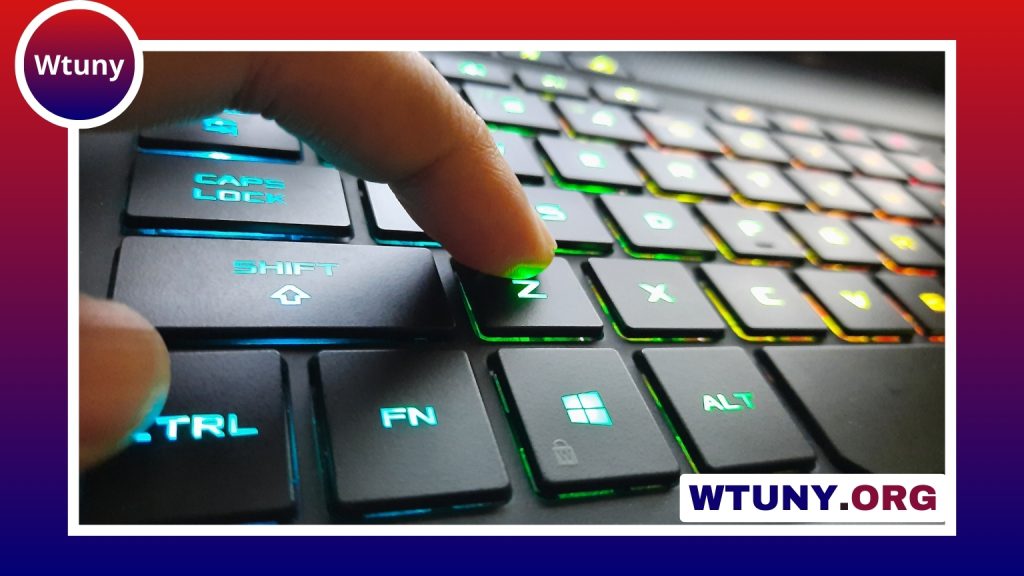
A Bluetooth keyboard can make a phone much more practical for extended typing. Instead of composing long messages or documents on a small touchscreen, you can use physical keys while keeping the phone’s display available for reading, editing, and navigation. A compact keyboard is especially useful for travel, mobile work, accessibility needs, and anyone who prefers tactile feedback. If you use a phone, consider mobile Bluetooth keyboards for compact, reliable typing when on the go.
Why use a Bluetooth keyboard with a phone?
On-screen keyboards are convenient, but they can become uncomfortable when you need to write for a longer period. A physical keyboard may help you type more accurately and can reduce the need to look down at the screen for every keystroke. It also leaves more display space available because the software keyboard does not cover the lower portion of the phone.
A wireless connection avoids the need for a cable or a dedicated keyboard port. Once paired, the keyboard can usually be connected whenever you need it, making it suitable for drafting emails, taking notes, editing documents, writing posts, or entering information into forms.
Choose the right keyboard design
Phone keyboards are available in several formats. The best choice depends on how much you value portability, comfort, and typing feel.
- Foldable keyboards: Designed to fit into a bag or pocket, these are useful for travel and occasional typing.
- Compact keyboards: Smaller than a desktop keyboard but often more comfortable for regular writing than a foldable model.
- Folio-style keyboards: These may include a built-in phone stand or protective cover, creating a convenient mobile workstation.
- Slim membrane or scissor-switch keyboards: Usually quiet and lightweight, with an emphasis on portability.
- Compact mechanical keyboards: A choice for users who prefer more pronounced key feedback and a traditional typing feel.
Before buying, check the manufacturer’s compatibility information. Many wireless keyboards use the standard Bluetooth Human Interface Device profile, but shortcut keys and layouts can behave differently across Android, iPhone, tablets, and computers.
Important features to compare
Compatibility and device switching
Confirm that the keyboard supports your phone’s operating system. If you regularly move between a phone, tablet, and laptop, multi-device pairing can be useful. It allows you to switch connections without pairing the keyboard from the beginning each time, although the exact process varies by model.
Size, layout, and key feel
A very small keyboard saves space, but its keys may be closer together or arranged differently from a standard layout. Pay attention to the placement of modifier keys, the size of the space bar, and whether the keyboard includes the symbols you use often. If you write for long periods, comfortable key travel and a stable design may matter more than the smallest possible size.
Power and portability
Compare the charging method, expected battery life, and whether the keyboard can be used while charging. A built-in stand or protective cover can reduce the number of accessories you need to carry. Backlighting can help in dim conditions, but it may affect battery life and is not essential for every user. For convenient typing on your phone, compare nearby wireless options that pair quickly and travel easily.
How to pair a Bluetooth keyboard with a phone
- Charge the keyboard or install its batteries, then turn it on.
- Activate the keyboard’s pairing or discovery mode.
- Open the phone’s Bluetooth settings and scan for nearby devices.
- Select the keyboard from the list.
- If the phone displays a code, type that code on the physical keyboard and press Enter.
After pairing, open a notes app, messaging app, or document editor and test the keys. The phone may automatically hide its on-screen keyboard while the Bluetooth keyboard is connected. If it does not, look for physical-keyboard or hardware-keyboard options in the phone’s language and input settings.
Adjust the setup for easier typing
Phone settings may allow you to change the physical keyboard layout, switch input languages, adjust key-repeat behavior, or review available shortcuts. These options differ by operating system and device manufacturer, so check the keyboard and language settings if a symbol or shortcut does not work as expected.
Position the phone on a small stand so the screen is at a comfortable viewing angle. For longer sessions, keep the keyboard and phone at a height that reduces neck and wrist strain. A stand is also helpful when you need to refer to the screen while typing.
Useful ways to use the combination
- Write emails, articles, notes, and longer messages more comfortably.
- Edit documents or spreadsheets when a laptop is not available.
- Draft social posts, captions, and content while travelling.
- Enter search terms, passwords, and text on a compatible smart TV or streaming device.
- Use tactile keys as an alternative to small touchscreen targets.
Some phones and apps support shortcuts for copying, pasting, selecting text, and moving through documents. Programmable keyboards may offer additional controls, but app support and shortcut behavior are not universal.
Troubleshooting and maintenance
If the keyboard will not connect, make sure it has enough power, confirm that Bluetooth is enabled, and remove old pairings if the device list is full or confusing. Turning Bluetooth off and on, restarting the phone, or pairing the keyboard again can resolve occasional connection problems. If keys produce unexpected characters, review the selected physical-keyboard layout and input language.
Keep the keyboard clean, especially when carrying it in a bag, and install firmware updates when the manufacturer provides them. A keyboard that matches your phone, typing habits, and travel needs can turn a smartphone into a more capable writing and productivity tool without the weight of a full laptop.






