
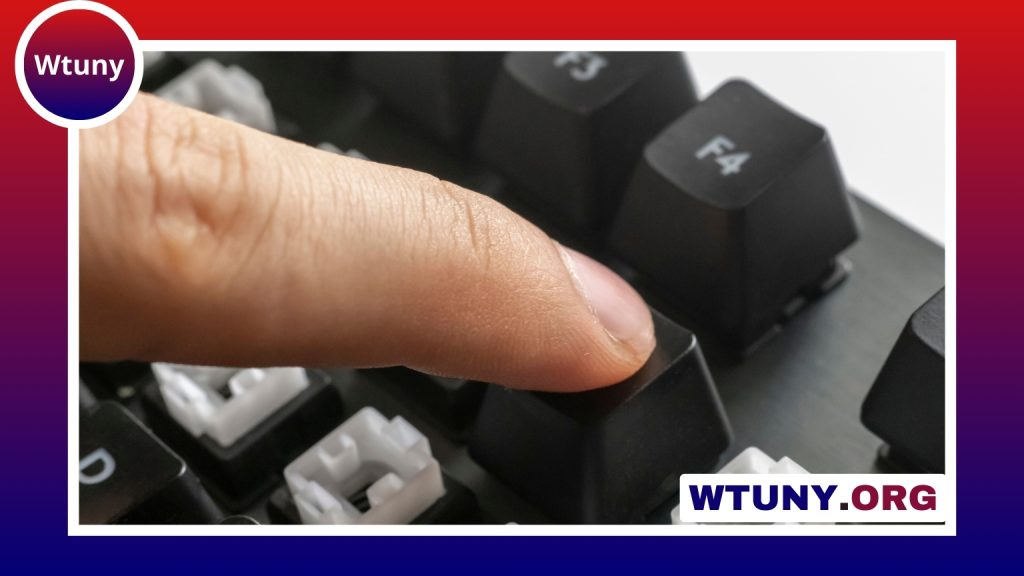
Fortnite puts unusual demands on a gaming setup. You are not only aiming and moving; you may also be building, editing, swapping weapons, and managing several actions in quick succession. A keyboard and mouse cannot replace practice, but comfortable, reliable equipment can make your inputs easier to repeat and help you build consistent muscle memory. For pro Fortnite players, mechanical keyboard options can improve responsiveness and key feel during intense matches.
What matters most in Fortnite peripherals?
The best setup is not necessarily the most expensive one. Prioritise four things: dependable input registration, a mouse sensor that tracks consistently, a comfortable shape and layout, and controls that suit your preferred binds.
- Low and consistent input delay: Your actions should register predictably rather than occasionally feeling late or missed.
- Comfort: Fortnite sessions can be long, so wrist position, key spacing, mouse shape, and weight all matter.
- Customisation: Easy-to-change key assignments, sensitivity settings, and device profiles can help you refine your setup.
- Durability: Frequently used keys and mouse buttons should withstand repeated presses without developing an inconsistent feel.
Choosing a keyboard
Layout and size
A compact keyboard can reduce the distance between your left hand and the keys used for building, editing, inventory management, and movement. Tenkeyless models remove the number pad while keeping the main navigation keys, while 60% models remove even more keys to save desk space. This can be useful if you use a low mouse sensitivity and need room for broad mouse movements.
Compact is not automatically better. A full-size keyboard may be more practical if you use the number pad, frequently switch between gaming and other tasks, or prefer a familiar layout. Check the position of the keys you intend to bind before buying, since some compact designs use unusual arrangements or require shortcuts for missing functions.
Mechanical, membrane, and optical switches
Mechanical keyboards are popular because their switches offer a distinct and consistent feel, but a good membrane keyboard can still be perfectly usable. Mechanical switches are available in different styles:
- Linear switches move smoothly and have no tactile bump, which some players prefer for rapid repeated presses.
- Tactile switches provide a noticeable bump that can make each key press easier to feel.
- Clicky switches add an audible click as well as tactile feedback, though the sound may be unsuitable for shared spaces or streaming microphones.
Look for reliable anti-ghosting and rollover support so that combinations of movement, build, and edit keys register correctly. Features such as hot-swappable switches and onboard profiles are useful conveniences, but they should not outweigh comfort and build quality.
Choosing a mouse for aiming and editing
Mouse shape is more important than a long list of specifications. Your hand should be able to grip the mouse without excessive tension, and the buttons should be reachable without shifting your grip. Consider whether you use a palm, claw, or fingertip grip, then compare the mouse’s size, height, and side-button placement with that preference.
A consistent sensor is essential for predictable aim. Adjustable sensitivity is useful because it lets you match the mouse to your desk space and preferred movement. Avoid choosing a mouse solely because it advertises an extremely high DPI value; most players do not need to use the maximum setting. A stable, comfortable configuration is more valuable than a specification you never use. During extended Fortnite sessions, wrist support can improve comfort while using a keyboard and mouse.
Weight is another personal choice. A lighter mouse may make rapid turns feel easier, while a heavier model can feel more planted. Test the shape and balance if possible, and make sure the cable does not catch on the edge of your desk if you choose a wired model.
Wired or wireless?
Wired devices are straightforward: they do not need charging and avoid wireless interference, but their cables must be managed. Modern low-latency wireless peripherals can provide freedom from cable drag, although they require charging and may cost more. For a wireless mouse, check how it charges and whether it can continue working over a cable when the battery is low.
Choose based on your priorities rather than assuming one connection type is always superior. A well-managed wired setup can feel excellent, while a reliable wireless setup can keep the desk clear without making gameplay inconvenient.
Set up your binds and sensitivity deliberately
Hardware only helps when your settings are comfortable and repeatable. Place frequently used building and editing actions on keys that you can reach without losing control of movement. Avoid adding so many specialised binds that you regularly press the wrong key. Thumb buttons on the mouse can provide extra options, but they should remain easy to press accurately during a fight.
Adjust mouse sensitivity gradually. Make small changes, then play enough matches or practice sessions to judge the result instead of changing settings after every mistake. Keep your final keyboard, mouse, and sensitivity configuration unchanged while you develop muscle memory.
Before you buy
- Measure your desk and make sure there is enough room for the keyboard and mouse movement.
- Check the return policy, especially when buying a mouse whose shape you cannot test.
- Read specifications for layout, connection type, software support, and compatibility.
- Do not pay extra for lighting or features you will not use.
- Choose the setup you can use comfortably for several hours, not simply the one with the most impressive marketing.
The right keyboard and mouse for Fortnite should make your actions feel natural, repeatable, and free from unnecessary strain. Start with fit and reliability, then refine your binds and sensitivity through practice. That combination will contribute more to consistent building, editing, and aiming than a flashy feature list alone.






