
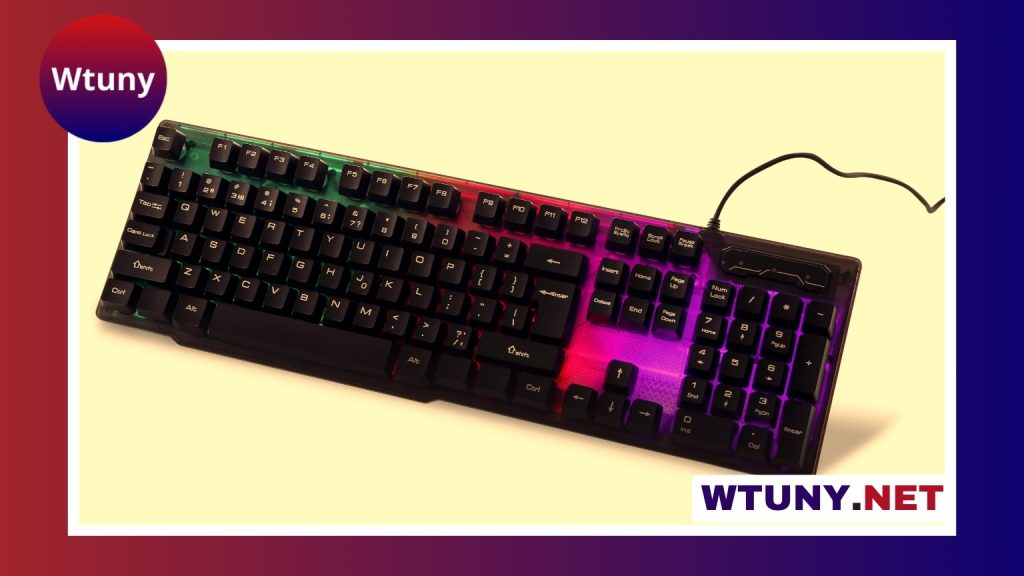
A gaming keyboard with macro keys can simplify complex controls, speed up repeated actions, and make it easier to manage games, streams, and everyday software. The best choice depends on more than the number of programmable buttons. Switch feel, layout, profile support, companion software, and the rules of the games you play all affect whether a macro-enabled keyboard is genuinely useful. Explore our comprehensive reviews on keyboards with macros to compare features across gaming models.
What macro keys do
A macro is a saved command or sequence of commands assigned to a key. Instead of pressing several buttons separately, you can trigger the sequence from one programmable control. Macros may be as simple as launching an application or copying a frequently used text snippet, or they may combine several inputs with carefully chosen delays.
Dedicated macro keys are usually placed along the left edge or above the main keyboard area. Other keyboards provide programmable layers, allowing existing keys to perform a second function when used with a modifier key. Dedicated buttons are easier to identify during play, while layered layouts can provide similar flexibility without making the keyboard significantly larger.
Why gamers and creators use them
- MMO and strategy games: Assign less frequently used abilities, item commands, or communication shortcuts to accessible buttons.
- Streaming: Switch scenes, mute a microphone, control media, or trigger other stream-management actions without leaving the game.
- Fighting and action games: Use programmable keys for training tools or permitted shortcuts, while checking the rules before using automated sequences in competitive matches.
- Productivity: Launch programs, insert repeated text, run application commands, or control editing tools with fewer keystrokes.
Macros can make a workflow more consistent, but they do not replace decision-making or practice. A well-designed shortcut should remove repetitive work rather than provide an unfair advantage.
Dedicated buttons, programmable layers, and onboard profiles
There are three common approaches to macro control. Keyboards with dedicated macro buttons offer quick access and a clear physical separation from ordinary keys. Boards with programmable layers keep the design more compact, but require you to remember a modifier or alternate layout. Some models combine both approaches.
Profile support is also important. A profile can store a particular set of key assignments for a game, streaming setup, or work application. Onboard memory allows profiles to remain available on the keyboard when it is connected to another computer, although the number of stored profiles and supported features varies by model. Software-based profiles generally offer more editing options but may depend on a companion application running on the computer.
Features to compare before buying
Macro software
Look for software that makes recording, editing, and deleting commands straightforward. Useful controls may include adjustable delays, key remapping, profile switching, and the ability to assign macros to different layers. A simple interface is often preferable if you only need a few shortcuts; advanced users may want more detailed sequence editing.
Switches and typing feel
Mechanical switches are available with linear, tactile, or clicky characteristics. Linear switches feel smooth, tactile switches provide a noticeable bump, and clicky switches produce more audible feedback. Membrane keyboards can be quieter and less expensive. There is no universally best option, so consider both gaming preferences and the noise level of your room. Consider checking the Tt esports lineup for keyboards offering dedicated macro keys and customizable profiles.
Layout and ergonomics
Count the keys you can realistically reach without moving your hand. A large macro column may be useful for streaming or complex software, while a compact board may better suit a small desk. Check the position of the macro cluster as well: buttons too close to the main layout can be pressed accidentally until you become familiar with them.
Key rollover, profiles, and reliability
Anti-ghosting and reliable multi-key registration are valuable when several keys must be held or pressed together. If you regularly move between computers, confirm whether profiles are saved on the keyboard or only inside the desktop application. Also review the manufacturer’s driver support, warranty terms, and compatibility with your operating system before committing to a model.
How to set up macros responsibly
Begin with simple assignments such as push-to-talk, media control, application shortcuts, or frequently used commands. Give each profile a clear name and test new macros outside a live match or broadcast. If a sequence depends on a program responding at a particular speed, adjust its delays carefully rather than assuming a recorded sequence will work everywhere.
Game publishers, platforms, and tournament organisers may restrict automated inputs. A macro that is acceptable for single-player practice or general productivity may be prohibited in ranked or competitive play. Check the applicable rules and use only shortcuts that comply with them. Backing up your profiles is also worthwhile, especially after spending time refining a complicated setup.
Choosing the right level of investment
Basic macro keyboards can be enough for a few shortcuts, while premium models may add stronger construction, more profiles, additional controls, or more configurable software. Spending more does not automatically produce better macros. Prioritise the layout, switch type, software quality, and reliability you will use every day.
For many players, a mid-range keyboard with dependable programming tools offers a practical balance of features and cost. The ideal gaming keyboard with macro keys is the one whose controls are easy to reach, whose profiles suit your games and applications, and whose software does not get in the way of using them.






