
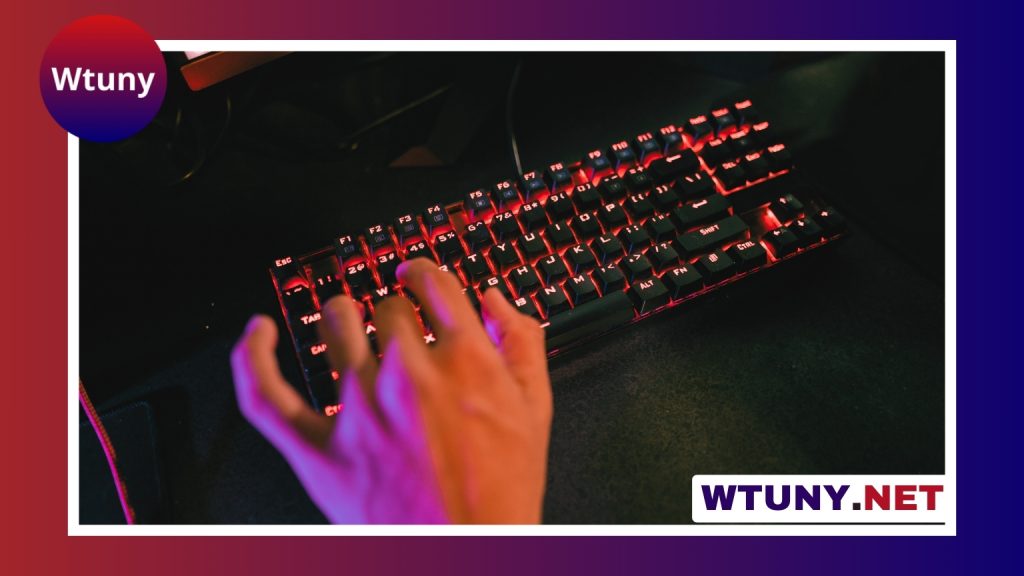
Brown mechanical switches are a popular choice for people who want one keyboard for both gaming and everyday typing. They provide tactile feedback through a noticeable bump during each keypress, but they do not produce the distinct click associated with many blue switches. The result is a middle-ground experience: more feedback than a typical linear switch, with less noise than a clicky design. Learn how brown switches components affect feel and performance in gaming keyboards.
What brown switches feel like
A brown switch gives your finger a small tactile signal as the key moves through its actuation point. That bump can make keypresses feel deliberate without requiring the louder sound of a click mechanism. The exact feel varies between manufacturers and switch models, so two keyboards described as “brown” may not feel identical.
Brown switches are not silent. Keycaps still make sound when they bottom out or return, and the keyboard’s case, plate, and stabilizers can affect overall noise. However, they are often more suitable than clicky switches for shared rooms, streaming setups, offices, and late-night use.
Why gamers choose brown mechanical switches
The main attraction is versatility. The tactile bump offers feedback during movement, ability presses, menu navigation, and other in-game actions, while the relatively smooth key travel remains comfortable for repeated inputs. Whether this improves performance is personal: some players prefer the clear resistance of tactile switches, while others perform better with the uninterrupted travel of linear switches.
Brown keyboards are especially practical for mixed-use setups. They can suit gamers who also write, program, study, manage a community, or stream content. If your keyboard must handle long typing sessions as well as fast game inputs, brown switches provide a compromise between a soft linear feel and a louder clicky one.
Brown switches compared with other common types
- Linear switches: Move without a tactile bump. They are often chosen for a smooth, consistent feel, particularly by players who prefer rapid repeated presses.
- Blue or other clicky switches: Combine tactile feedback with a deliberately audible click. They can be enjoyable for typing but may be distracting in shared spaces.
- Heavier tactile switches: Require more resistance and can feel more deliberate. They may appeal to users who prefer a firmer keypress than a typical brown switch.
- Scissor switches: Use a low-profile design commonly found on slim keyboards. They feel different from full-height mechanical switches and may be preferable if you want a flatter keyboard.
When comparing models, look beyond the switch color. Actuation force, travel distance, keycap shape, stabilizer quality, and the construction of the keyboard all influence the experience.
Features worth considering
Switches determine much of the typing feel, but the rest of the keyboard affects comfort and convenience. An RGB brown-switch keyboard can provide per-key or zone-based lighting, while a simple white backlit keyboard may be easier to configure and less visually busy. Lighting is mainly an aesthetic and usability feature, so choose the implementation that suits your desk rather than assuming more lighting is automatically better. For smoother gaming sessions, brown switch maintenance with the right lubricant can reduce scratchiness and improve consistency.
A volume knob or dedicated media controls can be useful during games, calls, and streaming. Some keyboards also include a small display for settings or system information. These additions may increase the price and physical size, so check whether they offer genuine value for your setup.
Build details matter as well. A steel plate or other rigid internal structure can give a keyboard a more stable feel, while good stabilizers reduce rattle on larger keys such as the spacebar and Enter key. A hot-swappable PCB lets you replace switches without soldering, which is useful if you want to experiment with different tactile or linear options later.
Wired, wireless, and platform compatibility
Wired keyboards are straightforward and avoid battery management. Wireless models can create a cleaner desk and are convenient for portable or living-room setups, but advanced features such as displays and extensive lighting may affect battery life and price.
If you plan to use the keyboard with a console, verify compatibility before buying. Console support can vary by device, game, connection method, and keyboard model. A keyboard that works well on a PC is not automatically guaranteed to provide the same functionality elsewhere.
Buying and maintenance checklist
- Decide whether you prefer a compact, tenkeyless, or full-size layout.
- Compare the actual switch specifications, not just the “brown” label.
- Consider whether you need RGB lighting, a volume control, a display, or hot-swappable sockets.
- Check construction quality, stabilizers, keycap material, and warranty coverage.
- Confirm operating-system and console compatibility if relevant.
- Set a budget before paying extra for cosmetic features.
Routine care is simple: remove loose debris, clean the keycaps when necessary, and avoid allowing spills into the switches. Keycaps can usually be removed for deeper cleaning, while switch lubrication or replacement is an optional project for people who customise their keyboards.
Are brown switches right for you?
Choose brown switches if you want tactile feedback without the pronounced click of a blue-style switch, and if the keyboard will serve both gaming and general work. They are not universally better than linear or clicky switches, but they are a dependable compromise for mixed-use desks. Start with the feel, layout, and build quality, then treat lighting, displays, and extra controls as secondary features that should match your needs and budget.






