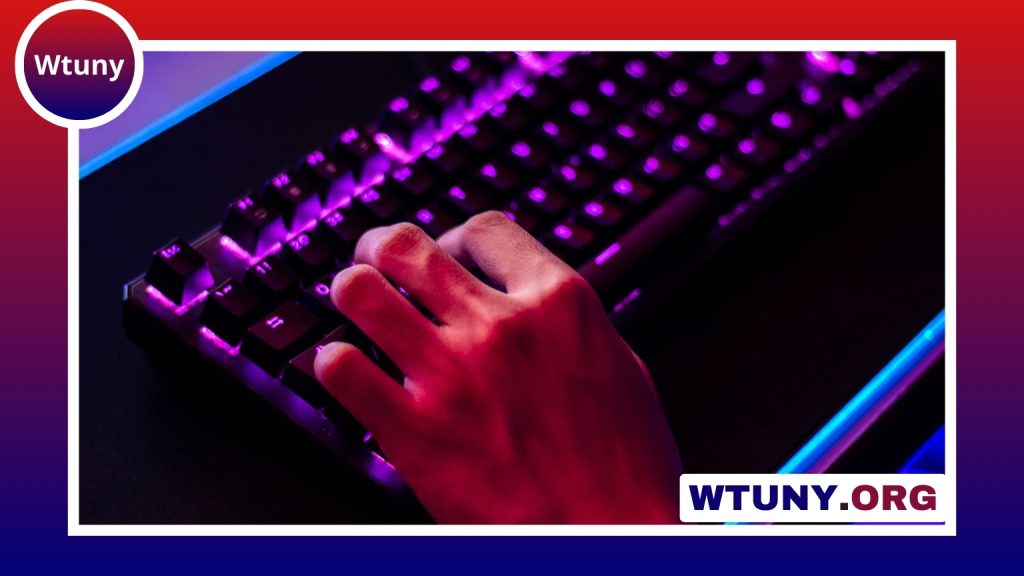
A full black keeb is more than a keyboard with dark keycaps. It is a complete design approach that combines a restrained appearance with the flexibility of a mechanical platform. A matching black case, keycap set, and minimal lighting can create a clean desk setup, while interchangeable switches, programmable firmware, and acoustic modifications allow the keyboard to be tailored to different types of work and play.
Why choose a full black keeb?
The main appeal is its versatility. A black keyboard can fit naturally into a home office, gaming setup, studio, or shared workspace without competing with the surrounding equipment. Matte surfaces tend to create a subdued appearance, while gloss finishes can produce a sharper visual effect. Some users prefer completely unlit keycaps for a monochrome look; others use restrained white or RGB lighting when visibility or customization is useful.
Keycap profile also affects more than appearance. Sculpted profiles change the height and shape of each row, while lower profiles can create a flatter feel. The right choice depends on hand position, typing habits, and personal comfort. Black PBT keycaps are popular for their textured feel and resistance to developing a glossy appearance from frequent use. ABS keycaps can offer a smoother surface and may produce a brighter sound.
Switches define the typing experience
Mechanical switches determine how a full black keeb feels with every keystroke. The three broad categories are:
- Linear switches: Smooth from top to bottom, with no tactile bump. They are often chosen for gaming or for users who prefer uninterrupted key travel.
- Tactile switches: Provide a noticeable bump during the press, giving feedback that can suit writing, coding, and general typing.
- Clicky switches: Add an audible click alongside the tactile response. They can be satisfying in a private setting but may be unsuitable for shared spaces.
Actuation force and travel distance matter as well. A lighter switch may feel quick and effortless, while a heavier one can help prevent accidental presses. If you are unsure which direction to take, a hot-swappable PCB is a valuable feature because it allows switches to be changed without soldering.
Stabilizers and construction quality
Large keys such as the spacebar, Enter, Backspace, and Shift keys rely on stabilizers to move evenly. Poorly tuned stabilizers can introduce rattling, scraping, or an inconsistent feel that is especially noticeable on an otherwise refined keyboard. Proper lubrication and careful adjustment can make these keys quieter and smoother.
The case and plate also influence the keyboard’s weight, flexibility, and sound. Aluminum cases generally provide a solid, substantial feel. Polycarbonate and ABS can produce a softer typing character and may be preferred by users who want a less rigid platform. Plate materials such as aluminum, brass, or polycarbonate further affect the balance between firmness and flex.
Sound and acoustic tuning
A black mechanical keyboard can be tuned toward a deeper, quieter, or brighter sound. Keycap material, switch design, case construction, and plate choice all contribute to the result. PBT keycaps often produce a fuller sound, while ABS can sound sharper depending on the rest of the build.
Foam, silicone layers, and other damping materials can reduce unwanted resonance or a hollow case sound. These modifications are not automatically better for every user: some people enjoy a lively, resonant keyboard, while others prefer a controlled and muted profile. It is best to change one element at a time so you can identify what improves the experience.
Connectivity and programmable features
Many modern keyboard designs combine a USB-C wired connection with Bluetooth wireless operation. Wireless support can be useful when moving between a desktop, laptop, or another compatible device, while a wired connection is a straightforward choice for a fixed workstation.
Programmable firmware adds another layer of flexibility. Systems such as QMK and VIA can support remapped keys, custom layers, and macros, depending on the keyboard’s hardware and firmware implementation. A developer might create shortcuts for frequently used commands, while a gamer may assign controls for a particular title. RGB lighting can also be disabled entirely or configured subtly to preserve the full black aesthetic.
Choosing a setup for your use case
- Writing and development: Consider tactile or quiet tactile switches, comfortable keycaps, and a layout that supports long sessions.
- Gaming: Linear switches, dependable connectivity, and programmable controls may be priorities, depending on the games and play style.
- Shared offices: A muted case, non-clicky switches, and subdued lighting can reduce visual and acoustic distraction.
- Minimalist setups: Match the case and keycaps, disable unnecessary lighting, and choose a compact layout if desk space is limited.
Care and future upgrades
Black surfaces show dust and fingerprints easily, so regular cleaning helps preserve a consistent finish. Remove loose debris carefully, wipe the case with a soft microfiber cloth, and clean keycaps using a method suitable for their material. Avoid harsh cleaners that could affect printed legends or surface coatings.
A well-chosen full black keeb can evolve over time. Switches, keycaps, stabilizers, and damping materials can often be replaced independently, especially when the keyboard has a hot-swappable PCB. That makes it possible to refine the feel and sound gradually instead of replacing the entire keyboard whenever your preferences change.