
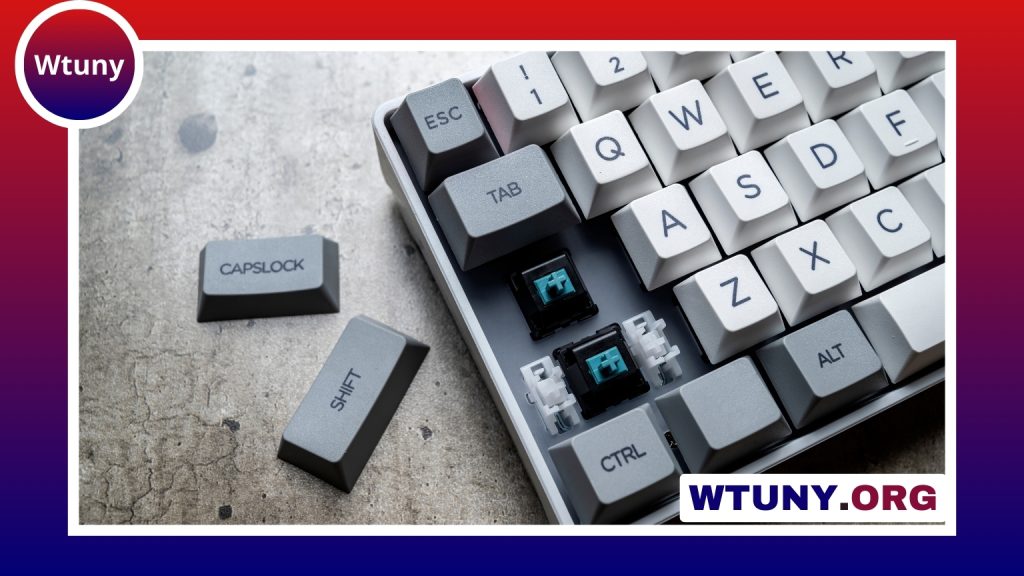
The best Razer keyboard depends less on a single “best” model and more on how you plan to use it. A competitive gamer may prioritise fast actuation and a compact layout, while a writer or office user may care more about key feel, noise, comfort, and media controls. Razer’s range includes mechanical, optical, hybrid, wired, wireless, full-size, and compact keyboards, so matching the features to your setup is the most reliable way to choose.
Are Razer keyboards good?
Razer keyboards are a strong option for people who want gaming-focused performance, customisation, and integration with other Razer peripherals. Many models offer responsive switches, programmable keys, RGB lighting, and configuration through Razer Synapse. If you already use a Razer mouse or headset, the software can also help create a more consistent lighting and control setup.
There are trade-offs. Synapse provides extensive controls but may not suit users who prefer lightweight or open-source software. Razer keyboards can also cost more than basic alternatives, and some switch designs are proprietary, which may restrict replacement choices. These limitations matter less if you value built-in features and a unified ecosystem.
Razer keyboard ranges and who they suit
Huntsman: speed and compact designs
The Huntsman family is associated with optical switches and is worth considering for players who want fast key registration. Compact versions, including 60-percent layouts, leave more room for mouse movement and are particularly suitable for gaming desks with limited space. The compromise is reduced convenience for everyday tasks: smaller boards may omit the number pad, function row, and dedicated navigation keys.
BlackWidow: traditional mechanical versatility
BlackWidow keyboards are a natural fit for users who want a more conventional mechanical typing experience. Depending on the configuration, they can provide tactile feedback, programmable controls, and layouts suited to both gaming and general desktop use. Choose this type of keyboard if you want one device to handle games, writing, browsing, and productivity.
Ornata: a middle ground between membrane and mechanical
The Ornata range is designed for users who prefer a softer membrane-style feel but still want more tactile feedback than a basic office keyboard usually provides. It can be an appealing compromise for casual gaming and daily use, especially if fully mechanical switches feel too loud, firm, or expensive.
Pro and low-profile models: a quieter, less gaming-focused look
Razer’s Pro and low-profile options are aimed at people who want mechanical features without an aggressively styled gaming keyboard. These models may suit shared workspaces, home offices, and users who spend long periods typing. Pay close attention to the selected switch, since noise and key resistance can have a significant effect on comfort.
Choosing a Razer wireless keyboard
A wireless Razer keyboard can reduce cable clutter and make it easier to move between a desktop, laptop, or tablet. When comparing wireless models, look for the connection methods that fit your devices. A model supporting both Bluetooth and Razer’s low-latency wireless connection can offer flexibility for work and gaming.
Battery life, charging arrangements, and multi-device switching are also important. Wired keyboards remain a straightforward choice and avoid battery management, but wireless models can provide a similarly convenient gaming experience while making a cleaner desk possible. For a hybrid setup, connectivity and battery behaviour may matter more than small differences in response time.
Key features to compare before buying
- Switch type: Linear switches are generally smooth, tactile switches provide a noticeable bump, and optical switches appeal to users focused on fast actuation. Noise, force, and travel vary by model.
- Layout: Full-size boards include a number pad, tenkeyless models remove it to save space, and compact boards reduce the footprint further.
- Connectivity: Decide whether you want a dependable wired connection, Bluetooth, proprietary wireless, or a combination.
- Customisation: Check for programmable keys, macro support, RGB controls, onboard profile storage, and media controls.
- Software requirements: Synapse offers deeper configuration, but users who want settings to work without background software should investigate onboard memory and hardware controls.
- Comfort and sound: Consider wrist position, key height, stabiliser feel, and how much keyboard noise will be acceptable in your space.
Which Razer keyboard is right for your use case?
Competitive players may prefer an optical-switch Huntsman model with a compact or tenkeyless layout. Gamers who also type, study, or work on the same computer may find a BlackWidow-style mechanical keyboard more versatile. If desk space is limited, a 60-percent board can be effective, provided you are comfortable using function-layer shortcuts.
For office work, programming, or long writing sessions, focus on switch comfort, noise, and layout before prioritising lighting. A full-size model is useful for spreadsheets and frequent number entry, while a tenkeyless keyboard leaves more room for a mouse. Wireless shoppers should prioritise connectivity and battery convenience, especially when switching between multiple devices.
Keeping your Razer keyboard in good condition
Regularly remove dust and debris from between the keycaps, clean the surface with suitable equipment, and avoid allowing liquids near the switches. If you use Synapse, check for firmware updates and keep copies of important profiles or key mappings. Creating separate profiles for gaming, work, and creative applications can make macros, lighting, and shortcuts easier to manage.
Ultimately, the best Razer keyboard is the one whose switch, layout, connection, and software features match your routine. Start with how you type and play, then narrow the choice by size, wireless requirements, customisation, and budget rather than choosing based on appearance alone.






