
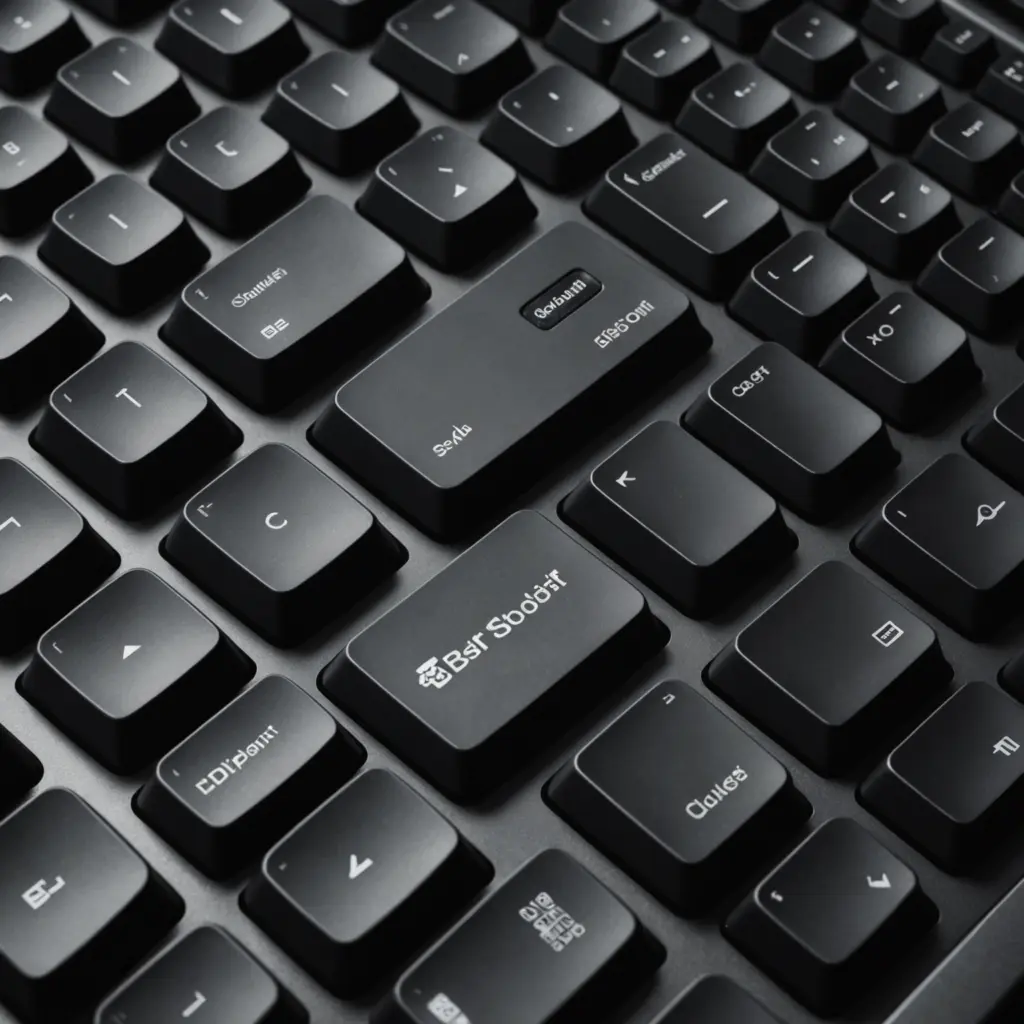
A 60% keyboard can be an excellent gaming choice if you want more room for your mouse, a portable setup, and a clean, uncluttered desk. Its compact design keeps the letter keys, number row, modifiers, and arrow functions available through layers while removing the dedicated function row, navigation cluster, and number pad.
That smaller footprint is not ideal for everyone. The best 60% keyboard for gaming depends on the games you play, how often you type, your preferred switches, and whether you are comfortable using function-layer shortcuts. Use the guide below to identify the features that matter before you buy.
What makes a 60% keyboard useful for gaming?
The main advantage is space. With less keyboard extending toward your mouse hand, you can position both devices more closely together. This can be particularly helpful for players who use a low mouse sensitivity and need a wide area for sweeping movements. A compact keyboard is also easier to carry to a LAN event, move between desks, or store when it is not being used.
Most 60% layouts retain the keys needed for common games, including the letter keys, number row, modifiers, and space bar. Missing keys are usually accessed with a function key combination. For example, the arrow keys may be assigned to a cluster of letter keys, while the function row may use the number row. The exact arrangement varies, so check the keyboard’s layout before ordering.
Features to compare before buying
Switch type
Switch choice affects both the feel and sound of the keyboard. Linear switches provide a smooth press without a tactile bump and are often appealing to players who prefer uninterrupted key movement. Tactile switches provide feedback during the press, which some users find useful for deliberate inputs. Clicky switches add a sharper audible click, but their volume may not suit a shared room or microphone setup.
If you are unsure which type you prefer, try a switch tester or visit a shop where you can compare several keyboards. Reviews can describe a switch accurately, but personal preference matters more than a specification sheet.
Latency and rollover
For competitive play, look for a keyboard with a responsive wired connection, reliable firmware, and support for simultaneous key presses. Full key rollover can help prevent missed inputs when several keys are held or pressed together. Wireless models may provide useful freedom from cables, but compare their connection method, battery expectations, and charging process with a wired alternative.
Build quality and keycaps
A sturdy case, stable feet, and consistent stabilizers can make a compact keyboard feel much better during everyday use. Keycap material also affects durability and texture. Thicker keycaps may produce a fuller sound, while textured surfaces can help maintain grip during long sessions.
Hot-swappable sockets and software
A hot-swappable keyboard lets you replace compatible switches without soldering. This is useful if you want to experiment with feel, sound, or actuation without replacing the entire board. Also check whether the configuration software supports remapping, function layers, macros, and saved profiles. A compact keyboard depends on layers, so clear and dependable programming tools are especially important.
Is 60% the right layout for your games?
A 60% keyboard suits players who mainly use standard movement, ability, and number-row controls. It can work well for fast-paced shooters, including Fortnite, where a close mouse position and flexible key bindings may be more valuable than dedicated navigation keys.
Other games may benefit from a larger compact layout. A 65% keyboard adds dedicated arrow keys and usually a small navigation column while remaining noticeably smaller than a full-size model. A 75% keyboard typically adds a function row in a condensed arrangement, making it more convenient for users who frequently use function keys or want more dedicated controls.
For games with complex control schemes, additional keys can reduce the number of function-layer combinations you need to remember. Players of action RPGs such as Monster Hunter may prefer a 65% or 75% model if extra navigation or programmable keys are useful to their setup. Very small 40% and 30% layouts are available, but they require much heavier use of layers and are best considered by enthusiasts who specifically want that style.
Sound, appearance, and customization
Gaming performance is only one part of the decision. If you stream, share a room, or spend long hours at your desk, sound can be just as important. Stabilizers, case construction, keycaps, and switch lubrication all influence the final typing sound. A hot-swappable board gives you more freedom to tune that experience later.
Appearance is another reason people choose compact keyboards. Different cases, keycap sets, and colors can match a gaming desk or streaming theme. However, prioritize a layout and connection method that suit your use before paying extra for decorative features.
A practical buying checklist
- Confirm the exact 60% layout and how arrow, function, and navigation keys are accessed.
- Choose linear, tactile, or clicky switches based on feel, noise, and typing habits.
- Check wired or wireless connectivity, battery requirements, and compatibility with your operating system.
- Look for dependable remapping software and clearly documented function layers.
- Consider hot-swappable switches if you expect to customize the keyboard later.
- Read long-term reviews for information about key chatter, stabilizer noise, firmware, and build quality.
- Compare a 65% or 75% board if you regularly need arrow keys, function keys, or extra controls.
Final decision
The best 60% keyboard for gaming is the one that gives you the compact footprint you want without making essential controls frustrating to access. Choose a 60% model for maximum desk space and portability, or move to a 65% or 75% layout when dedicated keys are more valuable. By comparing switches, responsiveness, software, build quality, and layout details together, you can find a keyboard that fits both your games and your everyday use.






