
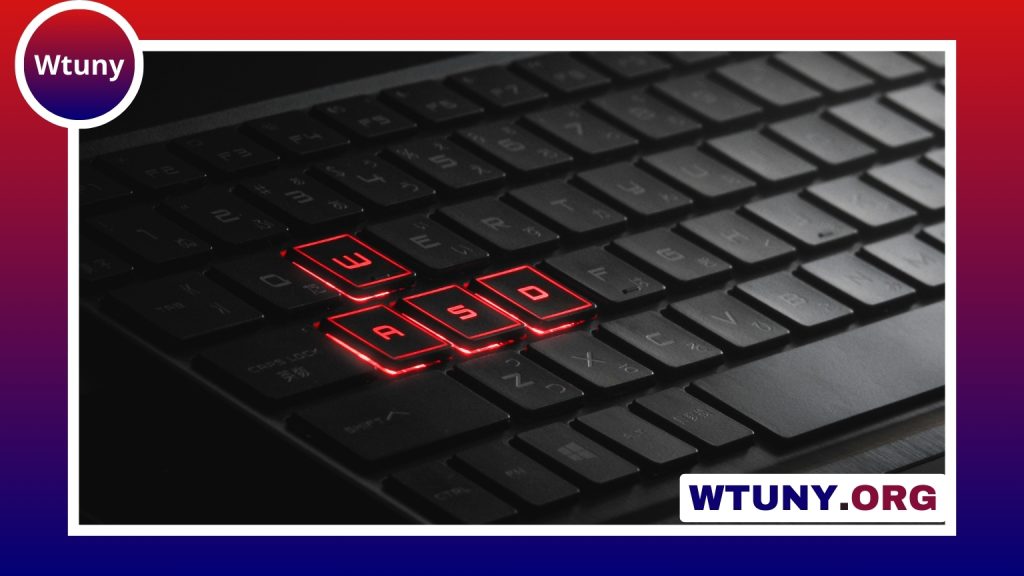
An alloy gaming keyboard combines a metal component—typically an aluminum backplate or frame—with features designed for gaming and everyday use. The result is often a firmer, more stable typing platform than a keyboard made entirely from plastic. That extra rigidity can appeal to competitive players, frequent typists, and anyone building a durable, polished-looking desk setup.
Construction alone does not determine whether a keyboard is a good fit. Switch feel, layout, connectivity, customization options, and comfort are equally important. Use the following considerations to compare models and choose one that matches the way you play.
Why choose an alloy gaming keyboard?
The main benefit of alloy construction is stability. A rigid frame or backplate is less likely to flex during heavy keypresses, which can make the keyboard feel more planted during fast gameplay and long typing sessions. It may also reduce unwanted movement when the keyboard is used on a desk with a low-friction surface.
Metal accents can also suit a premium or minimalist setup. However, “alloy” does not necessarily mean that every part of the keyboard is metal. Check the product specifications to determine whether the alloy is used in the top plate, internal backplate, outer frame, or only selected sections of the housing.
Features that deserve attention
Start with the keyboard’s construction, but do not stop there. A useful comparison should include:
- Switch type: Mechanical switches are available in linear, tactile, and clicky designs, each with a different feel and sound.
- Key rollover and anti-ghosting: These features help the keyboard register multiple keypresses accurately, which is important for games that require simultaneous inputs.
- Layout: Full-size, tenkeyless, and compact layouts offer different balances of number-pad access, desk space, and portability.
- Lighting: Single-color or RGB backlighting can improve visibility in dim rooms and may support programmable effects or profiles.
- Connectivity: Wired connections generally provide straightforward, consistent operation, while wireless models can create a cleaner desk and make repositioning easier.
- Convenience features: USB passthrough, a detachable cable, onboard memory, and a wrist rest may be valuable depending on how and where you use the keyboard.
Choosing the right switch feel
Switches have a direct effect on both gaming and typing. Linear switches move smoothly from top to bottom and are often preferred by players who want an uninterrupted keypress. Tactile switches provide a noticeable bump during actuation, giving physical confirmation that a key has registered. Clicky switches add an audible click as well as tactile feedback, but their sound may be unsuitable for shared rooms or microphones.
If you are unsure which feel suits you, a hot-swappable keyboard can provide more flexibility. Hot-swap sockets allow compatible switches to be replaced without soldering, making it easier to experiment with different actuation feels or replace individual worn switches. Some newer input-focused designs may also offer adjustable actuation or rapid-trigger functions, but these features should be weighed against price and personal preference rather than treated as essential.
Software and customization
Keyboard software can extend the usefulness of the hardware. Depending on the model, it may support key remapping, macros, lighting profiles, and game-specific settings. Onboard memory is particularly convenient if you move the keyboard between computers, since core profiles can remain available without requiring the configuration software on every system.
Macro keys can be helpful for MMO commands, editing shortcuts, or streaming controls. For other players, a simpler layout with fewer software features may be preferable. Consider whether the configuration application is easy to use and whether you actually need extensive RGB effects or advanced profile management.
Match the keyboard to your setup
Competitive FPS players may prioritize a stable frame, a compact layout, and switches that support quick repeated inputs. MMO players may value programmable keys and a full-size layout. People who combine gaming with writing, editing, or office work should pay close attention to typing comfort, sound level, and wrist position.
After placing the keyboard, position it so your wrists and shoulders remain relaxed. Adjust the feet or wrist rest if available, and leave enough space for the mouse to move naturally. If you transport the keyboard to events or another location, use a padded sleeve to reduce the risk of scratches or dents to the alloy surface.
Cleaning and maintenance
Dust and crumbs can collect around keycaps and switches over time. Disconnect the keyboard before cleaning, then use a soft brush or short bursts of compressed air to loosen debris. Keycaps can usually be removed for a more thorough clean, but follow the manufacturer’s guidance and avoid forcing them.
Do not use harsh solvents on the metal finish. Wipe the surface with a suitable soft, slightly damp cloth and dry it afterward. Inspect detachable cables for wear, store the keyboard in a dry environment, and replace compatible switches when necessary. These simple habits can help preserve both the finish and the keyboard’s feel.
Final buying considerations
The best alloy gaming keyboard balances build quality with the features you will use every day. Compare the alloy construction, switch feel, layout, connectivity, customization tools, and comfort rather than choosing solely by appearance. A well-matched keyboard can provide a stable gaming platform while remaining useful for typing, creative work, and general desktop use.






