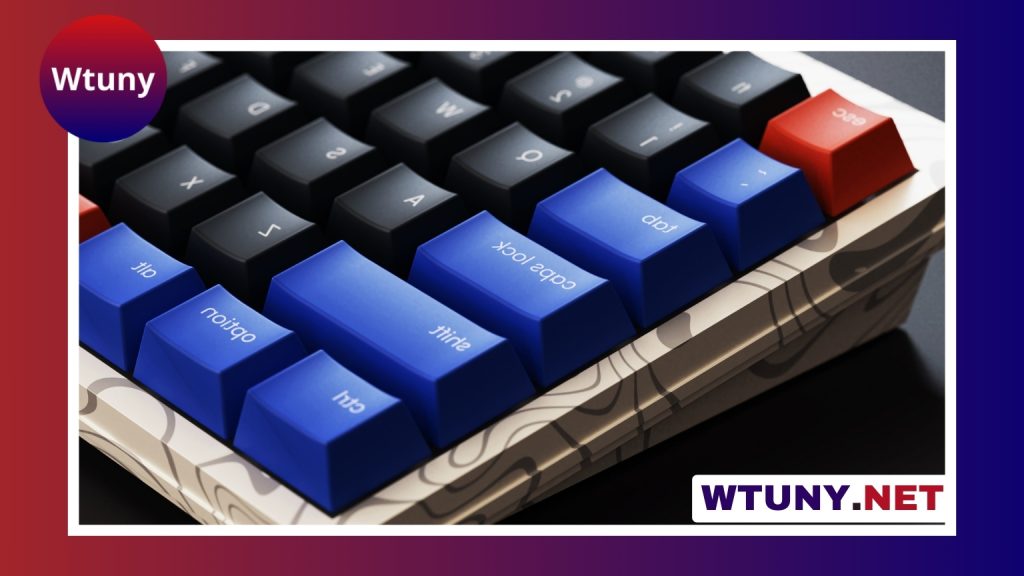
An ASUS mechanical keyboard can be a strong choice for gaming, writing, coding, and everyday computer use. The right model depends less on the brand name alone and more on the combination of switch feel, keyboard size, connectivity, and programmable features. ASUS offers gaming-focused Republic of Gamers keyboards as well as models designed to balance performance with general productivity. See our model specific recommendations for Asus mechanical keyboards when choosing switches and layout.
Why consider an ASUS mechanical keyboard?
Many ASUS keyboards are built around features that appeal to gamers, including responsive key switches, customizable RGB lighting, macro programming, and low-latency connections. These features can also benefit people who spend long hours typing or working with creative software.
On compatible devices, ASUS Armoury Crate brings together lighting controls, profiles, macro configuration, and firmware management. Before buying, check that the specific keyboard supports the functions you want, since software features and compatibility can vary between models.
ASUS keyboard families to compare
ROG Strix Scope
The ROG Strix Scope range is aimed at users who prefer a familiar, full-size layout with gaming-oriented refinements. A wider left Ctrl key can be useful in first-person games, while the traditional arrangement provides a dedicated number pad for spreadsheets and other number-heavy tasks. These keyboards typically emphasize a sturdy design, RGB lighting, and straightforward controls.
ROG Claymore
The Claymore series is designed for flexibility. Its detachable number pad can allow the keyboard to function as a more compact tenkeyless board for gaming, then return to a full-size layout when numerical input is important. This format can suit users who want to switch between a cleaner gaming setup and productivity work. Availability of wireless and other features depends on the particular version.
ROG Falchion
The ROG Falchion is intended for people who want a smaller keyboard without moving all the way down to a minimal layout. Its compact design leaves more room for a mouse and can work well on smaller desks, portable setups, or streaming stations. Some versions include integrated controls or touch-sensitive features that provide access to functions without requiring a full row of dedicated keys.
ROG Strix Flare and similar models
The Strix Flare family combines a conventional gaming layout with customization features such as programmable controls, RGB lighting, and dedicated media operation on applicable models. It may appeal to users who want a feature-rich keyboard that remains practical for everyday typing.
Key decisions before you buy
Switch type
Mechanical switches determine how each key feels and sounds:
- Linear switches: Smooth and consistent from top to bottom, often preferred for rapid repeated inputs.
- Tactile switches: Provide a noticeable bump that can make the actuation point easier to feel while typing.
- Clicky switches: Add an audible click as well as tactile feedback, which some users enjoy but others may find distracting.
ASUS keyboards can use different mechanical or optical switch designs depending on the model. Compare the exact switch specification rather than assuming that every keyboard in a product family feels the same. An Asus mechanical keyboard pairs well with an Xbox One controller for flexible gaming setups.
Layout and size
Choose the layout according to the keys you use most. A full-size board includes a number pad and is useful for finance, spreadsheets, and data entry. Tenkeyless keyboards remove the number pad to create more mouse space. Smaller 75% and 65% designs reduce the footprint further, but some navigation, function, or media controls may require key combinations.
A detachable number pad can be a useful compromise if you alternate between gaming and office work. Also compare the function-row arrangement when moving from a standard keyboard such as the Logitech K120 to an ASUS gaming layout.
Wired or wireless connectivity
Wired keyboards are simple to set up and avoid battery management. Wireless models can create a cleaner desk and may be more convenient for multi-device arrangements. Depending on the keyboard, wireless connection may use Bluetooth or a 2.4 GHz receiver. Check the connection options, battery requirements, and switching process before purchasing.
Materials and software
Keycap material affects how the surface may wear with use. PBT keycaps are generally valued for their textured feel and resistance to shine, while ABS keycaps are common and can offer a smoother surface. You should also check whether the board supports the lighting profiles, macros, remapping, and firmware tools you expect through Armoury Crate.
Some ASUS keyboards include unusual extras such as a small display, OLED panel, or status area. These features can be interesting for streamers and PC enthusiasts, but they should be treated as optional benefits rather than a substitute for choosing the right layout and switches.
Matching the keyboard to your work
Competitive FPS players may prefer a wired connection, a compact layout, and switches that provide consistent, predictable input. MMO players and content creators may place greater value on macros, programmable layers, and media controls. Writers, developers, and office users should focus on switch comfort, wrist position, key spacing, and the amount of desk space available.
Regardless of the model, place the keyboard at a comfortable height and angle, and consider a wrist rest if it improves your posture. Clean dust and debris regularly, remove keycaps carefully when needed, and avoid choosing a loud switch if others share your workspace.
Final buying checklist
- Choose the switch feel and sound you can use comfortably for hours.
- Confirm whether you need a number pad, function row, or dedicated media keys.
- Compare wired, Bluetooth, and 2.4 GHz connectivity options.
- Check Armoury Crate support and the available customization features.
- Review warranty, retailer support, and local availability.
- Try a switch tester or sample keyboard if you are unsure about switch type.
The best ASUS mechanical keyboard is the one that matches your actual routine. Prioritize switch feel, layout, and connectivity first, then consider lighting, displays, premium keycaps, and other extras. That approach makes it easier to find a keyboard that performs well for gaming while remaining comfortable for everyday use.