
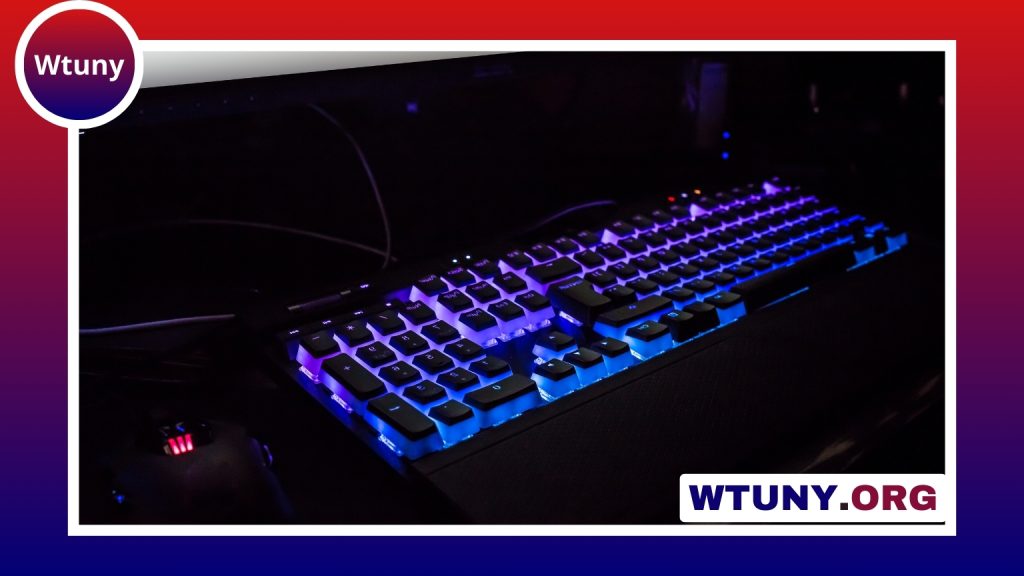
A Hewlett Packard keyboard can be a practical choice for everyday typing, office work, home computing, and shared computer environments. HP keyboards are available in several formats, from slim laptop-style designs to full-size desktop keyboards with numeric keypads. The best option depends less on the brand name alone and more on how you work, the space available, and the typing experience you prefer. For broader compatibility information, see HP keyboard models within an overview of computer keyboard types.
Keyboard styles and layouts
Most Hewlett Packard keyboards use a familiar standard PC layout, so Windows users can begin typing without learning a new arrangement. Full-size models generally include a dedicated numeric keypad, navigation keys, function keys, and sometimes separate media controls. This format is useful for spreadsheets, accounting, administration, and other tasks involving frequent number entry.
For smaller desks or portable setups, a compact or tenkeyless keyboard removes the numeric keypad and takes up less room. Slim, chiclet-style models have low-profile keys and a laptop-like appearance, while larger desktop keyboards may provide more key travel and a more traditional typing feel.
- Full-size: suitable for office work, spreadsheets, and regular numeric entry.
- Compact: useful where desk space or portability matters.
- Slim: a good fit for quiet, low-profile typing and modern home-office setups.
- More tactile designs: better suited to users who prefer noticeable key feedback.
Wired and wireless connectivity
USB is the most straightforward connection for a desktop or laptop. A wired HP keyboard normally needs no separate power source and is simple to replace or move between compatible computers. It can also be useful in offices, classrooms, and other shared environments where dependable connection is more important than eliminating cables.
Wireless Hewlett Packard keyboards may use Bluetooth or a small 2.4 GHz USB receiver, depending on the model. Wireless designs can reduce desk clutter and work well with laptops, docking stations, and home-office arrangements. Before buying one, check whether the computer supports the required connection and whether the keyboard needs batteries or another charging method.
Basic typing functions are commonly recognised by Windows and may also work on macOS or Linux systems, but compatibility can vary. Special keys, programmable functions, and companion software may not behave identically across operating systems. If you are buying for an older computer, confirm the available ports rather than assuming that an adapter will support every feature.
Typing comfort and ergonomics
The physical design has a direct effect on comfort during long typing sessions. Low-profile keys usually have short travel and a relatively quiet action. Other keyboards provide deeper travel or a mechanical-style response for users who prefer stronger tactile or audible feedback. For a lighter setup, explore a white HP laptop keyboard that complements Hewlett Packard typing accessories.
Look for adjustable tilt legs if you want to change the keyboard angle. Some full-size models include an integrated wrist rest, although the most comfortable position varies from person to person. A separate wrist rest can be considered if the built-in design does not suit your desk height or hand position. Regardless of the model, taking regular breaks and keeping the keyboard at a comfortable height are important for extended work.
Matching an HP keyboard to your needs
Start with the tasks you perform most often:
- Documents, email, and browsing: a basic wired or wireless keyboard with a comfortable layout is usually sufficient.
- Spreadsheets and data entry: choose a full-size model with a dedicated numeric keypad.
- Small workspaces: consider a compact design or a slim wireless keyboard.
- Frequent typing: pay close attention to key travel, noise, feedback, and the overall angle.
- Media and creative work: dedicated media keys or shortcut buttons may be useful, if supported by your computer.
- Gaming: compare gaming-specific features carefully, since a general-purpose HP keyboard may not offer the customisation or response characteristics you expect.
Cleaning and basic maintenance
Dust and crumbs can affect key movement over time. Disconnect a wired keyboard, or switch off and remove the batteries from a wireless one, before cleaning. Use short bursts of compressed air to clear debris between the keys, then wipe the surface with a lightly damp microfiber cloth. Avoid soaking the keyboard or spraying liquid directly onto it.
If a spill occurs, disconnect the keyboard immediately and allow it to dry thoroughly. A model described as spill-resistant is not necessarily waterproof. Sticky or unresponsive keys may sometimes improve after careful cleaning, but do not force off keycaps unless the keyboard design permits removal.
Common troubleshooting steps
When a wired keyboard is not responding, try another USB port and check whether the problem follows the keyboard when it is connected to a different computer. For wireless models, replace or recharge the batteries, confirm that the receiver is connected, and check that Bluetooth is enabled. If pairing fails, remove the keyboard from the computer’s Bluetooth list and pair it again according to the model’s instructions.
Missing media keys or special functions may relate to drivers, system settings, or model-specific software. Checking the documentation for the exact HP keyboard model can help distinguish a hardware fault from a compatibility limitation.






