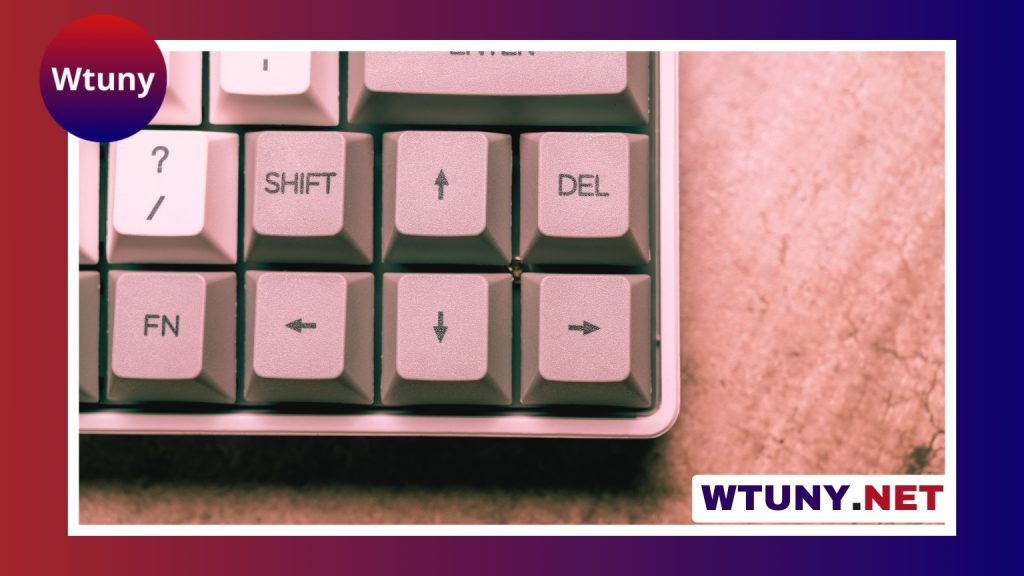
A good gaming keyboard under $100 can deliver responsive controls, comfortable key feel, and useful gaming features without requiring a premium budget. The right choice depends less on having the most lighting effects and more on matching the keyboard to your games, workspace, and tolerance for noise.
Before comparing individual keyboards, decide which features matter most to you. Switch type, layout, build quality, rollover performance, and connectivity all affect how a keyboard feels in everyday use.
Key features to look for
Switch type and key feel
Mechanical keyboards are popular because each key uses an individual switch with a distinct actuation and feel. The main options are:
- Linear switches: Smooth and consistent from the top of the keypress to the bottom. They are often preferred for fast, repeated inputs.
- Tactile switches: Provide a noticeable bump during the keypress, which can help feedback while gaming and typing.
- Clicky switches: Add an audible click along with tactile feedback. They can be enjoyable for typing but may be disruptive in shared spaces.
Not every mechanical keyboard offers the same quality. Look for consistent switches, stable larger keys, and keycaps that do not feel loose or rough during use. Some budget models also support hot-swapping, allowing compatible switches to be replaced later without buying an entirely new keyboard.
Membrane keyboards are worth considering too. They are typically quieter and can offer useful extras such as dedicated media controls, integrated wrist rests, or macro keys at a lower cost. For a shared office, bedroom, or general-purpose setup, a well-designed membrane keyboard may be a better fit than a noisy mechanical model.
Gaming performance
Anti-ghosting helps ensure that multiple keypresses register correctly, while N-key rollover is designed to track several simultaneous inputs. These features are particularly useful in games that require combinations of movement, abilities, and other commands.
Wired USB connectivity is usually the simplest option for a gaming setup and avoids the need to manage batteries. Wireless and hybrid keyboards can be more convenient for a flexible desk, but check whether the keyboard provides a low-latency gaming mode as well as ordinary Bluetooth connectivity.
Build quality and comfort
A keyboard should remain stable when you press keys quickly. A rigid frame, a sturdy backplate, and dependable feet can reduce flex and movement during play. These details may matter more over time than decorative lighting.
Ergonomic features are also important if you spend long periods at your desk. Consider adjustable feet, a detachable wrist rest, the distance between the keyboard and mouse, and whether the layout gives you enough room for comfortable movement.
Choose the layout that suits your games
Full-size keyboards include a number pad and are practical for productivity, spreadsheets, and users who frequently enter numbers. They require more desk space, however, which can leave less room for a mouse.
Tenkeyless keyboards remove the number pad and are a strong option for first-person shooters or smaller desks. The reduced width can make it easier to position the mouse comfortably. Compact 75-percent and similar layouts save even more space while retaining many navigation keys, but their condensed arrangements may take time to learn.
Players of MMO and MOBA games may prefer additional programmable keys. These can provide convenient access to macros or frequently used commands, provided the keyboard’s software supports the functions you need. For general gaming and typing, a simpler layout is often easier to use and maintain.
Features worth paying for
- Customizable backlighting: Useful for visibility and personalization, but not essential to performance.
- Dedicated media controls: Convenient if you regularly adjust volume or playback while gaming.
- Programmable keys: Helpful for games and productivity when you genuinely use macros or shortcuts.
- Detachable cable: Makes storage and replacement easier.
- Software support: Check whether lighting, remapping, and macro tools are available for your operating system.
Do not assume that more RGB lighting, extra buttons, or a metal-looking exterior automatically indicate a better keyboard. Prioritize the features you will use every day.
How to get the best value under $100
Prices and promotions can change, so compare the keyboard’s normal price with its current offer rather than choosing solely by discount percentage. Read reviews that discuss long-term use, including keycap wear, noisy or unstable stabilizers, software reliability, and wireless performance.
When possible, buy from a seller with a straightforward return policy. Switch preference is personal, and a keyboard that looks appealing in photos may feel too loud, too stiff, or too cramped once it is on your desk. Also check the warranty and confirm that the layout matches your region and typing habits.
Combo packages containing a keyboard and mouse can be useful for a starter setup, especially when keeping the total cost low is more important than having premium individual peripherals. However, buying separately gives you more control over switch type, shape, and mouse comfort.
Final buying advice
The best gaming keyboard under $100 is the one that fits your play style and daily routine. Competitive FPS players may favor a compact mechanical keyboard with linear or tactile switches. MMO players may value programmable keys, while office-and-gaming users may prefer a quieter membrane board or a restrained mechanical design.
Focus first on comfort, layout, key feel, and dependable input. Treat lighting and extra software as bonuses. With those priorities in place, it is possible to find a reliable keyboard that supports both gaming and everyday productivity without exceeding the budget.