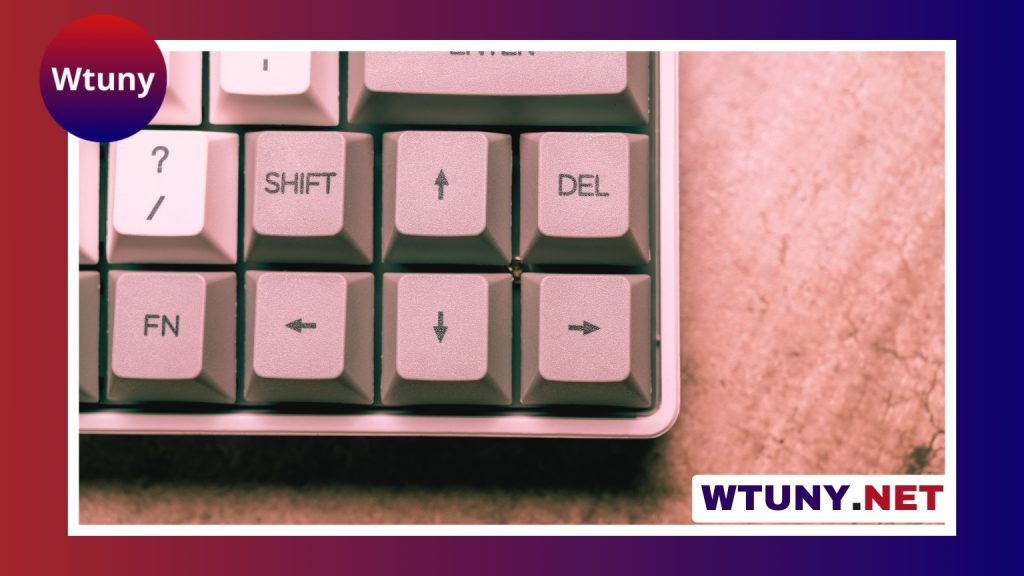
The familiar keyboard arrangement can seem random at first glance. Letters are not listed alphabetically, commonly used keys are spread across several rows, and different keyboards place symbols and controls in slightly different positions. This arrangement is largely the result of typewriter history, manufacturing conventions, and user habits rather than a design created specifically for modern computers.
Why QWERTY became the standard
Most English-language keyboards use the QWERTY layout, named after the first six letters on the top letter row: Q, W, E, R, T, and Y. The arrangement originated during the typewriter era in the 1870s, when pressing keys moved mechanical type bars toward an inked ribbon and paper.
Early typewriters could jam when nearby type bars were struck in quick succession. The QWERTY arrangement was developed as a practical response to those mechanical limitations. By separating some commonly paired letters and distributing certain sequences across the keyboard, the design helped reduce problems associated with fast typing on early machines.
Computer keyboards no longer rely on the same type bars, so the original mechanical constraint is no longer necessary. However, QWERTY remained in use as electric typewriters and computers became widespread. Typists had already learned it, manufacturers produced it, and schools and workplaces built their practices around it. That established familiarity made replacing the layout difficult, even when newer technology removed the reason for its original design.
Why the keys are not in alphabetical order
An alphabetical keyboard would be easier to explain: A would come first, followed by B, C, and the rest of the alphabet. That arrangement can be useful for beginners, children, or simple educational interfaces because the location of each letter is more predictable to someone learning the alphabet.
For regular touch typists, however, alphabetical order does not automatically make typing easier or faster. It places frequently used letters and letter combinations according to the alphabet rather than according to hand movement, typing technique, or the historical requirements of typewriters. As a result, an alphabetical layout may feel familiar in theory but still require substantial adjustment for experienced QWERTY users.
Alternative keyboard layouts
QWERTY is not the only way to arrange letter keys. Alternative layouts such as Dvorak and Colemak were designed with different priorities, including reducing finger travel and distributing work between the hands. Some users explore these layouts to improve comfort during long typing sessions or to develop a typing system that better matches their preferences.
Switching layouts requires retraining. The physical keyboard may look almost identical, but the letters produce different results when keys are pressed. This can temporarily reduce speed and create difficulties when moving between computers. An alternative layout may be worth considering for someone who types for many hours each day, but the benefit depends on the individual, the type of work involved, and the willingness to practise.
Keyboard layout is more than letter order
The word “layout” can refer both to the order of letters and to the keyboard’s physical design. The position of the Enter, Shift, Control, function, arrow, and number keys can affect how comfortable a keyboard feels even when the letter arrangement remains QWERTY.
- Full-size keyboards: Include a dedicated number pad and are useful for frequent numeric entry, such as spreadsheets or accounting work.
- Tenkeyless keyboards: Remove the number pad to save desk space and leave more room for mouse movement.
- Compact keyboards: Reduce the overall footprint, although some models combine or omit dedicated keys.
- Ergonomic keyboards: May split, angle, or curve the key groups to support a different wrist and hand position.
- Mechanical keyboards: Offer a range of switch types and keycap options, allowing users to change the feel and sound of each press.
For programmers, writers, and office workers, modifier-key placement and the availability of function keys may matter as much as the letter arrangement. Gamers may prefer a compact or mechanical design that leaves more room for mouse movement. Someone who enters numbers all day may benefit more from a full-size keyboard than from changing the letter layout.
How to choose the right arrangement
QWERTY is usually the practical choice when compatibility, shared computers, and immediate familiarity are important. It is the layout most people expect to find, so using it makes it easier to move between workplaces, laptops, and public devices.
An alternative layout may suit a dedicated typist who is prepared to practise and wants to investigate different approaches to hand movement or comfort. An alphabetical keyboard may be appropriate for a beginner-focused or specialised interface, but it is not automatically the best choice for general typing.
Physical size should be considered separately from letter order. Measure the available desk space, think about how often you use a number pad, and pay attention to wrist position and mouse placement. If possible, test a keyboard before buying it or use a software layout simulator to experience an alternative arrangement.
A design shaped by history
The modern keyboard is a combination of historical inheritance and practical adaptation. QWERTY began in response to typewriter mechanics, then became firmly established through training, manufacturing, and habit. Although other layouts and physical designs are available, the best choice depends on whether the priority is familiarity, numeric input, desk space, comfort, or a willingness to learn something new.