
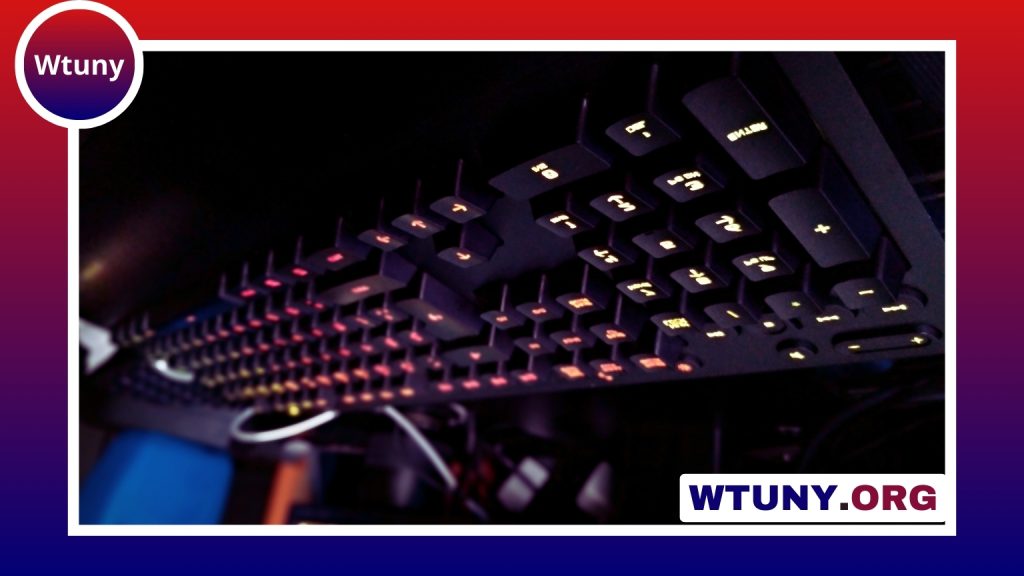
An LED gaming keyboard and mouse can improve the look and usability of a gaming desk, but lighting should not be the only reason to buy a particular set. The best combination balances responsive controls, comfortable design, dependable construction, and the features that match the way you play. Explore LED keyboard features to compare switch responsiveness, lighting modes, and durability for gaming keyboard selection.
Why choose a keyboard and mouse combo?
Buying a matched keyboard and mouse creates a more consistent setup. Many combinations use coordinated lighting, allowing both devices to share colours and effects. This can give a desk a cleaner appearance and is especially useful for streaming or anyone who wants a unified gaming station.
LED lighting can also serve a practical purpose. Backlighting makes keys easier to see in a dim room, while custom colours can help separate frequently used controls. However, visual effects should remain secondary to comfort and performance. A striking design is not much use if the keyboard causes fatigue or the mouse is difficult to control.
Keyboard features that matter for gaming
Start by considering the keyboard’s layout and switch type. Mechanical keyboards use individual switches beneath the keys and are popular with gamers because they provide a distinct feel and actuation point. Different switches can feel lighter, firmer, quieter, or more tactile, so personal preference matters. Membrane keyboards can still be suitable for casual gaming and are often a practical choice when keeping costs down.
Other useful keyboard features include:
- Anti-ghosting: Helps prevent missed or unintended inputs when several keys are pressed together.
- N-key rollover: Allows multiple simultaneous key presses to be detected accurately.
- Programmable keys: Useful for shortcuts, macros, or commands used regularly in particular games.
- Adjustable backlighting: Lets you select brightness, colours, and effects that suit your preferences.
- Detachable or fixed cable options: A detachable cable can make storage and replacement more convenient.
- Hot-swappable switches: On compatible mechanical keyboards, switches can be changed without soldering.
Full-size keyboards provide a number pad and more dedicated controls, while tenkeyless and 60% layouts remove some of those keys to save space. A smaller board can give your mouse more room and may be easier to carry, but compact layouts can require shortcut combinations for functions that have dedicated keys on larger models.
Choosing the right gaming mouse
A gaming mouse should feel comfortable throughout a long session and respond predictably to movement. Sensor precision is important, but a high DPI figure alone does not determine quality. Look for adjustable sensitivity so you can find a setting that suits your games and aiming style.
Shape and grip are equally important. Some mice suit a palm grip, while others work better for claw or fingertip users. Weight also affects control: a lighter mouse may feel quick during fast movements, while a heavier design can feel more stable. If possible, test the shape before buying or check its dimensions against a mouse you already find comfortable.
Consider the number and placement of extra buttons as well. Additional controls can be useful for abilities, push-to-talk, media commands, or productivity shortcuts, but too many buttons may be distracting if you rarely use them. For console-style competition, fighting game controls offer a focused alternative to keyboard-and-mouse setups.
When a mini gaming keyboard and mouse setup makes sense
A compact keyboard and mouse combination is a good option for a small desk, a portable setup, or a player who wants more room for broad mouse movements. Tenkeyless boards retain most of the standard layout while removing the number pad. 60% keyboards go further by omitting dedicated function-row, navigation, and sometimes arrow keys.
Compact designs can also suit LAN events and living-room gaming. Their main compromise is accessibility: some commands may require function layers or software remapping. Before choosing a mini keyboard, make sure the layout includes the keys you use most often.
Customising LED effects and controls
Many illuminated peripherals include software for configuring lighting, key assignments, and device profiles. Common lighting options include static colours, breathing effects, waves, and reactive illumination that responds to key presses. You can also assign different colours to groups of keys so movement, inventory, or ability controls are easier to identify.
Separate profiles can be useful when you play different genres. A profile might change both the lighting and the function of programmable keys for a specific game. Keep effects restrained if they make the keys harder to read or become distracting during play.
Wired or wireless?
Wired devices avoid battery management and provide a simple connection, making them a straightforward choice for a permanent desk. Wireless sets reduce cable clutter and are easier to reposition, but battery life becomes an important consideration. Lighting and high performance settings can affect runtime, so check the manufacturer’s battery claims and look for independent user feedback when available.
Build quality, maintenance, and long-term value
Look beyond lighting when comparing prices. A sturdy frame, reliable switches, comfortable keycaps, durable mouse feet, and a suitable warranty can matter more than the number of lighting modes. Replacement keycaps, switch availability, and software support may also affect how easily you can maintain or customise the keyboard later.
Keep the set working well by removing dust and debris from the keys and cleaning the mouse sensor area and feet. Avoid spills, store wireless devices with their batteries managed appropriately, and keep firmware or configuration software updated when necessary. The right LED gaming keyboard and mouse is ultimately the one that fits your desk, grip, game preferences, and budget without sacrificing everyday comfort.






