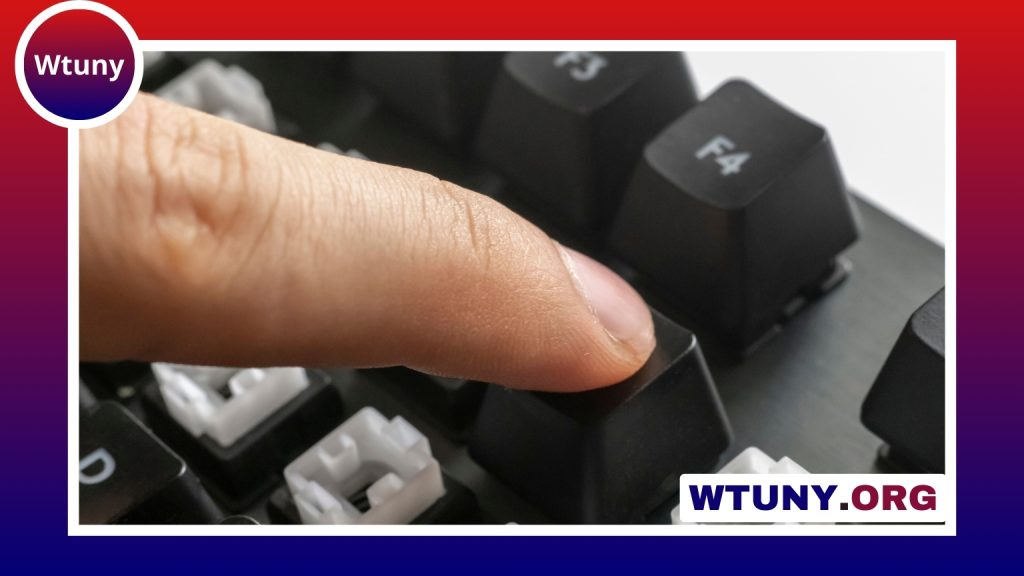
Choosing the right keyboard and mouse for Fortnite can transform your gameplay from inconsistent to consistently competitive. Fortnite rewards quick edits, accurate aiming, and fluid building — all actions that rely heavily on input hardware. Whether you are a casual player looking to improve or a streamer preparing for tournaments, understanding what to look for in a gaming keyboard and mouse for Fortnite helps you invest wisely and get the most from your sessions. For pro Fortnite players, mechanical keyboard options can improve responsiveness and key feel during intense matches.
Why the keyboard and mouse matter in Fortnite
Fortnite is unique among shooters because building and editing are as important as aiming. That multiplies the demands on your peripherals: you need keys that register fast and reliably for rapid builds, and a mouse with precise tracking for both long-range shots and close-quarter flicks. For many players, the keyboard and mouse for Fortnite are the single biggest factor in translating reaction time into in-game actions. Mechanical switches with consistent actuation make repeated builds and edits less fatiguing, while a mouse with stable tracking ensures your aim stays accurate across different DPI settings and sensitivity profiles.
Key features to look for in a Fortnite setup
When shopping for the best keyboard and mouse for Fortnite, prioritize low input latency, durable switches, and customization. For keyboards, mechanical switches are generally preferable because they offer faster response and tactile feedback. Linear switches are popular with builders and high-sensitivity players for their smooth travel, while tactile or clicky switches can help with deliberate key presses. Full-key rollover and anti-ghosting are non-negotiable to ensure multiple simultaneous key presses register, especially during intense build fights. For mice, look for a high-quality sensor with low jitter and consistent performance across common DPI ranges, a polling rate of at least 1000 Hz, and comfortable ergonomics for quick flicks and sustained aiming.
Wired versus wireless: balancing latency and freedom
The debate between wired and wireless peripherals used to center on latency and reliability. Today’s wireless gaming keyboards and mice have closed the gap significantly, with many models offering hyper-fast connections and reliable battery life. However, the absolute lowest latency still tends to come from wired setups, which can matter in the tightest competitive settings. If you prioritize desk cleanliness and mobility, modern wireless options with low-latency dongles provide an excellent compromise. For players chasing the absolute edge in tournaments, a wired keyboard and wired or low-latency wireless mouse are common choices to remove any doubt about input lag.
Choosing the best keyboard and mouse for Fortnite by playstyle
Your preferred playstyle—aggressive builder, sniper, or support player—should guide your choice of hardware. Aggressive builders benefit from compact keyboards that bring build keys closer to the WASD cluster and allow for quicker thumb access to additional binds. Tenkeyless or 60 percent layouts reduce hand travel and make quick edits easier. For snipers or players who need fine aiming control, a mouse with adjustable DPI settings and a softer click profile can help maintain precision. Players who like to customize binds extensively should look for keyboards with strong macro support and reliable onboard memory so your custom layouts travel with you to tournaments. Ultimately, the best keyboard and mouse for Fortnite are the ones that complement how you play and allow you to be consistent under pressure. For competitive Fortnite play, try a keyboard mouse setup optimized for fast, accurate gamer combos.
Practical setup and optimization tips
Once you have the right peripherals, small adjustments can yield big improvements. Calibrate your mouse sensitivity so that a comfortable wrist motion produces the turn radius you need, and set DPI in the mid-range to avoid overreliance on either extreme. Map common build and edit actions to easily reachable keys and consider using modifiers to expand available binds without overcomplicating your layout. For keyboards, switch keycaps to higher-quality PBT sets if you want longer-lasting legends and a more substantial feel. Keep polling rates at 1000 Hz for both mouse and keyboard if your hardware and system allow it, and reduce background processes in Windows to minimize input jitter. Finally, practice with your final setup for several sessions before entering competitive matches; muscle memory is the bridge between hardware and performance.
Brands and value considerations
There are many reputable brands that produce excellent gaming keyboards and mice suited for Fortnite, and your budget will influence which models make sense. Established manufacturers offer reliable performance and robust software for customization, while some boutique brands target specific niches like ultra-light mice or high-actuation switches. Instead of chasing hype, focus on durable construction, warranty support, and how a device feels in your hand. Often the best keyboard and mouse for Fortnite are those that provide consistent performance and fit comfortably into your daily play routine rather than the ones with the flashiest lighting effects.
Choosing the right keyboard and mouse for Fortnite is a personal decision influenced by playstyle, budget, and ergonomic needs. Prioritize low latency, quality switches, and a precise sensor, then fine-tune sensitivity and keybinds to match your muscle memory. With the right peripherals and thoughtful setup, you’ll find your building becomes crisper, your edits faster, and your aim more reliable—turning hardware into a real competitive advantage.