Keychron keyboards can be a strong choice for gaming, particularly for players who want a mechanical keyboard that also works well for everyday typing and productivity. The brand offers a wide range of layouts, switch types, wired and wireless connections, and customization features. However, not every Keychron model is equally suited to fast-paced gaming, so the right choice depends on your priorities.
Gaming performance and connection options
For competitive gaming, the connection method is one of the most important factors. A wired USB-C connection is generally the safest option when you want consistent input and low latency. It avoids battery concerns and is well suited to fast FPS games, rhythm games, and other titles where every input matters.
Some Keychron keyboards also offer a 2.4 GHz wireless connection through a dongle. This provides more freedom than a cable while remaining better suited to gaming than Bluetooth in situations where responsiveness is important. Bluetooth is convenient for casual gaming and switching between devices, but it may introduce more latency or occasional input variation than wired or dedicated wireless modes.
Before buying, check the individual model’s specifications for its available connection modes, polling rate, and NKRO support. These details vary across the product range and can make a greater difference to gaming performance than the brand name alone.
Switches and build quality
Keychron keyboards are available with different mechanical switch options, giving you a choice of actuation force, travel, and feedback. Lighter switches can feel quick and easy to press during movement-heavy games, while heavier or tactile switches may be preferred by players who want more resistance and feedback. There is no universally best switch; comfort and consistency matter most.
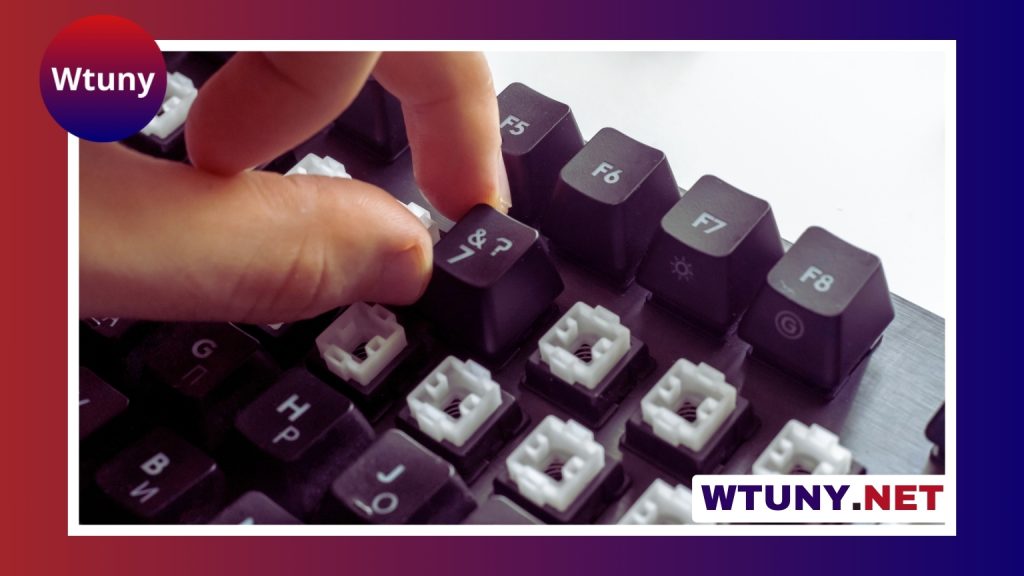
Many mid-range and higher-end models include hot-swappable sockets. This allows you to change compatible switches without soldering, making it easier to adjust the keyboard’s feel later. It is useful if you want one keyboard for both gaming and typing, or if you enjoy experimenting with different switch characteristics.
Construction also varies. Entry-level boards commonly use plastic cases, while models in the Q series use heavier aluminum construction. A rigid, heavier case can provide a more stable typing surface and reduce flex, although it may be less portable. Keycap material varies as well, with thicker PBT keycaps generally offering a more durable, textured feel than basic ABS keycaps.
Choosing a layout for your games
The best layout depends on how much desk space you need and which controls you use most often.
- Compact layouts: 60% and similar keyboards remove dedicated navigation keys and the number pad, leaving more room for mouse movement. This can appeal to FPS players with low mouse sensitivity.
- Tenkeyless layouts: These retain the function row and navigation cluster while removing the number pad, offering a practical balance between size and convenience.
- Full-size layouts: A number pad and larger selection of dedicated keys can be useful for MMO, strategy, simulation, and productivity-focused setups.
Smaller keyboards may require function-layer shortcuts for keys that would otherwise be dedicated. That is not a problem for everyone, but it is worth considering if your games rely on many simultaneous key bindings.
Customization and software
Customization is one of Keychron’s main advantages over simpler office keyboards. Depending on the model, you may find hot-swappable switches, programmable layouts, gasket-mounted construction, and firmware support through QMK or VIA. These features can allow you to remap keys, create layers, and configure macros for games that benefit from complex bindings.
Software support is not identical across the range. Some basic models rely largely on physical shortcuts for lighting and function changes, while higher-end models provide more extensive remapping options. RGB lighting can add visual appeal to a gaming setup, but it does not improve input performance and should be treated as a secondary feature.
Which Keychron keyboards suit different players?
A Q-series model such as the Q1 or Q2 may suit someone who values a solid aluminum case, extensive customization, and primarily wired gaming. Players who want wireless flexibility may prefer a model such as the K8 Pro or K6 when the required wireless features and layout are available. The K3 Low Profile offers a shorter-travel feel for users who prefer a laptop-style typing experience.
Model names alone are not enough to determine gaming performance. Confirm the exact version’s switch choices, wireless modes, remapping support, and layout before purchasing.
Final verdict
So, are Keychron keyboards good for gaming? Yes, provided you choose a model that matches your games and connection preferences. Wired Keychron keyboards can provide dependable performance for competitive play, while models with 2.4 GHz wireless support offer a convenient alternative. Their broad layout selection and customization options also make them useful for MMO players, streamers, and people who want one keyboard for gaming and work.
The main compromises are that entry-level models may lack advanced programming features, and Bluetooth is not the ideal connection for latency-sensitive play. For most casual players and enthusiasts, however, Keychron offers a flexible combination of mechanical feel, build options, and gaming-ready features.