
The Logitech MX Mechanical Mini for Mac is built for users who want more tactile feedback than a typical laptop keyboard without giving up a compact, streamlined setup. Its low-profile mechanical switches, Mac-focused key layout, wireless connectivity, and understated design make it a practical upgrade for MacBook, iMac, and other macOS workspaces.
A compact layout made for Mac users
The keyboard uses a compact 75 percent-style layout. It saves desk space while retaining features many people rely on every day, including dedicated arrow keys and a function-key row. Mac-specific legends make familiar shortcuts easier to identify, and the arrangement is intended to feel natural alongside Apple hardware.
A low-profile design helps the keyboard sit neatly on a desk and makes it easier to move between a laptop and an external keyboard. The aluminum top case gives the board a more substantial appearance than a basic office keyboard, while the compact footprint leaves additional room for a mouse, drawing tablet, notebook, or other desk accessories.
The sculpted keycaps are shaped to support consistent finger placement. Adjustable tilt feet provide modest angle changes, allowing users to choose a typing position that feels comfortable without making the keyboard unstable.
Low-profile mechanical typing
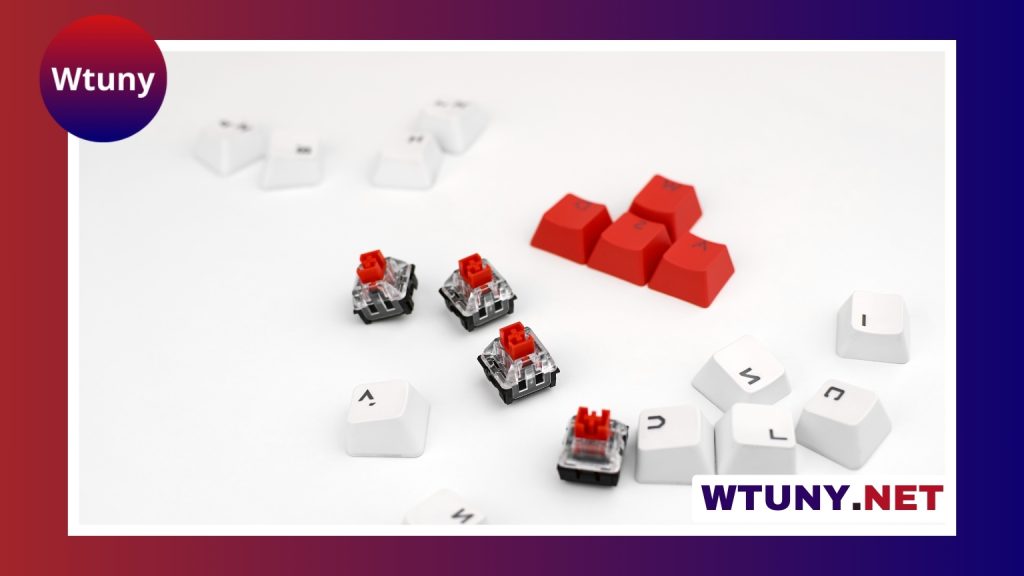
The main reason to choose the MX Mechanical Mini over a conventional wireless keyboard is its mechanical typing experience. Its low-profile switches are designed to provide a more distinct actuation and responsive key return while keeping the shorter travel associated with slim laptop keyboards.
For people moving up from a MacBook-style scissor keyboard, the extra tactile feedback can make keystrokes feel more deliberate. Users accustomed to full-height mechanical keyboards may appreciate the shorter, less bulky design. The relatively restrained sound profile also makes it more suitable for shared offices, home workspaces, and situations where a loud keyboard would be distracting.
The result is a middle ground rather than an extreme typing experience: more feedback and mechanical character than a typical low-profile office keyboard, but less height and travel than a traditional desktop mechanical board.
macOS features and customization
The Mac version includes modifier keys and legends intended for macOS workflows. Its function row provides access to common controls such as media functions, Spotlight, and Mission Control. This reduces the need to remember unfamiliar key mappings when switching from an Apple keyboard.
Logitech Options Plus provides additional customization. Depending on the user’s setup, keys can be remapped, application-specific shortcuts can be created, and backlight behavior can be adjusted. This is useful for writers, developers, designers, and anyone who repeats the same commands across a workday.
The keyboard also supports Logitech Flow. For people working across multiple computers, Flow can help move the cursor and clipboard between compatible devices, reducing the friction of switching from a Mac to another computer.
Wireless connections and everyday flexibility
The MX Mechanical Mini can pair with up to three devices over Bluetooth. Dedicated switching controls make it possible to move between paired computers without repeatedly opening system settings. This arrangement suits users who share one keyboard between a Mac, another computer, or a second workspace.
It can also be used with a USB-C cable for wired operation and charging. Battery endurance depends on factors such as backlight intensity and wireless usage, but the keyboard is designed to run for weeks between charges under typical conditions. The backlight can be useful in dim rooms, while adjusting it can help conserve battery power.
Its small size makes it easier to carry with a laptop than a full-size mechanical keyboard. At the same time, the compact board is substantial enough for focused desk work rather than being limited to occasional travel use.
Who should consider it?
- Writers and students: The tactile response can make extended typing more engaging than a flat laptop keyboard.
- Developers: Multi-device pairing and software remapping can support workflows that move between macOS and other systems.
- Creative professionals: The compact layout preserves desk space for other equipment and accessories.
- Remote and shared-workspace users: The low-profile switches offer mechanical feedback without the more pronounced sound of many full-height keyboards.
- Frequent travelers: The smaller form factor is easier to pack than a tenkeyless or full-size mechanical keyboard.
Points to weigh before buying
The compact layout is useful, but it does not provide a dedicated numeric keypad. Users who regularly enter numbers may prefer a full-size model. Likewise, anyone seeking deep firmware customization or extensive mechanical modification may find enthusiast-focused keyboards more flexible.
On the other hand, those alternatives may require more setup and may not offer the same Mac-oriented legends, straightforward device switching, or integrated Logitech software. The MX Mechanical Mini is aimed at users who want a polished, ready-to-use mechanical keyboard rather than a project that needs extensive tuning.
Final assessment
The Logitech MX Mechanical Mini for Mac offers a balanced upgrade for macOS users who want mechanical feedback in a smaller, laptop-friendly design. Its Mac-specific layout, low-profile switches, multi-device connectivity, USB-C charging, and software customization cover the needs of a wide range of desk and mobile workflows.
It is best suited to people who value compact design and convenient Mac integration more than a numeric keypad or enthusiast-level modification. For that audience, it provides a practical way to get a more substantial typing experience without the bulk of a traditional mechanical keyboard.






