
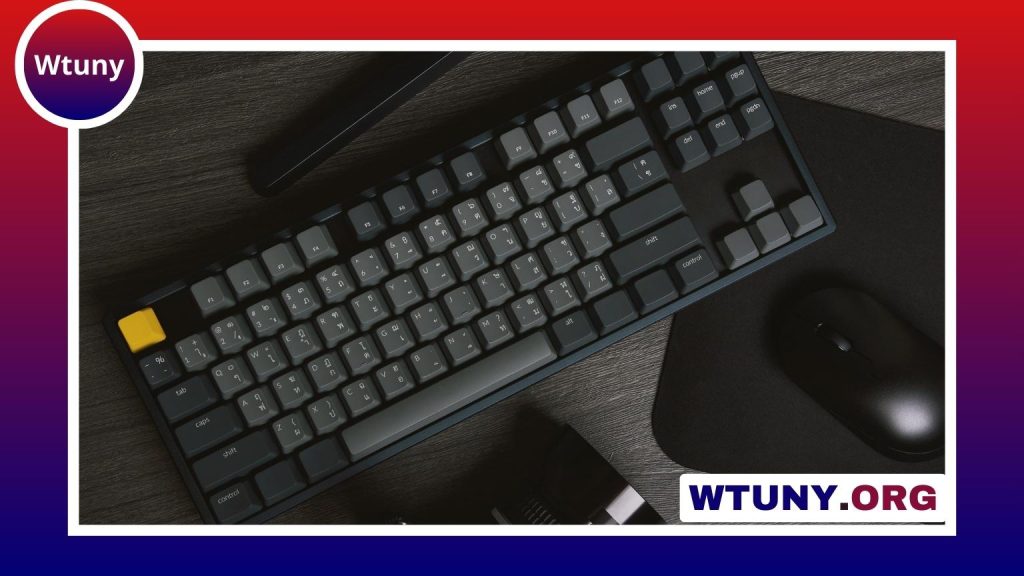
A Logitech Bluetooth mouse can make a laptop, tablet, or desktop setup more comfortable without adding another cable to your workspace. Models vary considerably in size, battery design, controls, and wireless options, so the best choice depends on how and where you plan to use it. Refer to Logitech model details for brand specific troubleshooting, compatibility, and mainstream feature comparisons.
Why choose a Logitech Bluetooth mouse?
Bluetooth is useful when you want a clean setup or need to preserve USB ports for other accessories. Once paired, the mouse can connect directly to a compatible computer or tablet without requiring a separate receiver. This makes Bluetooth models particularly convenient for thin laptops, mobile workstations, and travel.
Logitech Bluetooth mice are available in compact shapes for portability as well as larger designs intended for extended desktop use. Finishes such as black can suit a professional workspace, but comfort and control should matter more than appearance. A mouse that fits your hand well is usually a better long-term choice than one selected only for its color or size.
Bluetooth pairing and compatibility
Although the exact steps differ by model, pairing is normally completed in a few stages:
- Turn on Bluetooth on the computer, tablet, or other host device.
- Switch on the mouse and activate its pairing mode.
- Select the mouse from the host device’s list of available Bluetooth accessories.
- Move the mouse and test the buttons after the connection is established.
Before buying, check the model’s stated compatibility with your operating system and intended devices. Some mice support connections to more than one device and include a button for switching between them. This can be useful if you regularly move between a work computer, personal laptop, and tablet, but multi-device support should be confirmed for the particular model rather than assumed.
Bluetooth or USB receiver?
Bluetooth is convenient, but a mouse with both Bluetooth and a USB receiver offers more flexibility. The receiver can be helpful when the host device lacks Bluetooth, when you prefer a plug-in connection, or when you want an alternative if Bluetooth pairing becomes unreliable. A receiver may also be preferred for activities where consistent responsiveness is especially important.
However, a USB receiver occupies a port and can be easy to misplace during travel. If your computer has limited ports, Bluetooth may be the simpler everyday option. Consider how you normally work instead of choosing based on connectivity specifications alone.
Features worth comparing
Shape and comfort
Compact mice take up less room in a bag, while fuller designs may provide more support for the hand during long sessions. An ambidextrous shape can suit shared workspaces or users who switch hands. Grip texture, button placement, and the position of the scroll wheel also affect everyday comfort. Pairing a Logitech Bluetooth mouse with Xbox gaming microphones can create a smoother, more responsive gaming setup.
Buttons and customization
Basic models may be sufficient for browsing and office work. Other mice include additional buttons that can be reassigned through Logitech software. Custom button mapping can place common commands closer to hand, while macro-capable models may help with repetitive sequences in supported applications. Make sure the software and customization features are available for your operating system before relying on them.
Battery type
Rechargeable mice reduce the need to keep spare disposable batteries available, while replaceable-battery designs can be returned to service quickly with a fresh battery. Compare the charging method, expected usage pattern, and whether you are comfortable charging another device regularly.
Choosing a mouse for different uses
- Office and home work: Prioritize a comfortable shape, a dependable connection, and controls that make scrolling and navigation easy.
- Travel: Look for a compact design, sensible power management, and Bluetooth support so you do not need to carry a receiver.
- Creative software: Extra buttons, adjustable pointer sensitivity, and customizable controls may reduce repetitive actions.
- Gaming: If wireless responsiveness is a high priority, consider a model offering both Bluetooth and a USB receiver, then check the model’s specific performance features.
A mousepad can also improve consistency by providing a clean, predictable surface. Choose one that gives the sensor and your preferred movement style enough room, particularly if you make broad pointer movements or need precise control.
Maintenance and troubleshooting
Keep the sensor window, mouse feet, and surrounding surface free from dust and debris. Clean the exterior with an appropriate dry or lightly damp cloth, and follow the manufacturer’s guidance for charging and battery replacement. During travel, a protective pouch can help prevent scratches and accidental button presses.
If the mouse will not connect, check its power switch and battery level first. Confirm that Bluetooth is enabled, remove an outdated pairing if necessary, and place the mouse back into pairing mode. Moving closer to the host device can help rule out connection problems. For models with Logitech software, installing the supported software and checking for available device updates may also resolve configuration or customization issues.
Make the setup your own
The right Logitech Bluetooth mouse should match your hand, devices, and daily tasks. Bluetooth keeps the workspace simple, a USB receiver provides an alternative connection, and programmable controls can improve repetitive workflows. By checking compatibility, comfort, battery design, and the features you will actually use, you can choose a mouse that remains practical well beyond the initial setup.






