
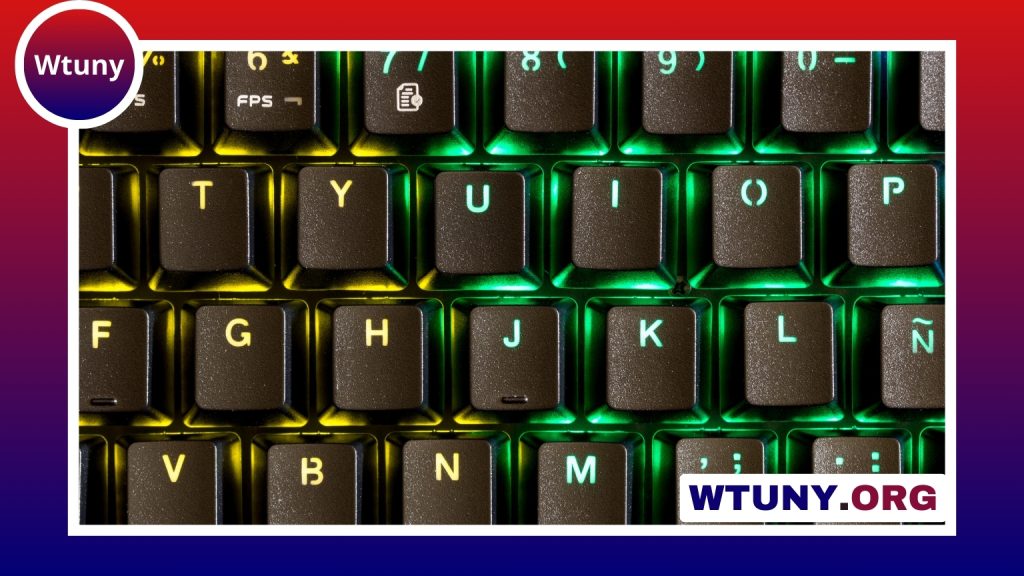
The Corsair K70 Core is designed for users who want a capable mechanical keyboard for gaming, typing, and everyday desktop work without moving into the most expensive product tier. It combines a sturdy design, responsive mechanical switches, configurable lighting on supported versions, and software-based customization through Corsair’s iCUE ecosystem.
Rather than focusing on one specialist use case, the K70 Core aims to be a dependable all-rounder. The right configuration depends on whether you prefer a compact layout, a full-size keyboard with a number pad, tactile or linear switches, and simple lighting or more extensive RGB control.
Design and everyday build quality
The keyboard follows Corsair’s familiar K70 design language, with clean lines and a solid top plate that gives the chassis a firm feel during use. The available layout can vary by version, with full-size and tenkeyless configurations represented in the product range described by the legacy material. A tenkeyless model leaves more room for mouse movement, while a full-size version is more convenient for users who regularly work with a number pad.
The keyboard is intended to remain stable during fast typing and gaming. Its restrained bezel and conventional key arrangement also make it easy to place on a variety of desks. The included keycaps provide a practical starting point, although users who care about long-term texture, appearance, or customization may eventually prefer aftermarket PBT keycaps.
Switch choices and typing feel
Switch availability depends on the market and specific version. The legacy coverage identifies Cherry MX Red, Brown, and Speed Silver options among the configurations associated with the K70 Core.
- Cherry MX Red: A smooth linear option suited to users who prefer an uninterrupted keypress and a light, consistent feel.
- Cherry MX Brown: A tactile choice that offers noticeable feedback and works well for a mixture of gaming and regular typing.
- Speed Silver: A shorter-travel linear option for users who want a faster-feeling keystroke.
Red switches are a versatile choice for gaming, while Brown switches can be more comfortable for people who spend much of the day writing or entering information. Speed Silver may appeal to users who specifically value reduced travel, but switch preference is highly personal. If possible, trying the switch type before buying is worthwhile.
Gaming and productivity performance
In games, the K70 Core is built around precise, consistent input. Its mechanical switches and anti-ghosting support are intended to help register simultaneous key presses reliably, which is useful in action games, shooters, MOBAs, and other titles that require several inputs at once.
The tenkeyless format can be especially attractive to competitive players because it provides additional space for broad mouse movements. A full-size version may be a better fit for users who frequently use spreadsheets, numeric entry, or keyboard shortcuts involving the number pad.
The same characteristics translate well to productivity. Brown switches provide physical feedback while typing, whereas linear switches offer a smoother motion. Programmable keys and media controls, where included on the particular model, can also reduce repetitive steps during work, streaming, or content creation.
Lighting and iCUE customization
Some K70 Core versions emphasize simpler lighting, while the K70 Core RGB variant provides per-key RGB lighting and expanded effects. RGB features are managed through Corsair’s iCUE software, where users can adjust colors, choose animated patterns, create profiles, and coordinate supported Corsair devices.
iCUE also provides tools for remapping keys and creating macros. Basic lighting adjustments are relatively approachable, while more advanced profiles and macro sequences require additional setup. Users who do not want keyboard software running continuously can rely on onboard settings and built-in shortcuts for essential functions, although software offers the broadest control.
Maintenance and upgrade potential
Routine care is straightforward. Disconnect the keyboard, remove loose dust with appropriate cleaning tools, and use a keycap puller when deeper cleaning is needed. Avoid allowing moisture to enter the switches or electronics.
Standard replacement keycaps can provide an easy way to refresh the appearance or change the feel of the board. This gives owners a practical upgrade path without requiring specialist technical work. Enthusiasts seeking boutique switches, premium keycap materials, or a more extensively modified typing sound may still prefer a higher-end or enthusiast-focused keyboard.
Is the K70 Core a good fit?
The K70 Core makes the most sense for gamers and general power users who want mechanical performance, a sturdy design, and accessible customization. Choose the layout based on desk space and number-pad needs, then select the switch type according to your preferred typing feel. The RGB version is the more suitable choice if per-key lighting and synchronized effects are important to your setup.
It may not satisfy buyers who expect premium keycaps, boutique switches, or extensive enthusiast-level modification from the box. For mainstream users, however, the K70 Core offers a balanced combination of gaming responsiveness, everyday usability, and software control.






