
A futuristic computer keyboard is more than a redesigned set of keys. It combines advanced switches, software controls, sensors, displays, and ergonomic features to create an input device that can adapt to different users and tasks. Instead of offering the same layout and key response in every situation, these keyboards aim to make typing, gaming, creative work, and accessibility workflows more personal and efficient. Explore how futuristic innovations rely on advanced key switches to enable tactile precision and programmability.
Adaptive key feel and tactile feedback
Traditional keyboards provide a fixed amount of travel, resistance, and feedback. Newer concepts and high-end designs can make these characteristics adjustable. Electromagnetic or piezoelectric components may be used to vary the force required to press a key or to change the sensation produced when it is activated.
This flexibility could let a user choose a quiet, cushioned profile for writing or a sharper response for gaming. Adjustable actuation may also help people reduce the force used during long sessions. Tactile or haptic confirmation can provide a clear indication that a keypress has registered without relying entirely on sound.
Keys that change with the task
One of the defining ideas behind a futuristic keyboard is a dynamic layout. Instead of permanently printed legends, individual keys may use small OLED or e-ink displays to show changing labels, icons, or shortcuts. The same physical keyboard could present editing commands in a video application, controls for a music program, or additional characters for multilingual typing.
Dynamic legends can make programmable features easier to discover. Rather than memorising every shortcut or relying on a separate reference sheet, users can see the current function directly on the key. Software profiles may also create separate layers for work, gaming, streaming, design, or general typing.
Software integration
A keyboard becomes more useful when its firmware or companion application can respond to the active program. Application commands can be assigned to dedicated keys, while the displayed labels update when the user changes modes. A designer might see tool-specific commands, a streamer might use visible controls for scenes and alerts, and a developer might create layers for frequently used commands.
This approach turns the keyboard into an extension of the software interface. It can expose advanced features without requiring a large collection of permanent buttons.
Advanced switches and modular construction
Switches remain central to the feel, speed, and service life of any keyboard. Optical switches register input by detecting an interruption or change in light, reducing reliance on traditional metal contacts. Hall effect switches use changes in a magnetic field to detect key movement and can support adjustable actuation behaviour.
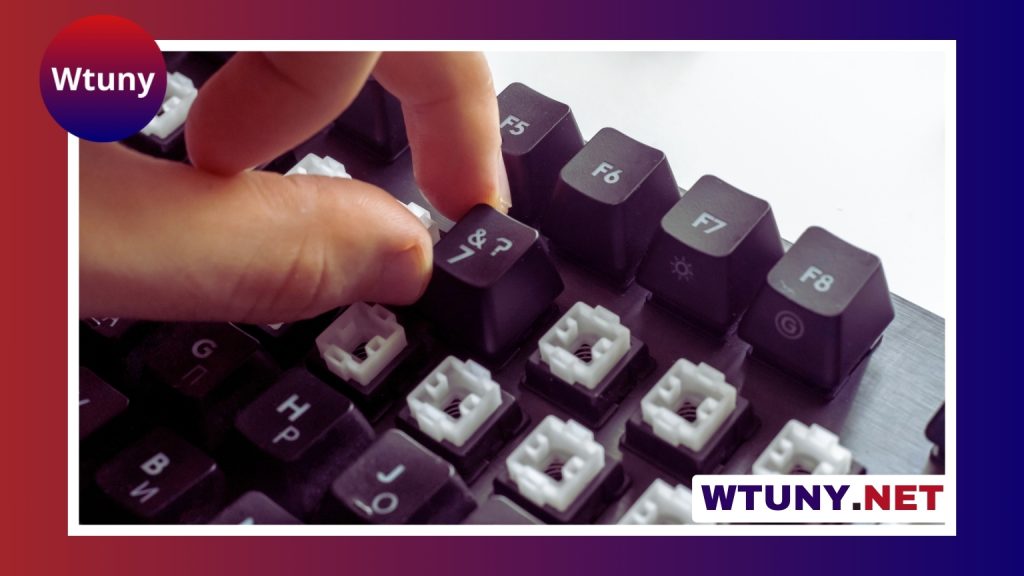
These technologies are often associated with fast response and reduced contact wear, although the overall experience still depends on the keyboard’s firmware, construction, and software. Hot-swappable sockets and modular switch designs also make it possible to replace or customise switches without soldering. This can extend the useful life of the device and allow users to experiment with different key responses. Explore biometric typing hardware for a futuristic keyboard upgrade that adds personalized access control without disrupting familiar key feel.
Durability may also come from reinforced polymers, metal frames, protective surface treatments, and recyclable composite materials. A long-lasting keyboard is easier to maintain and less likely to require early replacement.
Wireless performance and intelligent power use
Modern futuristic keyboard designs often support more than one connection method. A dedicated 2.4 GHz wireless connection can be paired with Bluetooth Low Energy for switching between a computer, tablet, and phone. For demanding applications, low-latency communication is particularly important, while secure pairing and encrypted transmissions help protect the wireless connection.
Power management is another important part of the design. Features such as backlighting, wireless polling, displays, and haptic feedback can increase battery use. Intelligent systems may adjust these settings according to activity, brightness, or battery level. Wireless charging pads, contactless docks, and rapid-charging batteries can reduce interruptions, while some designs explore solar cells or ambient energy harvesting for low-power maintenance.
AI, gestures, and accessibility
Some futuristic keyboards include local predictive typing, spelling assistance, and shortcut suggestions. Keeping these functions on the device can make them responsive and may offer greater control over how typing data is handled. Gesture-sensitive strips or surfaces can add controls for scrolling, volume, timeline navigation, or other frequent actions.
Accessibility is equally important. Pressure-sensitive keys, adjustable actuation thresholds, one-handed layouts, and programmable layers can support users with different physical abilities or movement patterns. Proximity sensors may wake the keyboard when hands approach, while integrated biometric features such as fingerprint readers can provide a convenient authentication option where supported.
Who can benefit from a futuristic keyboard?
- Gamers: Adjustable actuation, rapid input, macros, and low-latency wireless connections can support responsive controls.
- Developers and power users: Programmable layers and contextual labels can make complex command sets easier to access.
- Creative professionals: Dynamic controls can be mapped to editing timelines, design tools, music software, and production workflows.
- Workplaces and industrial environments: Durable construction, modular parts, and secure connectivity can support intensive use.
- Users seeking greater comfort or access: Custom layouts, pressure detection, and alternative actuation options can accommodate different needs.
Choosing the right direction
The most futuristic feature is not necessarily the most useful one for every person. A display on every key may be valuable for a professional workflow but unnecessary for ordinary typing. Similarly, adaptive switches, wireless charging, or gesture controls may add complexity and cost without improving a simple setup.
The strongest designs combine practical ergonomics with reliable hardware and software that users can configure. By blending tactile control, dynamic interfaces, connectivity, and accessibility, the futuristic computer keyboard moves toward a broader goal: adapting the input device to the person and the task rather than requiring the user to adapt to a fixed layout.






