
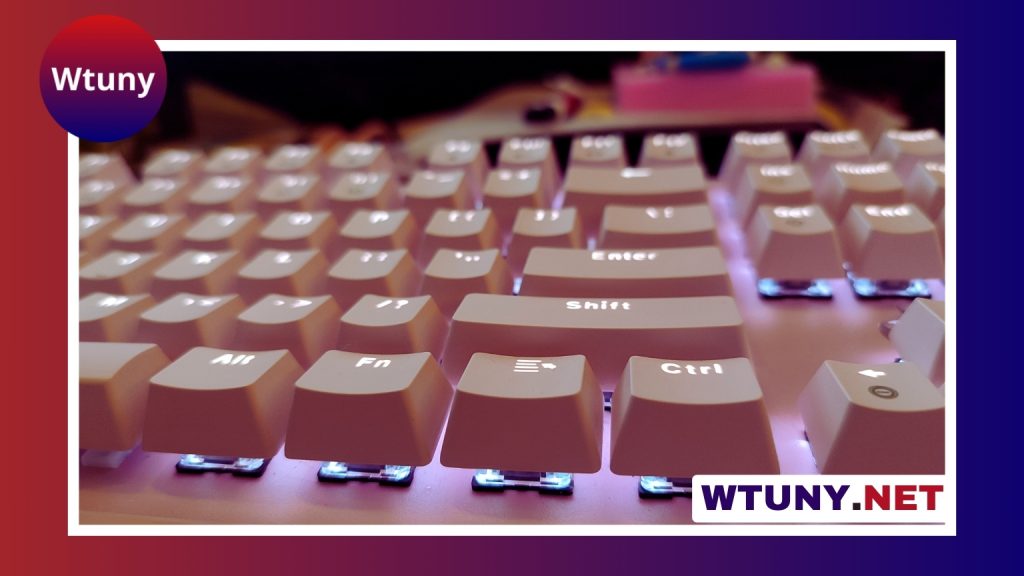
Pop Icon Keys bring personality to a keyboard through bright colors, recognizable motifs, and carefully chosen textures. They are designed for people who want more than a standard set of black or gray keycaps, whether they are assembling a custom mechanical keyboard or refreshing an everyday desk setup. Fans of Pop Icon Keys often add pop icon keycaps to personalize and upgrade their keyboard setups.
A new keycap set can change the appearance of a board immediately, but the choice also affects how the keyboard feels and sounds. Material, profile, layout, and switch compatibility all matter. With a little planning, a playful design can become part of a comfortable and practical workstation rather than a purely decorative addition.
What are Pop Icon Keys?
Pop Icon Keys are themed keycaps influenced by pop culture, graphic design, and familiar visual symbols. Some sets use bold color blocks and simplified legends, while others rely on small illustrations or distinctive accent keys. The result may be a complete themed keyboard or a more restrained layout with a few standout keys.
These keycaps fit into the wider world of keyboard customization. Replacing the original caps is one of the simpler ways to personalize a board, and it can also make frequently used keys easier to identify. For example, a contrasting color can mark movement keys, shortcut keys, or other controls that you reach for repeatedly.
Material and profile choices
The material influences both the surface feel and long-term appearance of a keycap set.
- ABS: Usually has a smoother finish and can produce vivid colors. With frequent use, its surface may develop a noticeable shine.
- PBT: Commonly has a more textured feel and generally resists surface wear better than ABS. It is often preferred by people who want a less glossy finish over time.
Profile is equally important. Cherry, OEM, and SA are examples of common profiles, and each changes the height, shape, and contour of the rows. A taller profile may feel more sculpted, while a lower or more familiar profile can make the transition from a standard keyboard easier. The best option depends on typing habits, hand comfort, and personal preference.
Check compatibility before buying
A visually appealing set is only useful if it fits the keyboard. Start by identifying the board’s layout and the keys it requires. ANSI, ISO, 60 percent, tenkeyless, and full-size keyboards use different arrangements and may need different key counts or unusual key sizes.
Review the product’s included-key diagram rather than assuming that every set covers every layout. Pay particular attention to the space bar, right Shift key, Enter key, bottom row, and other keys that vary between boards. If the keyboard has a nonstandard or split layout, look for a set that specifically includes the necessary specialty keys.
Also confirm that the keycaps are compatible with the switches on the keyboard. The mounting style must match, and the stabilizer arrangements for larger keys need to be suitable. If any part of the fit is unclear, measuring the existing keycaps and checking the manufacturer’s specifications is safer than relying on the theme or photographs alone. For a softer visual twist on pop-inspired instruments, explore lilac piano keys and their distinctive pastel charm.
Installing a themed keycap set
Installation is usually straightforward. Disconnect the keyboard if appropriate, then use a keycap puller to lift each original cap straight upward. Avoid twisting aggressively, since that can place unnecessary stress on the switch stem.
Before pressing on the new caps, arrange them in rows or compare them with the keyboard layout. This is especially helpful with sculpted profiles, where each row may have a different shape. Press each cap down gently and evenly. For the space bar, Shift, Enter, and other stabilized keys, check that the stabilizers are seated correctly and that the key moves without catching.
Building a coordinated setup
Pop Icon Keys can be the main visual feature of a desk or one element in a larger theme. A matching desk mat, wrist rest, custom cable, or artisan spacebar can reinforce the color palette. Lighting can add another layer, although a restrained setup may benefit from letting the keycaps provide the main contrast.
The switches also affect the final result. Linear and tactile switches can produce different typing sensations, while the combination of switch, material, and profile influences the board’s sound. If productivity is the priority, place decorative accent keys where they will not interfere with the most frequently used parts of the layout.
Cleaning and maintenance
Dust can be removed with a soft brush or air blower. For a deeper clean, remove the keycaps and wash suitable caps with mild soapy water, then rinse and dry them completely before reinstalling. ABS caps are better treated more cautiously with a slightly damp cloth when their finish or legends may be sensitive.
Avoid harsh chemicals, abrasive scrubbing, and reinstalling caps while they are damp. Keeping food, drinks, and oily residue away from the board will also help preserve the legends and surface texture. If the set includes spare caps, rotating heavily used keys can reduce uneven wear.
Used thoughtfully, Pop Icon Keys offer an accessible way to make a keyboard feel more personal without replacing the entire board. By balancing design with layout compatibility, material, profile, and maintenance, you can create a setup that is distinctive, comfortable, and practical for everyday use.






