
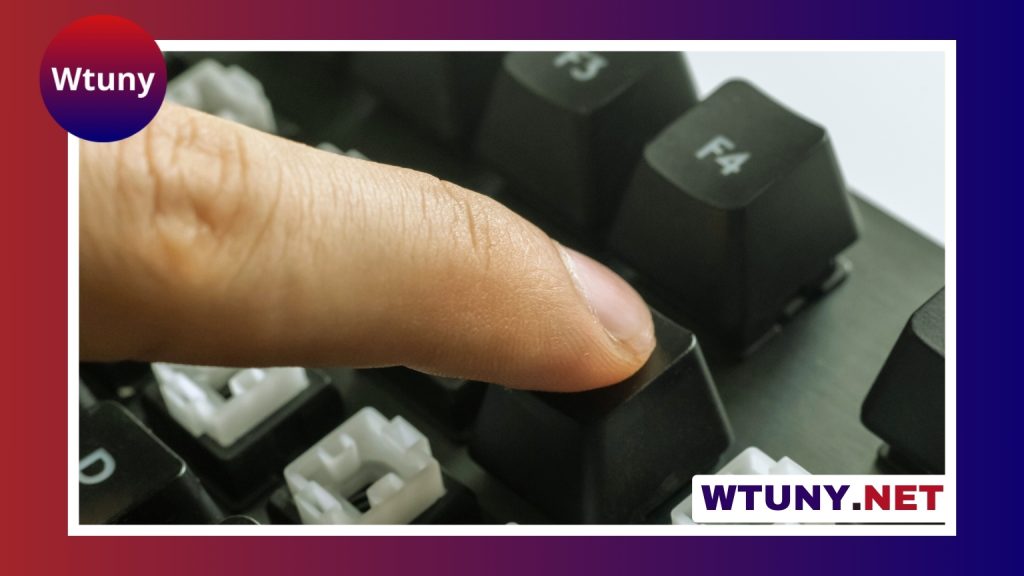
A Cherry MX keyboard combines a mechanical switch design with the features of a complete keyboard, including its layout, keycaps, stabilizers, case, and electronics. Cherry MX switches have become a familiar reference point in mechanical keyboards because they are available in several distinct feels and are built for extensive use. The best choice depends less on the name alone and more on how you type, where you use the keyboard, and which features matter most to you. Explore a switch type overview to connect Cherry MX switch details with broader keyboard features and innovations.
Understanding Cherry MX switches
Cherry MX switches are commonly grouped into three categories: linear, tactile, and clicky. Each category changes how a key feels as it moves and how much feedback it provides before the keypress is complete.
- Linear switches: These move smoothly from top to bottom without a tactile bump. Cherry MX Red and Black are familiar examples. They are often chosen by people who prefer an uninterrupted keypress and a lighter or firmer feel.
- Tactile switches: These provide a noticeable bump during travel, offering physical confirmation that the key is being pressed. Cherry MX Brown is a widely known option for users who divide their time between typing and gaming.
- Clicky switches: These combine tactile feedback with a distinct click sound. Cherry MX Blue is associated with this style and can be enjoyable for deliberate typing, although the noise may not suit shared rooms or offices.
Cherry also offers variants aimed at different priorities. Speed or Silver switches are designed around a shorter travel and actuation point, while Silent versions use dampening to reduce operating noise. Switch names provide a useful starting point, but trying a keyboard or switch tester is the most reliable way to judge the feel for yourself.
Features that matter beyond the switches
The switch is important, but it is only one part of the typing experience. Two keyboards with the same Cherry MX switches can feel and sound very different because of their construction.
Build and typing feel
Plate material affects stiffness, flex, and acoustics. Metal plates generally create a firmer feel, while plastic construction may allow more flexibility. The case also influences resonance, so the same switch can sound different in different keyboard designs.
Stabilizers support larger keys such as the spacebar, Enter, and Shift. Well-tuned stabilizers make these keys feel more balanced and help reduce rattle or wobble. Keycaps matter as well: PBT caps are generally valued for their resistance to developing a shiny surface, while ABS caps can offer a different texture and sound.
Electronics and convenience
For gaming and fast-paced input, features such as anti-ghosting and full N-key rollover help the keyboard register multiple simultaneous keypresses reliably. Customizable RGB lighting may be useful for appearance or visibility, but it should not take priority over switch feel, key stability, and construction quality.
A hot-swappable PCB is especially useful if you expect to experiment. It allows compatible switches to be changed without soldering, making it easier to compare Cherry MX options and other compatible designs. If a keyboard is not hot-swappable, changing switches generally requires more technical work. Cherry MX enthusiasts may appreciate industrial keyboard options when durability and reliable performance matter in demanding workspaces.
Choosing the right layout
Keyboard size affects both desk space and daily convenience.
- Full-size: Includes the number pad and is practical for frequent spreadsheet or numerical entry.
- Tenkeyless: Removes the number pad while retaining the main navigation and function-key areas, leaving more room for a mouse.
- Compact layouts: Smaller designs, including 60 percent keyboards, save space but may place navigation and function commands on secondary layers.
A compact keyboard can be easier to carry and may create a cleaner desk setup. A full-size model is often more convenient when a dedicated number pad is part of your routine.
Can a Cherry MX keyboard be customized?
Many Cherry MX keyboards can be adjusted to better match a user’s preferred sound and feel. Replacing the keycaps is one of the simplest changes. Different materials and profiles can alter finger comfort, key height, appearance, and acoustics.
More involved modifications may include lubricating switches to reduce friction, changing springs to alter resistance, or adding switch films where appropriate. Case or PCB foam can also change resonance. These modifications are optional, and a well-designed keyboard should provide a satisfying experience before any alterations are made.
Matching a keyboard to your use
For gaming, a smooth linear or speed-oriented switch may appeal to users who want consistent movement and low resistance. Writers and frequent typists may prefer tactile feedback, while clicky switches suit people who enjoy a pronounced sound and keystroke response. In a shared workspace, Silent switches are a more considerate option than loud clicky designs, though the overall keyboard sound also depends on the case, keycaps, and stabilizers.
When comparing models, start with the switch type and layout, then examine construction, keycap quality, stabilizer performance, connectivity, and hot-swap support. A Cherry MX keyboard is most satisfying when those elements work together to suit your habits rather than simply matching a particular switch name.






