
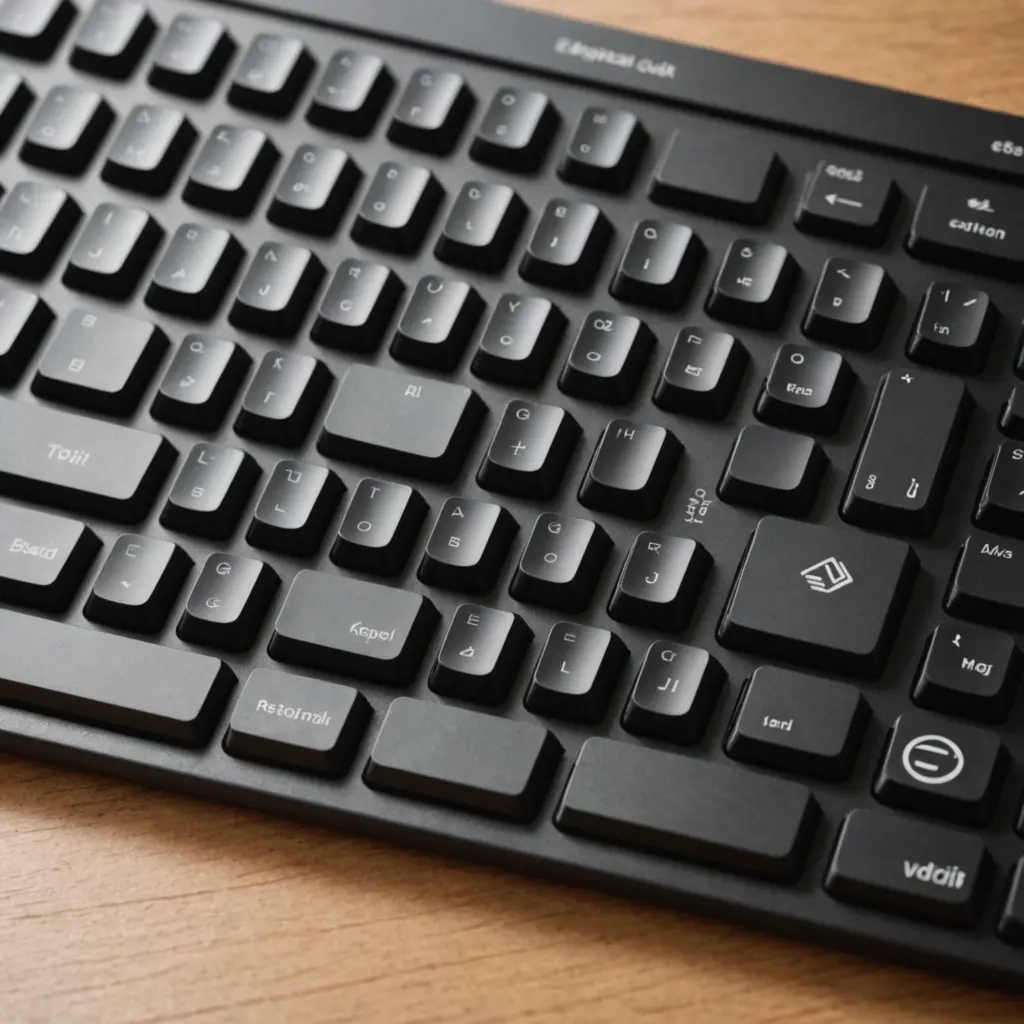
Blush nano switches are designed for compact mechanical keyboards, macro pads, and other small-form-factor builds. Their appeal comes from a combination of reduced size, shorter travel, and a soft pink or rose-colored appearance. Depending on the specific model, they may offer a linear or lightly tactile feel, making them suitable for builders who want a direct, space-saving keypress without giving up the customization associated with mechanical keyboards.
What are blush nano switches?
The term “nano” generally describes a smaller switch format rather than one fixed switch design. Compared with traditional full-height mechanical switches, nano switches typically use a more compact housing and reduced key travel. This makes them useful in layouts where every millimetre matters, including 40% keyboards, portable wireless boards, split keyboards, mechanical numpads, and dedicated macro pads.
“Blush” usually identifies the switch’s colour or visual theme. The housing or stem may use a pink, blush, or rose tone, giving the switch a distinctive appearance beneath translucent or partially open keycaps. Colour alone does not determine how a switch feels, however. Spring weight, stem design, lubrication, and housing tolerances all affect the final typing experience, so the specifications for the exact model should be checked before purchase.
Feel, construction, and sound
Like other mechanical switches, a blush nano switch is built around a stem, upper and lower housing, spring, and contact mechanism. Its smaller dimensions can change the amount of travel and the overall shape of the keypress. Many examples are aimed at a smooth linear experience, while some may have a small tactile bump.
Materials and tuning also influence performance. Low-friction stem materials and well-fitted housings can help reduce scratchiness, while lubrication may further smooth the movement and limit spring noise. An untreated switch may sound brighter or feel less refined, whereas a lubricated switch can produce a softer and more controlled result. Case construction, plate material, keycaps, and internal dampening often have as much influence on sound as the switch itself.
Blush nano switches versus red nano switches
Blush and red nano switches are often compared because both may be offered as compact linear options. Red nano switches are commonly associated with a familiar low-resistance linear profile, while blush variants may differ in spring weight, stem tuning, or marketing emphasis. These differences are not universal across every product sold under those names.
Choose between them by comparing measurable specifications and physical samples rather than colour alone. A switch tester can help you evaluate resistance, smoothness, travel, and noise before committing to a full set. Builders who want a traditional, easy-press linear feel may prefer a red nano option; those prioritising a blush colour scheme or a particular tuning may favour the blush version.
Check compatibility before buying
Compatibility is the most important consideration when choosing a nano switch. Compact switches do not necessarily share the same dimensions, mounting points, or keycap interface as standard mechanical switches. Confirm the following details for your keyboard or PCB:
- Whether the board is designed for the specific nano switch format.
- Whether the PCB uses compatible hot-swap sockets or requires soldering.
- Whether the switch is intended for plate mounting, PCB mounting, or a particular mounting arrangement.
- Whether the stem matches the keycaps you plan to use.
- Whether the plate openings and stabilised keys are compatible with the switch housing.
Some aftermarket keycaps may not seat correctly on smaller or differently shaped switch stems. If the documentation is unclear, test one switch and one keycap before installing a complete build.
Installation and tuning tips
For a hot-swappable board, align the switch carefully and press it straight into the socket. Forcing a misaligned switch can bend its pins or damage the socket. On a soldered board, use a fine-tip iron and take care not to overheat the PCB or surrounding components.
If the switches feel scratchy or produce spring noise, a small amount of suitable switch lubricant may improve the result. Lubrication should be applied sparingly and kept away from the electrical contact area. Switch films, case foam, or other dampening materials can also change the sound, although their effectiveness depends on the board’s construction. Make changes gradually so you can identify which modification produced the improvement.
Maintenance and troubleshooting
Keep keycaps and the surrounding plate free from dust and debris, as contamination can affect a small switch mechanism. If a key becomes inconsistent or stops registering, first check the keycap, switch alignment, socket, and solder joints. A switch tester or multimeter can help identify whether the problem is mechanical or electrical. For hot-swap boards, moving the suspect switch to another compatible position can also help isolate the fault.
Are blush nano switches right for your build?
Blush nano switches make the most sense when compact dimensions, reduced travel, and a distinctive appearance are central to the design. They can work well in portable boards, small layouts, and specialised peripherals, but their benefits depend on exact compatibility and tuning. Compare the switch specifications, test the feel when possible, and plan the keycap and mounting system before ordering. With those checks completed, blush nano switches can provide a cohesive look and a responsive mechanical feel in a compact custom keyboard.






