
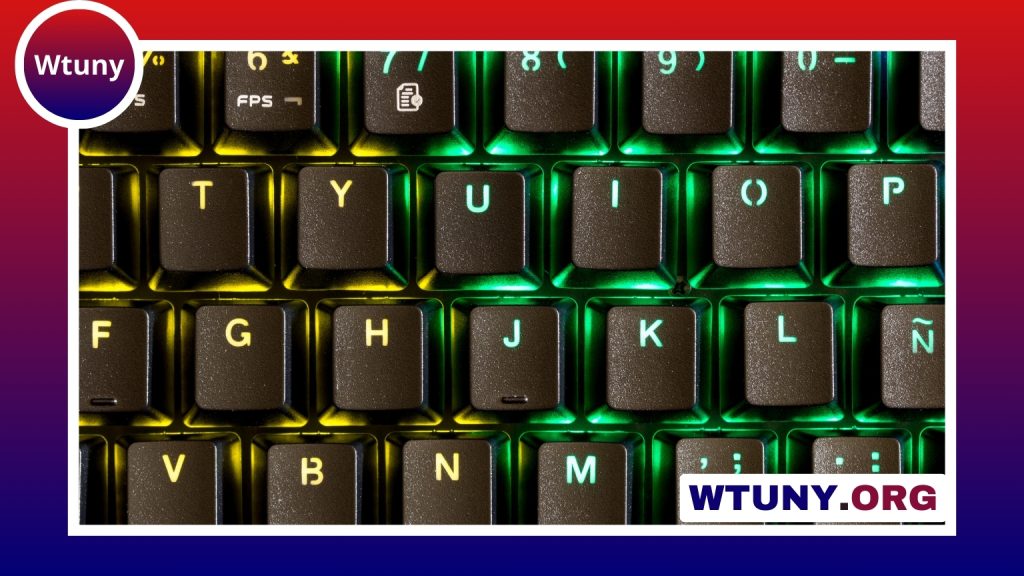
A typing instrument is more than a collection of keys. Its layout, switch feel, size, and adjustability all influence how comfortably and accurately you work. For some people, the best choice is a familiar full-size keyboard. Others may benefit from a compact board, a dedicated type keypad, or an ergonomic split design. Consider ergonomic typing tools to enhance comfort and choose complementary accessory options for your keyboard.
The right device depends on what you type, how long you use it, and how much desk space you have. Understanding the main options makes it easier to build a setup that supports writing, coding, gaming, data entry, or other input-heavy tasks.
What is a typing instrument?
A typing instrument is a device designed primarily for text and command input. The term includes conventional computer keyboards as well as smaller or more specialised devices, such as mechanical keyboards, ergonomic split boards, ortholinear layouts, and programmable type keypads.
Several design choices affect the typing experience:
- Layout: The position and number of keys determine how easily you can reach common commands.
- Switch or key mechanism: This controls the force, travel, sound, and tactile feedback of each press.
- Size: A larger keyboard offers more dedicated keys, while a compact model leaves more room for a mouse or other equipment.
- Ergonomics: Split designs, tenting, adjustable angles, and appropriate wrist support can influence comfort during long sessions.
- Programmability: Custom layers, remapped keys, and macros can reduce repetitive actions in specialised workflows.
Common types of typing instruments
Full-size keyboards
A full-size keyboard generally includes the main typing area, function row, navigation keys, and a dedicated number pad. It is a practical choice for people who frequently enter numbers or rely on separate keys for spreadsheets, office software, and other applications. Its larger footprint may be less suitable for a small desk.
Tenkeyless and compact keyboards
Tenkeyless keyboards remove the number pad while retaining most of the conventional layout. Smaller compact models may also combine or layer navigation and function keys. These designs free up desk space and bring the mouse closer to the body, but they can require shortcuts or a short adjustment period.
Ergonomic and split keyboards
Split keyboards separate the left and right halves of the typing area. Some also allow the halves to be angled or tented. These features can give users more flexibility in positioning their hands and arms. Ergonomic designs are especially worth considering if a conventional flat keyboard feels uncomfortable during extended use.
Type keypads and specialised devices
A type keypad is a compact input device focused on a smaller selection of keys. It can serve as a portable typing tool, a numeric pad, or a companion to a primary keyboard. Programmable models can be assigned to shortcuts, macros, or frequently used commands.
This modular approach is useful when a workflow benefits from dedicated controls. For example, an editor might assign shortcuts to a keypad, while a spreadsheet user might prefer a separate numeric input device. A keypad can also add useful controls without replacing a keyboard that already feels comfortable. For a responsive typing instrument, explore the Wooting 60HE home key and its customizable input behavior.
Match the instrument to the way you work
Writers and other heavy typists often value predictable key response and a comfortable hand position. Tactile switches may provide noticeable feedback without requiring the sharper sound associated with clicky mechanisms, although personal preference remains important.
Programmers may prefer a compact or split layout that leaves room for a mouse and supports frequent use of symbols, modifiers, and shortcuts. Gamers often look for responsive input, reliable simultaneous key registration, and convenient access to programmable controls. People who enter numbers regularly may find a full-size keyboard or separate type keypad more efficient than a compact layout.
Portability is another major consideration. A smaller keyboard or keypad is easier to move between workspaces, while a larger instrument may provide a more complete and familiar set of dedicated controls.
Features worth comparing
- Switch type: Linear, tactile, and clicky mechanisms offer different levels of resistance, feedback, and sound.
- Key rollover and anti-ghosting: These features help a device register multiple key presses reliably, which can matter for games and shortcut-heavy work.
- Hot-swappable switches: Compatible sockets allow switches to be changed without soldering.
- Programmable firmware: Custom layers and remapping can adapt the instrument to particular applications.
- Wireless or detachable connections: These options can make a setup easier to move or keep tidy.
- Keycap design: Shape and surface texture affect finger placement, sound, and overall feel.
Build a comfortable typing setup
A typing instrument works best when it fits naturally into the rest of the workstation. A supportive wrist rest may help some users, while others prefer to keep their wrists lightly elevated or use a keyboard with adjustable feet. Desk height, monitor position, mouse placement, and cable management can also affect how relaxed the setup feels.
When possible, try different layouts and switch types before buying. Pay attention to whether the keys feel easy to reach, whether the device encourages awkward wrist angles, and whether the sound is appropriate for your environment. Comfort should be assessed over a realistic typing session rather than by appearance alone.
Maintenance and upgrades
Regular cleaning helps prevent dust and debris from affecting key feel. Remove loose particles carefully, and use suitable tools when taking off keycaps. Mechanical keyboards may also support gradual upgrades, including replacement switches, keycaps, cables, or detachable wrist rests.
Choose a typing instrument according to your workflow, available space, and preferred feedback. A well-matched keyboard or type keypad should make common actions feel natural, reduce unnecessary reaching, and remain comfortable throughout the tasks you perform most often.






