
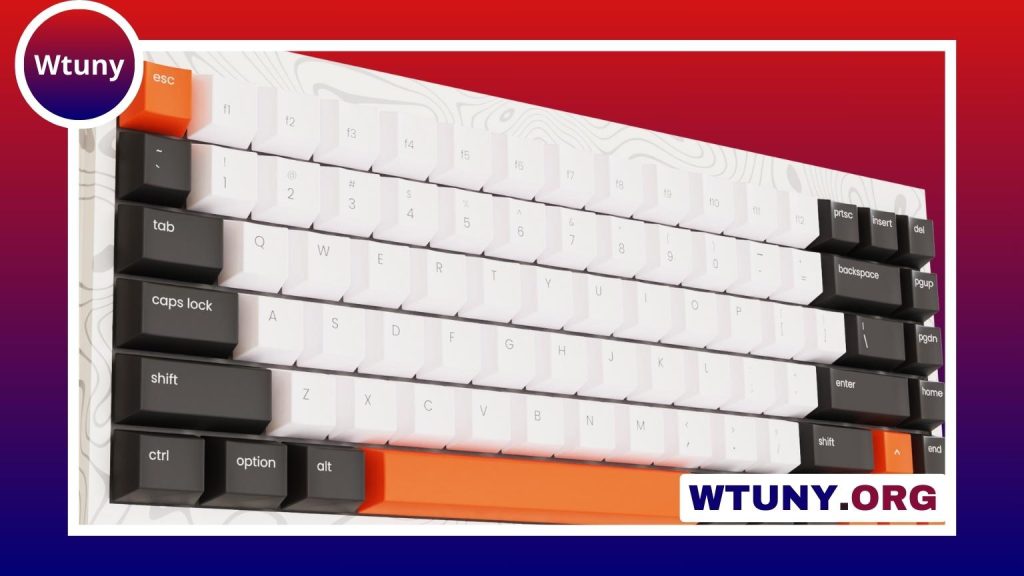
A typewriter-style keyboard can give an iPad a more deliberate, satisfying way to handle text. It combines the portability and software flexibility of a tablet with the physical feedback, visual character, and familiar layout of a traditional keyboard. For writers, students, and anyone who prefers real keys to an on-screen keyboard, this setup can turn an iPad into a compact writing station.
Why use a typewriter keyboard with an iPad?
The main appeal is the typing experience. Physical keys provide travel and feedback that a touchscreen cannot reproduce, which may make longer writing sessions feel more comfortable and controlled. A dedicated keyboard can also help separate writing from the many distractions available on a tablet.
The vintage styling is another advantage. Rounded keycaps, contrasting colours, and a raised profile can make a desk feel more personal and may encourage a regular writing routine. However, the best choice should balance appearance with practical concerns such as comfort, portability, and reliable connection.
Important features to consider
Compatibility and connection
Most iPad keyboard setups use Bluetooth, making them suitable for a clean desk and mobile use. Before buying, check that the keyboard works with your iPad model and operating system. You should also confirm how it is powered, whether through rechargeable batteries, replaceable batteries, or a cable.
A wired option may appeal to users who prefer a direct connection, but it can require the appropriate adapter and may be less convenient when travelling. Wireless models are generally easier to position, especially when the iPad is placed on a separate stand.
Switch type and typing feel
Many typewriter-inspired keyboards use mechanical switches, although the design itself does not guarantee a particular switch type. Tactile switches offer noticeable feedback without necessarily producing the loudest sound. Clicky switches provide a sharper sound and response, while linear switches move more smoothly with less bump.
Noise matters if you share an office, work in a library, or write near other people. If possible, try the keyboard or listen to a recording of its sound before choosing. Key spacing, key height, and the resistance of each key can affect comfort just as much as the switch mechanism.
Layout and iPadOS shortcuts
A compact layout saves space and is easier to carry, but it may omit dedicated navigation keys, a number pad, or other controls. Think about the tasks you perform most often. Writers may prefer a simple layout, while office users could benefit from full-size arrow keys and convenient media or function controls.
Also check how the keyboard handles common iPad shortcuts. A keyboard that works well with app switching, text selection, copy and paste, and other system commands can make the tablet feel much more like a traditional computer.
Ergonomics and desk setup
A typewriter-style keyboard is not automatically ergonomic. Some models are tall, and their raised keys may place the wrists in an uncomfortable position if the keyboard is used on a flat surface for long periods. A separate iPad stand can help position the screen at a comfortable viewing height, while a low-profile wrist rest may reduce pressure at the edge of the keyboard.
Keep the screen far enough away that you are not leaning forward, and adjust the angle of the iPad so you can read without bending your neck. If you write for extended periods, take regular breaks and vary your posture.
Useful setups and everyday uses
An iPad paired with a typewriter-style keyboard can work well for:
- Creative writing, journaling, and drafting longer documents
- Taking notes in class, meetings, or research sessions
- Writing emails and messages more efficiently
- Working in distraction-reduced writing applications
- Using text-based tools alongside design, photography, or illustration apps
For a simple writing station, place the iPad on an adjustable stand and keep the keyboard at a comfortable distance in front of it. Full-screen writing modes can reduce visual clutter, while keyboard shortcuts can limit the need to reach for the touchscreen.
Portability, materials, and maintenance
Aluminium cases and heavier construction can provide a stable feel on a desk, while lighter plastic models are often easier to carry. A built-in tablet slot may be convenient, but it can limit viewing angles or work only with certain device sizes. A separate stand offers more flexibility but adds another item to pack.
Keep the keyboard covered when it is not in use, especially if it has exposed mechanical switches. Remove dust with a soft brush or suitable air blower, wipe the exterior with a lightly dampened cloth, and follow the manufacturer’s guidance for battery care. If you travel with both devices, use a case or sleeve that prevents the keyboard from pressing against the iPad screen.
Choosing the right balance
The ideal typewriter keyboard for an iPad depends on how and where you plan to use it. Prioritise switch feel and layout if typing comfort is most important; choose low weight and compact dimensions for commuting; and look for a sturdy frame and separate stand if the keyboard will remain on a desk.
With the right combination of keyboard, stand, and writing environment, an iPad can provide a focused typing experience without giving up the convenience of a modern tablet. The result is a practical workspace with a touch of typewriter character.






