
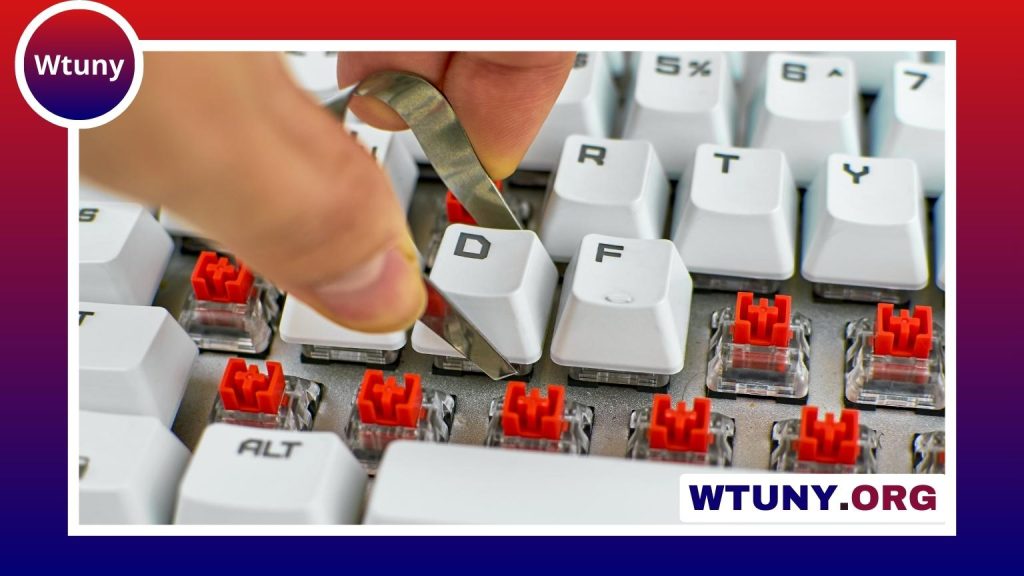
A touchscreen phone with a slide-out keyboard combines two different ways to interact with a mobile device. The screen handles swipes, taps, gestures, apps, photos, and media, while the physical keyboard provides dedicated keys for messages, email, notes, and other text-heavy tasks. This design is especially appealing to people who value tactile feedback but still want the flexibility of a touchscreen interface. Consider the slide-out keyboard design when comparing different keyboard types and their ergonomic features.
Slide-out keyboard phones are a specialised choice rather than a fit for every user. Their additional hardware can affect size, weight, durability, and software support. The right model depends on how often you type, how much portability matters, and whether you are comfortable accepting trade-offs in other areas of the phone.
Why choose a phone with a physical keyboard?
On-screen keyboards are convenient, but they offer limited physical feedback. A slide-out keyboard gives your fingers distinct keys and spacing, which can make longer typing sessions feel more controlled. It may also reduce reliance on autocorrect and make it easier to keep your attention on the text rather than on the keyboard area of the screen.
The touchscreen remains useful for browsing, navigation, games, drawing, media, and quick interactions. When a longer message or document needs to be written, the keyboard can be extended. When typing is finished, it slides away to leave the display unobstructed.
- Tactile feedback: Key presses provide a physical reference that a glass screen cannot fully reproduce.
- Dedicated typing surface: The keyboard can be useful for email, notes, messaging, and other text-based applications.
- Flexible interaction: The touchscreen supports gestures and visual controls while the keyboard handles text entry.
- Protected keys: Sliding the keyboard into the phone helps keep the keys covered when they are not being used.
Keyboard layouts and features to compare
Not all slide-out keyboards feel alike. Compact layouts can keep the phone easier to hold and may suit short messages or one-handed use, but their keys can be closely spaced. Larger layouts generally provide more room for each key and may be more comfortable for extended typing, although they can add to the phone’s overall size.
Pay attention to key travel, resistance, spacing, and the amount of separation between rows. Some keyboards include backlighting, which can help in low-light conditions. Others may offer shortcut keys or additional controls. These features are useful only if they match your habits, so the basic typing feel should remain the priority.
Benefits and trade-offs
The main advantage of a physical keyboard is control. Users who regularly write long messages, manage detailed email threads, or create notes may find dedicated keys more comfortable than repeated tapping on a touchscreen. People who previously used a hardware-keyboard phone may also prefer the familiar typing experience. Understanding slide-out keyboard buttons helps users navigate touch-screen phones efficiently and access important functions.
The mechanism introduces compromises. A sliding phone can be thicker or heavier than a touchscreen-only model, and the moving parts add another area that may wear over time. Older or heavily used sliders can develop looseness, resistance, or wobble. The keyboard also occupies internal space that might otherwise be used for different hardware features.
Software support deserves equal attention. A phone may have an excellent keyboard but become less practical if its operating system, applications, or keyboard drivers are not maintained. Android-based models can offer customisation, but support varies by device and manufacturer. Check the available software version and update history rather than assuming that every application will work indefinitely.
Who may benefit from a slide-out keyboard?
This design is most useful for people whose phone is also a writing tool. Professionals can use it for detailed email and field notes, while writers may appreciate the physical key travel when drafting away from a computer. Technicians and other mobile workers can benefit from entering structured notes without depending entirely on a small on-screen keyboard.
It can also suit frequent texters, users who dislike autocorrect, and people who prefer hardware controls for shortcuts. However, occasional typists may find that the extra size and mechanical complexity provide little benefit compared with a conventional touchscreen phone.
What to check before buying
- Try the keyboard if possible, paying attention to key spacing, travel, and resistance.
- Open and close the slider several times to check that its movement feels smooth and secure.
- Confirm that the keyboard layout suits your language and typing habits.
- Check whether the keys are visible and usable in the lighting conditions where you normally type.
- Compare battery life, screen quality, camera features, and performance with your priorities.
- Look for cases and other accessories designed to accommodate the sliding mechanism.
- Review software compatibility, update availability, repair options, and replacement-part support.
- Read long-term ownership feedback, not only first impressions.
Maintaining the sliding mechanism
Dust, sand, and other debris can interfere with moving parts, so avoid exposing the phone unnecessarily to dirty or gritty environments. Keep the keyboard and rails clean using appropriate, gentle methods, and do not force the slider if it catches. For a device intended for long-term use, it is worth checking whether repair services or replacement components are available.
A touchscreen phone with a slide-out keyboard is a compromise between modern touch controls and traditional tactile typing. By evaluating the keyboard itself, the slider’s construction, software support, and the device’s other hardware, you can decide whether the added mechanism genuinely improves the way you work and communicate.






