
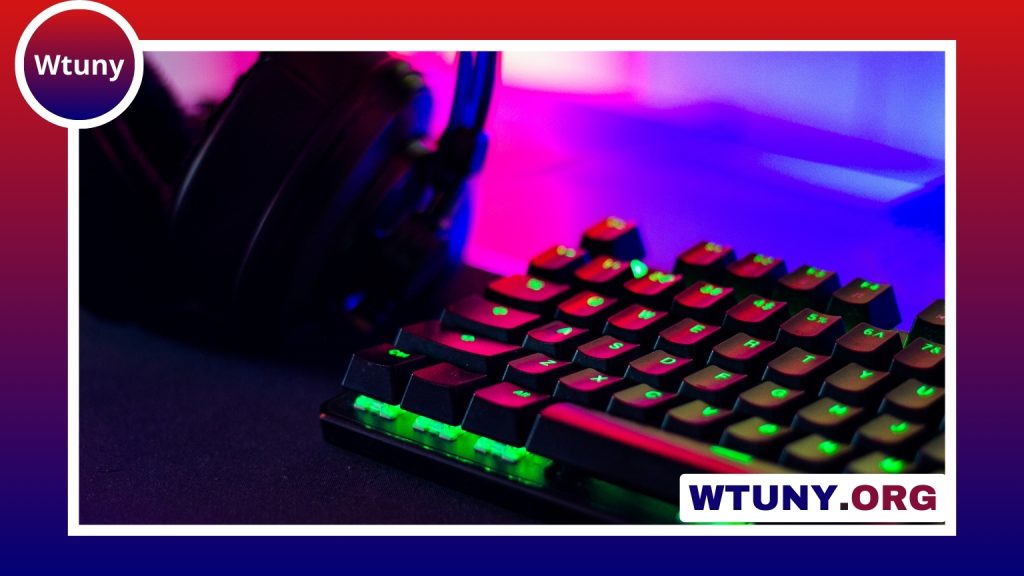
Redragon RGB keyboards appeal to users who want mechanical-style key switches, customizable lighting, and gaming-oriented features without moving straight to the most expensive brands. The range includes compact boards, tenkeyless layouts, and full-size keyboards with a number pad. Because features differ considerably between models, the best choice depends on how you work, play, and use your desk. For precise compatibility and setup, consult the Redragon model details section covering mainstream keyboards.
Start with the keyboard layout
Keyboard size affects both comfort and available desk space. A full-size model includes the number pad and is useful for spreadsheets, data entry, and users who regularly enter numbers. A tenkeyless keyboard removes the number pad, leaving more room for the mouse and creating a less crowded gaming setup. Compact layouts go further by removing or combining keys, which can be helpful for small desks but may require a short adjustment period.
Before buying, check the exact layout rather than relying only on terms such as “compact” or “gaming keyboard.” Some smaller keyboards relocate navigation keys, reduce the function row, or use alternate key combinations. Make sure the arrangement suits your operating system, work applications, and preferred shortcuts.
Choose a switch that matches your environment
The switch determines how each key feels and sounds. Redragon mechanical keyboards commonly use switch styles described as linear, tactile, or clicky, although the available options depend on the model.
- Linear switches: Smooth key travel with no pronounced bump. They are often preferred by users who want a consistent feel for gaming.
- Tactile switches: Provide a noticeable bump during the key press, which can make typing feel more deliberate without the sharp click of a clicky switch.
- Clicky switches: Combine tactile feedback with an audible click. They can be enjoyable for typing but may be distracting in a shared office or bedroom.
Switch names and specifications can vary, so read the listing for the particular Redragon model rather than assuming every keyboard uses the same mechanism. If noise is a concern, also consider the keycap design, case construction, and whether the board includes any sound-dampening features.
What to look for in RGB lighting
RGB lighting is more useful when it can be adjusted to your preferences. Many Redragon RGB keyboards include built-in effects that can be changed from the keyboard itself. These presets may be sufficient if you simply want backlighting or a quick color change.
For more control, check whether the model supports companion software. Depending on the keyboard, software features may include lighting profiles, key remapping, macro recording, and game-specific settings. Per-key RGB customization should never be assumed; some boards offer individually configurable keys, while others limit lighting to zones or preset effects. Use the support information for the exact model and download software only from the manufacturer’s official support source. For complementary gaming gear, explore options that pair well with RGB keyboards, from mice and headsets to ergonomic accessories.
Features that affect everyday use
Lighting attracts attention, but practical features often matter more after the first few days. When comparing keyboards, check for:
- Anti-ghosting or n-key rollover: Helps the keyboard register multiple simultaneous key presses.
- Programmable keys: Useful for shortcuts, streaming controls, creative applications, or games that benefit from extra commands.
- Onboard memory: Allows settings or profiles to remain available without relying entirely on software, when supported.
- Detachable USB cable: Makes storage and cable replacement more convenient on models that include it.
- Adjustable feet and keycap profile: Affect wrist angle and typing comfort.
- Construction: Plastic cases can keep a keyboard light and affordable, while a metal plate or reinforced frame may provide a more substantial feel.
Matching a Redragon RGB keyboard to your use
For competitive gaming, a tenkeyless or compact keyboard can leave more space for mouse movement. A full-size layout may be preferable for office work, accounting, or anyone who uses the number pad frequently. Writers often prefer tactile switches, while users in shared spaces may want a quieter switch and a lower-intensity lighting profile.
Streamers and content creators may value programmable keys and lighting profiles that complement the rest of a desk setup. If you work in a dim room, adjustable backlighting can improve key visibility, but it should not replace a comfortable desk position or suitable ambient lighting.
Buying locally or online
To find a Redragon keyboard near you, check computer retailers, gaming stores, and major online marketplaces. In-person shopping may let you inspect the layout and test the switch feel, although the display model may not represent every available switch option. Online listings offer more choice, but compare the exact model number, language layout, connection type, included accessories, warranty, and return policy.
Searches such as کیبورد ردراگون or red dragon клавиатура may help shoppers locate regional listings, but always confirm the key legends and seller information. Before ordering, identify the layout and switch type you want, then verify software compatibility and support documentation for that specific keyboard.
Final checklist
A good Redragon RGB keyboard is not defined by lighting alone. Choose the layout that fits your desk, a switch that suits your hands and surroundings, and the software or hardware controls you actually expect to use. Checking rollover, programmable keys, construction, connection details, and return coverage will help you find a model that remains useful after the novelty of RGB effects wears off.






