
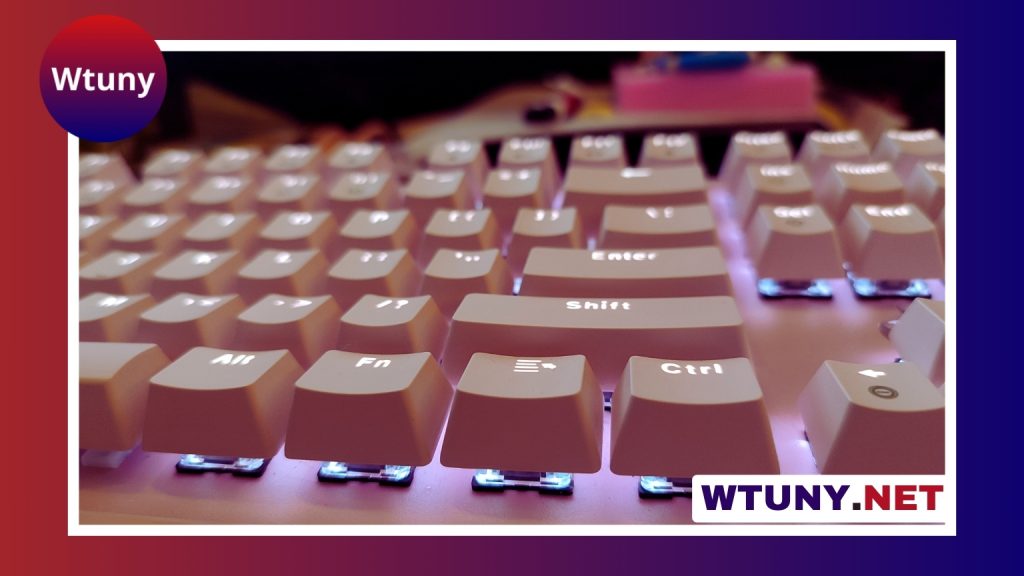
The Razer Huntsman Elite is a full-size mechanical gaming keyboard designed for users who want responsive switches, extensive customization, and a more premium desk setup. Its optical actuation system is the main attraction, while features such as dedicated media controls, Chroma RGB lighting, and a padded wrist rest make it suitable for more than competitive gaming. For brand-and-model-specific resources, consult our pillar covering Razer Huntsman Elite performance, compatibility, and setup.
Build quality and layout
The keyboard uses a brushed-metal top plate that gives it a substantial feel and helps limit flex during use. Its full-size layout includes a number pad, so it will suit users who regularly work with spreadsheets, numerical input, or traditional desktop keyboard arrangements. The trade-off is that it occupies more desk space than a tenkeyless or compact model.
A magnetic wrist rest is included and attaches to the front of the keyboard. Its cushioned leatherette surface is intended to make longer gaming and typing sessions more comfortable. The combination of a rigid top plate and wrist support gives the Huntsman Elite a distinctly desk-focused design rather than a minimalist or portable one.
Optical switches and everyday feel
The Huntsman Elite uses Razer optical switches, which detect a key press with a light-based actuation system. Instead of relying on the same contact method as many conventional mechanical switches, the design is intended to reduce debounce delay and provide a quick, direct response.
That responsiveness is useful in games that demand rapid movement, repeated inputs, or precise timing. It can also make the keyboard feel crisp for general typing. Depending on the switch option, users can choose between a more pronounced clicky experience and a smoother actuation style. Since switch feel is highly personal, anyone particular about sound, resistance, or tactile feedback should try the available option before committing where possible.
Gaming features and customization
The keyboard supports full-key rollover and anti-ghosting, helping multiple simultaneous key presses register correctly. This matters during complex game commands, especially when movement, abilities, and modifiers are used together.
Razer Synapse provides the main customization layer. Through the software, users can remap keys, create macros, and configure profiles for different games or applications. This can be useful for players who want customized controls, as well as creators and professionals who rely on repeated shortcuts.
Chroma RGB lighting adds another layer of personalization. Users can configure lighting effects across the keyboard, create profiles, and use supported integrations that allow lighting to coordinate with compatible games or other Chroma devices. The dedicated media controls and volume wheel are practical additions, allowing music and video playback to be adjusted without leaving a game or switching windows. Comparing the Razer Huntsman Elite with Logitech keyboard options can clarify which features suit your gaming setup.
Performance in games and other applications
Fast actuation makes the Huntsman Elite particularly appealing to competitive players. First-person shooter players may value its immediate response during movement and rapid key presses, while MMO and MOBA players can use remapping and macros to organize frequently used commands.
The keyboard is also a reasonable fit for streamers and content creators who want a visually distinctive setup. Lighting profiles can complement a broadcast environment, while programmable controls may help with application shortcuts. For writers, programmers, and other heavy keyboard users, the consistent switch response, full layout, media controls, and wrist rest can make it practical for extended work sessions.
Limitations to consider
The full-size format is the most obvious limitation. Users who prefer a compact keyboard, need extra mouse space, or want a tenkeyless layout will likely find the Huntsman Elite too large for their setup.
Switch preference is another important consideration. Optical actuation will not appeal to everyone, particularly users who want a very quiet keyboard or have a specific mechanical switch feel in mind. The keyboard also occupies a premium position, so buyers on a tight budget may prefer a simpler mechanical model with fewer controls and less lighting customization.
Razer Synapse is central to the keyboard’s advanced features, but the software experience is more closely associated with Windows. Users on macOS or Linux may encounter limitations or need workarounds for some customization tasks.
Who is the Razer Huntsman Elite for?
The Razer Huntsman Elite is best suited to gamers and power users who value quick actuation, a full-size layout, dedicated media controls, and extensive software customization. It is also a strong match for people who appreciate a substantial keyboard with an included wrist rest and customizable RGB lighting.
Consider another model if you need a compact design, prioritize quiet operation, want a particular switch type, or are trying to minimize cost. For users whose priorities align with speed, comfort, and configurable features, the Huntsman Elite offers a well-equipped mechanical keyboard experience for both gaming and everyday productivity.






