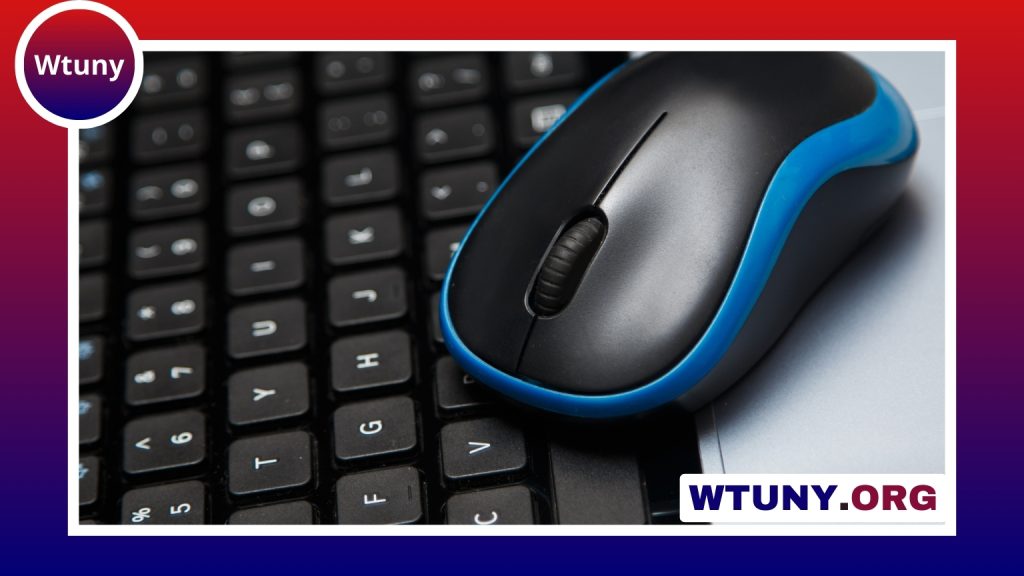
A mini Bluetooth keyboard and mouse can provide a more comfortable way to control a smart TV, tablet, phone, laptop, or Raspberry Pi without taking up much space. Compared with on-screen controls, physical keys make searching, typing, and entering commands easier. A compact setup is also useful when a full-size keyboard would be inconvenient, such as in a living room, travel bag, or small work area.
Why use a mini Bluetooth keyboard and mouse?
The main advantage is portability. Small peripherals fit easily into a backpack, drawer, or media console, while Bluetooth connectivity avoids the need for a separate USB receiver. This can be particularly useful with tablets, laptops, and other devices that have few available ports.
Compact keyboards come in several designs. Some have a traditional key layout, while others use reduced-size keys or combine the keyboard with a touchpad. A built-in touchpad can replace a separate mouse when you are browsing from the sofa or controlling a streaming device. If typing comfort matters more than minimum size, a slightly larger keyboard paired with a small Bluetooth mouse may be a better choice.
Common designs and brands
The market includes both established computer-peripheral brands and manufacturers focused on media-center accessories. Logitech, Microsoft, Rii, Jelly Comb, iPazzPort, and Arteck are examples of brands associated with compact keyboard or keyboard-and-mouse products. Specific models differ in layout, battery design, construction, and compatibility, so the brand name alone should not determine your choice.
Some compact setups use a separate keyboard and mouse, such as a small Logitech keyboard paired with a Bluetooth mouse. Others combine a keyboard and touchpad in one handheld unit. Rii and iPazzPort-style media keyboards are often designed for use with entertainment systems and Android TV boxes, while compact Bluetooth keyboards from brands such as Jelly Comb and Arteck may be aimed more at phones, tablets, and general portable use.
Pay close attention to the connection method. A product described as wireless may use Bluetooth, a 2.4 GHz USB receiver, or both. These options are not interchangeable: a device that requires a USB receiver may not work with a host that lacks a suitable USB port.
How to pair the keyboard and mouse
Pairing usually follows the same basic process:
- Turn on Bluetooth on the phone, tablet, computer, TV, or other host device.
- Switch the keyboard or mouse into pairing mode, usually with a dedicated button or key combination.
- Open the host device’s list of available Bluetooth accessories.
- Select the keyboard or mouse and complete any on-screen pairing instructions.
- Repeat the process for the second peripheral if the keyboard and mouse connect separately.
Before buying, confirm that the intended host supports Bluetooth input. Some smart TVs, streaming boxes, and single-board computers accept Bluetooth keyboards and mice, while others are designed to work with a USB receiver instead. A Raspberry Pi or similar computer may also require a Bluetooth adapter if Bluetooth is not built in.
Useful applications
Living-room control
A compact keyboard with an integrated touchpad can be more convenient than a remote control when searching for programs, entering passwords, navigating menus, or using a web browser on a television or media center.
Travel and mobile work
A small Bluetooth keyboard can make longer messages and documents easier to write on a tablet or phone. Combined with a stand, it can create a more laptop-like setup without adding the weight of a full-size keyboard and mouse.
Raspberry Pi and hobby projects
Compact input devices are practical for setting up and maintaining a Raspberry Pi or another small computer. They provide physical controls without taking over a small desk or workbench.
Presentations and remote control
A portable keyboard and mouse can also be useful for navigating presentation software, activating shortcuts, or controlling a computer from a short distance. The suitability of this arrangement depends on the software and the range of the particular peripherals.
What to check before buying
- Keyboard layout: Check key spacing, the position of punctuation keys, and whether function keys are included.
- Touchpad or separate mouse: An integrated touchpad saves space, while a separate mouse may offer more precise control.
- Battery arrangement: Look for rechargeable USB charging or replaceable batteries, depending on your preference.
- Device switching: If you plan to use the keyboard with several devices, check whether it supports multi-device pairing or quick switching.
- Typing comfort: Very small keyboards are convenient but may feel cramped during long writing sessions.
- Mouse tracking: For detailed work, consider the mouse shape, sensitivity, and surface-tracking performance.
- Compatibility: Verify support for the operating system and host devices you actually plan to use.
Choosing the right compact setup
A mini Bluetooth keyboard and mouse is most useful when its size and connection type match the way you intend to use it. Choose an integrated touchpad for sofa-based media control and minimum clutter, or select a separate keyboard and mouse when typing comfort and pointer precision matter more. Checking compatibility, layout, battery requirements, and Bluetooth support before purchase will help you avoid a compact accessory that is difficult to use with your equipment.