
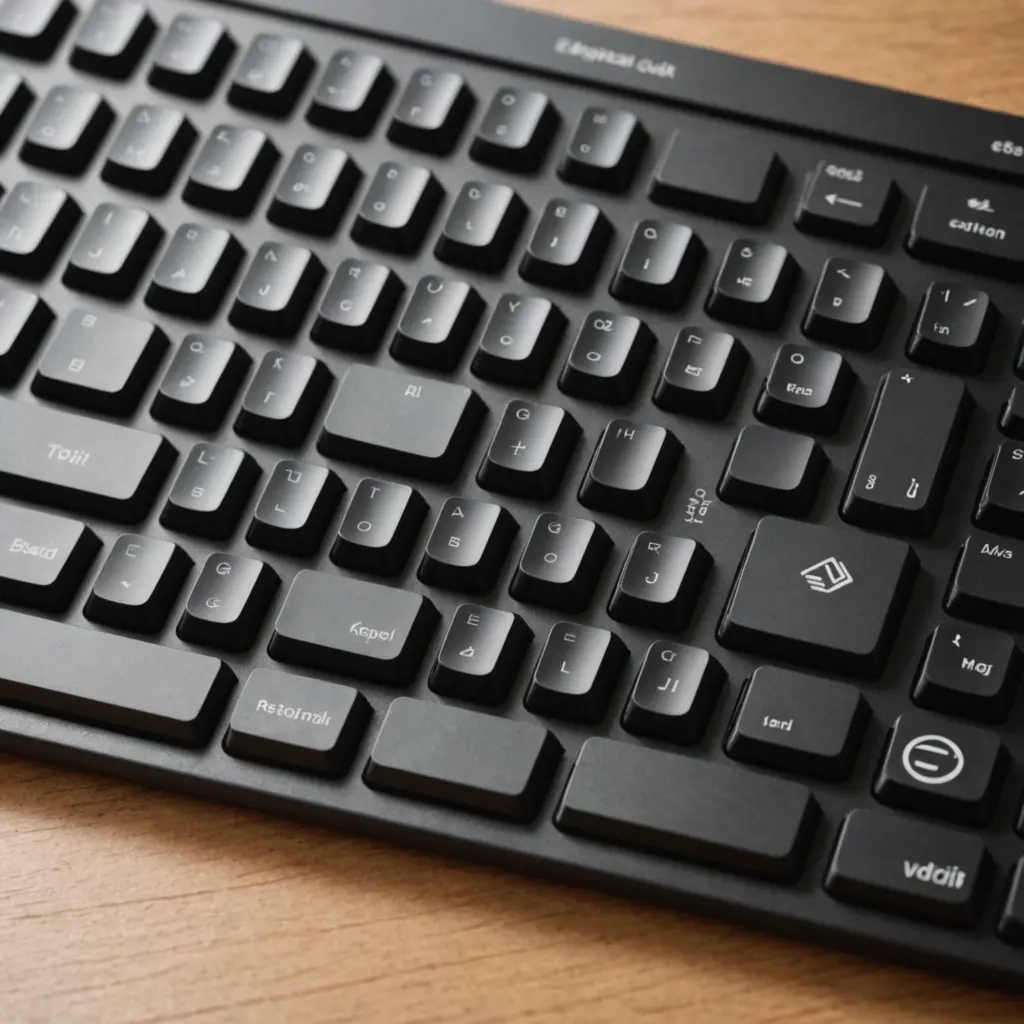
A keyboard sleeve is a simple way to protect a keyboard when it is not on your desk. It helps shield the board from dust, scratches, minor knocks, and contact with other items in a backpack or storage area. A sleeve is especially useful for anyone who moves between home and work, carries a keyboard to events, or keeps more than one board in regular rotation. A protective keyboard sleeve provides compact protection and complements other keyboard add-ons for daily commuting.
Unlike a rigid keyboard case, a sleeve is usually lightweight and easy to store. It provides a layer of protection without adding as much bulk, making it a practical accessory for compact mechanical keyboards, tenkeyless boards, full-size models, and many gaming keyboards.
Why use a keyboard sleeve?
Keyboards can be difficult and expensive to replace, particularly when they have customized keycaps, switches, stabilizers, or other components. Carrying one loose in a bag exposes it to friction, pressure, and debris. A properly fitted sleeve creates a barrier between the keyboard and the rest of your gear.
Common benefits include:
- Reducing dust buildup during storage
- Limiting scratches from desks, bags, and other equipment
- Helping protect keycaps from being pressed or knocked during transport
- Keeping a detachable cable and small accessories together
- Making it easier to move a preferred keyboard between workspaces
A sleeve is not a substitute for careful handling or guaranteed waterproof protection, but it can prevent many everyday problems associated with carrying and storing a keyboard without a cover.
Materials and construction
The best material depends on how often the keyboard travels and how much protection you need. Neoprene is flexible, lightweight, and commonly used for sleeves with light padding. It can be a good choice for commuting or storing a keyboard in a larger bag.
Nylon and polyester sleeves are also popular. They may include padding, water-resistant outer fabric, or reinforced stitching. These materials are generally suited to regular transport, although water resistance should not be confused with complete protection from spills or submersion.
Leather and faux leather sleeves offer a different appearance and may provide a structured feel. They can be heavier than fabric alternatives and often need more careful cleaning. Regardless of the outer material, look for a soft interior that will not rub against keycaps, plus seams and closures that feel strong enough for repeated use.
Useful design features
- Padding: Helps absorb minor impacts and separates the keyboard from surrounding objects.
- Full-length zipper or clamshell opening: Makes it easier to insert larger or taller keyboards.
- Snug interior: Reduces movement that can cause abrasion during transport.
- External pocket: Provides a place for a cable, USB drive, or other small item.
- Cable storage: Keeps a detachable cable from being lost or tangled with other gear.
- Reinforced seams: Improve durability around corners and frequently handled areas.
Choosing a sleeve for a gaming keyboard
Gaming keyboards often require extra attention because they may be full-size, include a wrist rest, use tall keycaps, or have a wider case than a compact mechanical board. Measure the complete setup you intend to carry rather than assuming a sleeve designed for the same keyboard layout will fit. Pair your Keyboard Sleeve with a cream-colored wireless keyboard for a coordinated, comfortable desk setup.
If the keyboard is taken to tournaments or other events, additional padding and a secure fit can help reduce movement inside a bag. At the same time, the sleeve should remain manageable alongside a mouse, headset, laptop, and power cables. A separate cable compartment can also make setup and teardown less time-consuming.
How to select the correct size
Measure the keyboard’s width, depth, and height. Include any attached wrist rest, raised feet, unusual case features, or accessories that will remain attached during storage. Compare these measurements with the sleeve’s interior dimensions, not only its advertised keyboard layout.
The fit should allow the keyboard to slide in and out without force, while leaving little room for it to shift around. A sleeve that is too tight can put pressure on its zipper and seams. One that is too loose may allow the keyboard to move and rub against the lining. If you regularly alternate between boards, an adjustable or slightly roomier design may be more practical.
Everyday uses and storage
A sleeve is useful for commuting between home and an office, moving a keyboard between desks, or transporting a specialized board for writing, design, editing, or gaming. It also provides a cleaner storage option when a keyboard is not used every day. In a small workspace, placing the keyboard in a sleeve can help keep it protected on a shelf, in a drawer, or inside a closet.
Before storing the keyboard, disconnect cables and make sure both the keyboard and sleeve are dry. Avoid placing heavy objects on top of a soft sleeve, since pressure can still affect keycaps or the keyboard case.
Cleaning and maintenance
Follow the care instructions for the specific material. Many fabric or neoprene sleeves can be wiped with mild soap and water, then left to air-dry completely. Do not put a sleeve in a washing machine unless its instructions expressly allow it. Leather and faux leather may require material-appropriate cleaners, and excess moisture should be avoided.
Inspect the zipper, lining, handles, and seams occasionally. Repairing or replacing a worn sleeve before it fails is preferable to discovering a problem while carrying an expensive keyboard. With the right size, suitable padding, and reasonable care, a keyboard sleeve can make transport and storage safer without adding unnecessary bulk.






