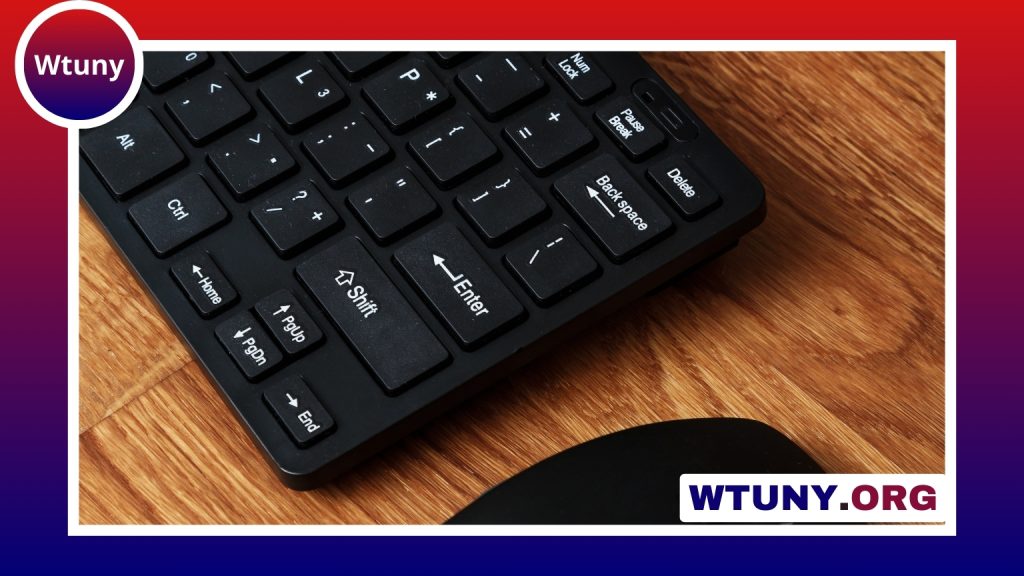
A compact wireless mechanical keyboard combines the tactile feel of mechanical switches with a smaller footprint and fewer cables. It can suit a tidy home office, a gaming setup with limited desk space, or anyone who moves between a desktop, laptop, tablet, and other devices.
The right choice depends less on finding a single “best” keyboard and more on matching the layout, wireless connection, switches, battery, and software features to the way you work or play.
Why choose a compact wireless mechanical keyboard?
Compact keyboards usually remove the number pad and may also combine or omit dedicated navigation and function keys. This creates more room for a mouse and reduces the overall size of the desk setup. A smaller board can also be easier to carry between rooms, offices, cafés, and other workspaces.
Mechanical switches provide a defined key feel and are available in several styles. Wireless operation reduces cable clutter, while rechargeable batteries allow the keyboard to be used away from a permanent desk connection. The trade-off is that smaller layouts often rely on secondary key combinations, so they may require an adjustment period.
Choose the layout before the features
Keyboard size affects both portability and everyday convenience. Common compact layouts include:
- Tenkeyless: Removes the number pad but generally retains the function row, arrow keys, and navigation keys. It is a practical choice for gaming and office work.
- 75 percent: Keeps many important keys in a compressed arrangement, often including arrow keys and a function row. It offers a balance between size and familiarity.
- 65 percent: Retains arrow keys and some navigation functions while removing the dedicated function row.
- 60 percent: Provides maximum portability by removing dedicated arrow, navigation, and function keys. These functions are accessed through key combinations or programmable layers.
A tenkeyless or 75 percent keyboard is often easier for users who regularly work with spreadsheets, navigation keys, or function-key shortcuts. A 60 percent model is more suitable when desk space and portability matter most.
Bluetooth, 2.4 GHz, or both?
Wireless keyboards commonly use Bluetooth, a dedicated 2.4 GHz receiver, or a combination of both.
- Bluetooth: Convenient for laptops, tablets, and phones because it does not require a separate receiver. Multi-device pairing can make it easier to switch between several devices.
- 2.4 GHz wireless: Uses a USB dongle and is generally preferred for gaming because it is designed for a responsive connection.
- Hybrid connectivity: Combines Bluetooth, 2.4 GHz wireless, and sometimes wired USB operation. This is useful for people who want one keyboard for work, gaming, and travel.
Bluetooth can be suitable for general gaming and mobile use, but players who are particularly concerned about responsiveness should look for a dedicated 2.4 GHz mode. Check how the receiver connects to your computer, especially if your setup has limited USB ports.
Switches and typing feel
Switch selection has a major effect on how the keyboard sounds and feels. Linear switches have a smooth keypress, tactile switches provide a noticeable bump, and clicky switches add an audible click as well as tactile feedback.
There is no universally correct switch type. Linear switches may appeal to gamers who prefer an uninterrupted press, while tactile or clicky switches can suit people who want more feedback while typing. Clicky keyboards can be loud in shared offices, so consider the environment before choosing them.
Hot-swappable sockets are useful if you want to experiment with different switches without soldering. Keycap material and construction also affect the experience and long-term feel. PBT keycaps are often selected for their durable finish, while thinner ABS keycaps may be lighter and more common on lower-priced boards.
Backlighting, battery, and software
Backlighting ranges from simple single-color illumination to customizable RGB effects. Lighting can help in dim surroundings, but brighter or more complex effects may reduce battery life. Look for controls that let you lower the brightness, disable lighting, or save different lighting profiles.
Battery capacity is especially important if you plan to travel. Actual runtime depends on lighting, connection mode, sleep settings, and usage. A keyboard with efficient sleep behavior and a convenient charging connection may be more practical than one with elaborate lighting but limited endurance.
Programmable keys, remapping, macros, and multiple profiles can make a compact layout easier to use. They may allow you to assign frequently used functions or create shortcuts for work and games. Firmware and configuration software are also worth considering, particularly if you expect to customize layers or lighting.
What to look for by use case
For office work
Prioritize a comfortable layout, reliable Bluetooth pairing, quiet or moderate-volume switches, and easy access to navigation keys. A 75 percent or tenkeyless board may offer a smoother transition from a traditional keyboard.
For gaming
Look for a stable 2.4 GHz connection, a layout that leaves enough room for the mouse, and switches that match your preferred keypress. A hybrid model can provide low-latency wireless play while retaining Bluetooth for everyday devices.
For travel
Size, weight, battery life, and build quality become the main priorities. A 60 percent keyboard is highly portable, but make sure you are comfortable using layers for arrows, function keys, and navigation commands.
A practical buying checklist
- Choose the smallest layout that still includes the keys you use regularly.
- Decide whether Bluetooth, 2.4 GHz, or both connection types are necessary.
- Select linear, tactile, or clicky switches based on feel and noise.
- Check whether the board is hot-swappable if customization matters.
- Compare battery behavior with and without backlighting.
- Review keycap quality, build materials, charging options, and software support.
A compact wireless mechanical keyboard can provide a satisfying typing experience without taking over your desk. By considering the layout and connectivity first, then comparing switches, battery performance, lighting, and customization, you can choose a board that works comfortably for productivity, gaming, travel, or a combination of all three.