
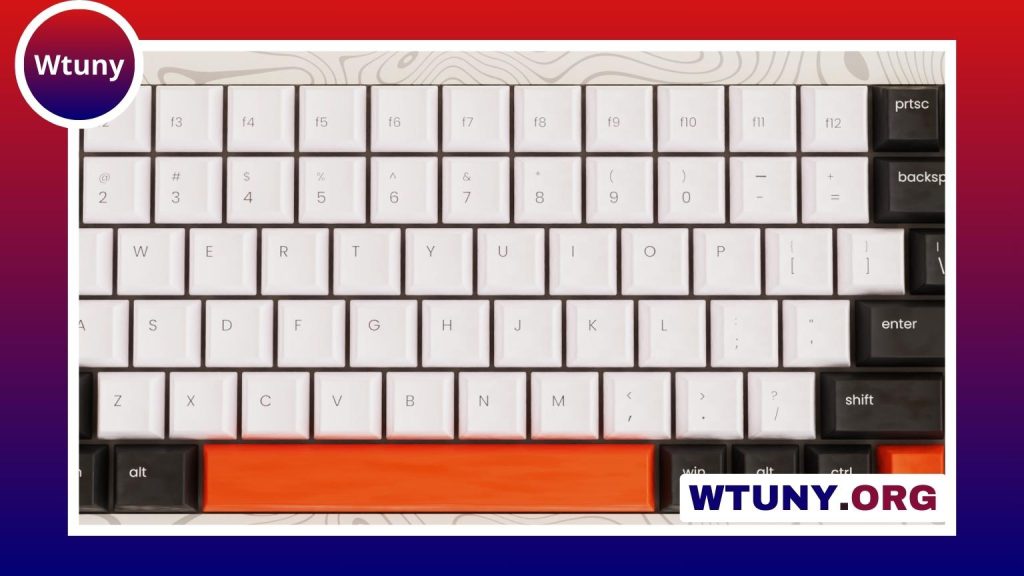
Cherry red switches are a popular mechanical-keyboard option for anyone who prefers a smooth, linear keypress. They have no tactile bump and no deliberate click, so resistance increases in a consistent way as each key moves through its travel. This straightforward feel suits many gamers, light-touch typists, and people building a keyboard for both work and play. For broader component options, visit our switches and components category after learning about Cherry MX Reds.
What are Cherry red switches?
The name usually refers to the linear Cherry MX Red design. A spring-and-plunger mechanism controls the keypress, with the spring providing resistance as the key is pressed. Unlike tactile switches, red switches do not provide a noticeable bump to indicate actuation. Unlike clicky switches, they do not use a click mechanism to create a pronounced audible feedback point.
The result is a predictable keystroke from top to bottom. The relatively light resistance can make repeated presses feel quick and easy, while the lack of a tactile event gives the switch an uninterrupted motion. Sound is generally lower than with a clicky switch, although keycap material, case construction, typing technique, and bottoming out still affect the final noise level.
Cherry MX Red compared with other switches
“Red switch” can describe the original Cherry design or a compatible linear switch from another manufacturer. These alternatives may use different spring weights, housing materials, stem finishes, or travel characteristics. As a result, two switches marketed as red may feel or sound noticeably different.
Cherry red switches are most often compared with the following categories:
- Tactile switches: These provide a bump during the keypress, giving the user physical feedback that can make deliberate typing easier.
- Clicky switches: These add an audible click as well as tactile feedback, creating a more pronounced and often louder typing experience.
- Other linear switches: These share the smooth, bump-free motion of red switches but may be lighter, heavier, smoother, or tuned for a different sound.
Original Cherry MX Reds can be a sensible choice when you want a familiar, established linear design. Compatible alternatives offer more variety if you want to experiment with spring weights, housing designs, or switch modifications.
How they perform for gaming and typing
Gaming
Linear switches are often chosen for gaming because repeated inputs require no tactile bump to overcome. The relatively light actuation makes actions such as movement, sprinting, crouching, or reloading feel easy to repeat. Whether this is an advantage depends on personal preference, hand position, and the game being played; a smooth switch does not automatically make someone faster or more accurate.
Typing
Typing preferences are more divided. Some people enjoy the uninterrupted motion and light feel, particularly when they use a gentle touch. Others prefer tactile feedback because the bump helps them recognize a keypress without pressing all the way down. With linear switches, it may take practice to control force and avoid unintended presses, especially if you are accustomed to heavier or tactile designs.
Red switches can also work well in a hybrid keyboard. Some users choose them throughout the board for consistency, while others combine switch types to create a different feel for specific keys or sections. Cherry Red Switches offer a smooth feel, while mechanical alternatives reveal the broader range of typing experiences available.
Compatibility and installation
Before buying MX-style red switches, check how your keyboard is built. A hot-swappable PCB may allow compatible switches to be installed or replaced without soldering. A soldered PCB requires the existing switches to be removed and the replacements soldered in place, which involves more equipment and care.
Compatibility is not determined by the switch name alone. Confirm that the switch fits the PCB and plate, and check whether the board uses the appropriate contact configuration. If you are replacing only one switch, matching the existing model as closely as possible will help maintain a consistent feel across the keyboard.
Customization options
Linear switches are commonly modified to fine-tune their feel and sound. Applying suitable switch lubricant can reduce friction and may make a switch feel smoother. Switch films can help reduce looseness between the upper and lower housing when the parts do not fit tightly. These modifications require opening the switches and should be performed carefully in a clean workspace.
Keycaps also influence the result. Their profile, thickness, and material can change how the keyboard sounds and how the keypress feels. The keyboard case and mounting design matter as well, so the switch is only one part of the finished typing experience.
Maintenance and replacement
Routine care is simple. Keep the keyboard surface and keycaps free from dust and debris, and avoid allowing contamination into the switch housing. If you open switches for lubrication or other modifications, use products intended for mechanical switches and avoid applying excessive lubricant.
Cherry red switches are designed for extensive use and are commonly rated for tens of millions of keystrokes. If one begins to feel scratchy, loose, or inconsistent, replacing that individual switch may restore the keyboard without requiring a complete rebuild. Hot-swap users can usually keep spare compatible switches available for quick repairs.
Are Cherry red switches right for you?
Cherry red switches are a strong option if you want a relatively light, smooth, linear keypress without a tactile bump or intentional click. They are especially suitable for people who enjoy consistent movement and frequent repeated inputs. If you need pronounced feedback while typing, a tactile or clicky switch may be a better starting point.
Consider your preferred feel, noise level, typing technique, and keyboard compatibility before choosing. Original Cherry MX Reds provide a familiar baseline, while other MX-compatible linear switches can expand the range of sound and resistance available for a custom build.






