
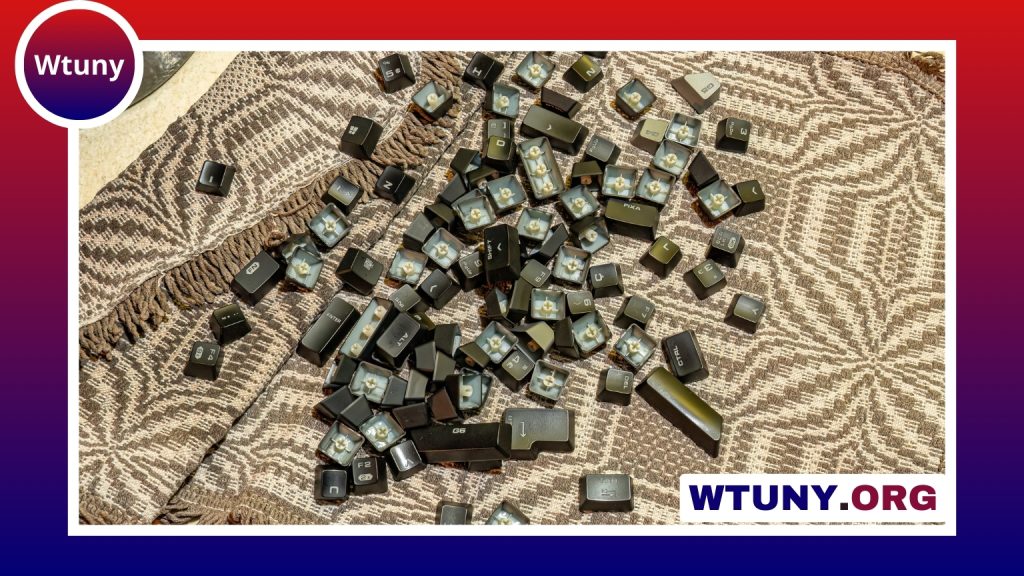
Whether a mechanical keyboard is “better” depends on what you want from your keyboard. Compared with membrane and scissor-switch models, mechanical keyboards offer a more distinct key feel, greater choice, and extensive customization. Those advantages can make a noticeable difference for people who type or play games for several hours a day. However, they also tend to cost more, may produce more noise, and can require additional care.
How mechanical keyboards differ
A mechanical keyboard uses an individual switch beneath each key. The switch typically contains a spring, stem, and electrical contacts that register a press. Membrane keyboards instead use a shared rubber-dome layer, while scissor-switch keyboards use a low-profile mechanism commonly found in laptops.
Individual switches allow a mechanical keyboard to provide more consistent feedback from one key to the next. They also let you choose characteristics such as the force needed to press a key, the amount of travel, and whether the keystroke feels smooth, tactile, or audible. Many mechanical switches are designed to withstand tens of millions of actuations, although the lifespan of a complete keyboard also depends on its other components and how it is used.
Advantages for typing
The main typing benefit is feedback. A tactile switch has a noticeable bump during its travel, helping you recognize that the key has actuated. A clicky switch provides a similar physical cue along with an audible click. Linear switches move smoothly without a tactile bump and are often preferred by people who want an uninterrupted key press.
Clear feedback can help some users develop a comfortable rhythm and avoid pressing keys farther than necessary. Others simply prefer the more substantial feel of mechanical switches. This is a matter of preference rather than a guarantee of faster or more accurate typing: the best switch is the one that feels comfortable and suits your habits.
Why gamers and heavy users consider them
Mechanical keyboards are popular for gaming because they can combine responsive switches with features such as anti-ghosting and n-key rollover. These features help the keyboard register multiple simultaneous key presses correctly, which is useful in games that require several controls at once.
They can also appeal to programmers, writers, and other heavy users who spend long periods at a keyboard. A consistent key feel, a preferred actuation force, and a layout that matches your workspace may make daily use more pleasant. The benefit is not that every mechanical keyboard is automatically faster; it is that the keyboard can be selected and configured around the user.
Switch types to understand
- Linear: Smooth movement from the top of the press to the bottom, without a tactile bump or deliberate click.
- Tactile: A physical bump provides feedback when the key actuates, without necessarily producing a click sound.
- Clicky: A tactile response combined with a distinct audible click.
Switches within each category can still vary in spring weight, travel, sound, and smoothness. A light linear switch and a heavy linear switch will not feel the same, so the category alone is not enough to predict your preference. Testing switches in person, using a switch tester, or choosing a hot-swappable keyboard can make experimentation easier.
Layout and customization matter
The keyboard’s physical layout can be just as important as its switches. A full-size model includes a number pad, while a tenkeyless model removes it to leave more room for a mouse or other desk equipment. Compact 60- and 65-percent keyboards reduce the footprint further, though they may place functions behind shortcuts or omit dedicated keys.
Mechanical keyboards may also offer low-profile designs, ergonomic split layouts, replaceable keycaps, and hot-swappable circuit boards. A hot-swappable board allows compatible switches to be changed without soldering. These options are useful when you want to adjust the keyboard over time, but they can also turn a simple purchase into an ongoing hobby.
Drawbacks to consider
- Price: A well-built mechanical keyboard can cost several times more than a basic membrane model.
- Noise: Clicky switches can be loud, and even non-clicky switches may create noticeable sound when keys bottom out.
- Size and weight: Many mechanical keyboards are less portable than slim office or laptop-style boards, although compact models are available.
- Maintenance: Keycaps collect dust and debris, and enthusiasts may eventually replace or lubricate switches, stabilizers, or other parts.
- Learning curve: Compact layouts and custom shortcuts can take time to learn.
Who should buy one?
A mechanical keyboard is likely to be a worthwhile upgrade if you type or game frequently, care about key feel, or want to customize your switches and layout. It can also be a good choice when durability and a carefully tailored setup matter more than minimizing cost.
A membrane or scissor-switch keyboard may be the better option if you need something inexpensive, quiet, lightweight, and ready to use without adjustments. This is especially relevant in shared offices, classrooms, bedrooms, or other spaces where noise matters.
How to make the decision
Start with your priorities rather than choosing based on the word “mechanical” alone. Decide whether you need a number pad, how much desk space is available, and whether sound will be a problem. Then compare switch types and, if possible, test several before buying. A mechanical keyboard is not automatically better for every person, but the right combination of switch, layout, and build can make it a more satisfying tool for everyday work or play.






