
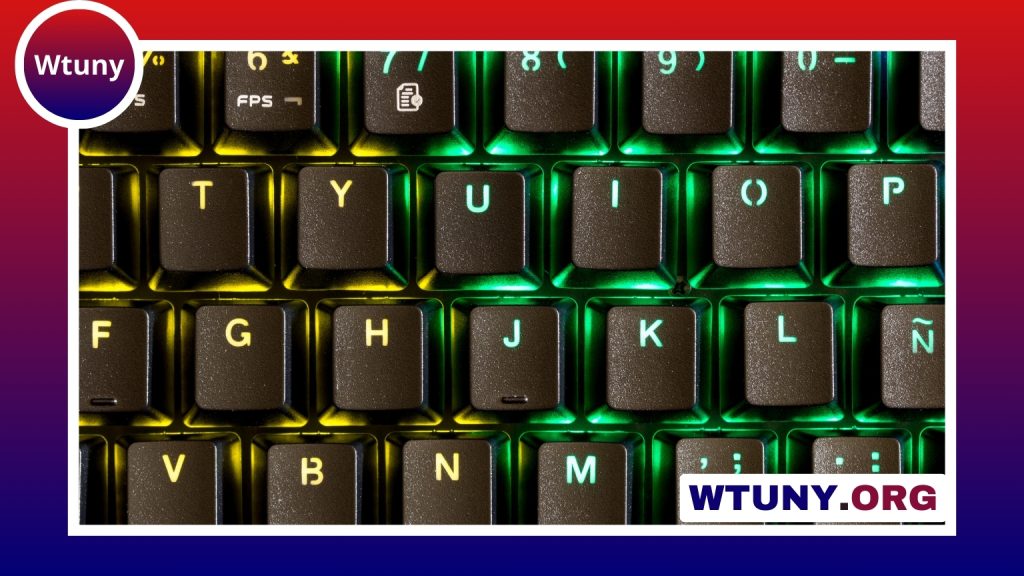
The American computer keyboard layout is the familiar QWERTY arrangement used on many keyboards sold in the United States. It defines both the physical position of the keys and, when selected in an operating system, the characters produced by those keys. Understanding the layout is useful when buying a keyboard, switching between regional settings, learning to touch-type, or working with programming symbols. To contextualize the American Computer Keyboard Layout, consult our keyboard layouts comparison covering different sizes and formats.
What is the American keyboard layout?
The standard American layout is commonly identified as US QWERTY or English (United States). The letter keys follow the QWERTY sequence, while the number row and punctuation keys provide access to symbols used in everyday writing and technical work.
A typical US keyboard uses the ANSI physical design. Its most recognisable features include:
- A wide left Shift key
- A long, horizontal Enter key
- A backslash key positioned above the Enter key
- A familiar US arrangement for symbols such as
@,#,$, brackets, and quotation marks
The physical key arrangement and the logical keyboard setting are related but not identical. A keyboard may have US keycaps while a computer is configured for another language, or the operating system may use a US mapping with hardware labelled for a different region.
ANSI compared with ISO keyboards
American keyboards generally follow the ANSI format, while ISO keyboards are common in the United Kingdom and many European markets. The most visible difference is the Enter key: ANSI normally uses a wide horizontal key, whereas ISO uses a taller, L-shaped Enter key. ISO boards also commonly include an additional key beside the left Shift key.
These structural differences affect the size and position of nearby keys. Regional layouts can also assign different characters to punctuation keys. For example, users moving between US and UK keyboards may notice changes involving the @ symbol, quotation marks, and other punctuation. The differences may seem minor, but they can interrupt touch-typing habits and cause mistakes when entering code or passwords.
US International layout for accented characters
The US International layout keeps the familiar US QWERTY arrangement while offering a convenient way to enter many accented Latin characters. It uses “dead keys,” in which a punctuation key is pressed before a letter to produce a combined character. This can help users type characters such as é, ñ, and ü without replacing the physical keyboard.
US International is useful for bilingual typing, translation, and other work involving languages that use Latin letters with diacritics. It can behave differently from the standard US setting because some punctuation keys wait for a following character. Users who frequently type apostrophes or quotation marks may therefore prefer the regular US layout or switch between the two settings as needed. Exploring alternative keyboard layouts also reveals how a floating key design can influence typing comfort and key placement.
Why people choose the US layout
The American layout is a practical general-purpose choice for writing, office work, programming, and gaming. Its broad adoption also makes it a predictable option when using shared computers or moving between different brands of keyboard.
- Writing and office work: The QWERTY arrangement is familiar to many English-language typists.
- Programming: Brackets, braces, the pipe character, tilde, and other symbols are placed in a commonly recognised US arrangement.
- Gaming: The standard modifier-key positions and familiar letter clusters support common control schemes, including movement based around W, A, S, and D.
- Shared environments: A consistent logical mapping can reduce confusion when switching between machines.
Keyboard sizes and the US arrangement
Layout and size are separate considerations. A full-size American keyboard usually includes the main typing area, a function row, arrow keys, navigation keys, and a numeric keypad. Compact formats remove or combine some of these sections while retaining the central QWERTY area.
Common examples include:
- Tenkeyless: omits the numeric keypad to save width.
- 75 percent: compresses several areas while usually retaining function and arrow keys.
- 60 percent: removes dedicated function, navigation, and arrow-key sections, often making them available through key combinations.
A compact keyboard can still use the same US logical mapping as a full-size board. When shopping, check both the regional layout and the form factor rather than assuming that every QWERTY keyboard has identical key shapes or functions.
Changing or remapping the layout
Windows, macOS, and other operating systems allow users to add or select keyboard inputs such as English (United States), US International, or a UK layout. This setting controls the characters produced by key presses and can be changed without replacing the keyboard.
Key-remapping software provides another option for specialised workflows. It can adapt an imported keyboard, assign shortcuts to less accessible keys, or make a preferred US physical layout work with a different character mapping. Before remapping, check the key legends and the active operating-system setting so that the physical and logical layouts are not confused.
Choosing the right option
The standard American layout is a straightforward choice when you want familiar QWERTY typing and conventional US punctuation positions. Choose US International when accented characters are important and its dead-key behaviour suits your work. If you regularly use a UK or European keyboard, pay particular attention to the ANSI-versus-ISO shape and to the operating-system input setting. These details have a greater effect on daily use than the QWERTY name alone.






