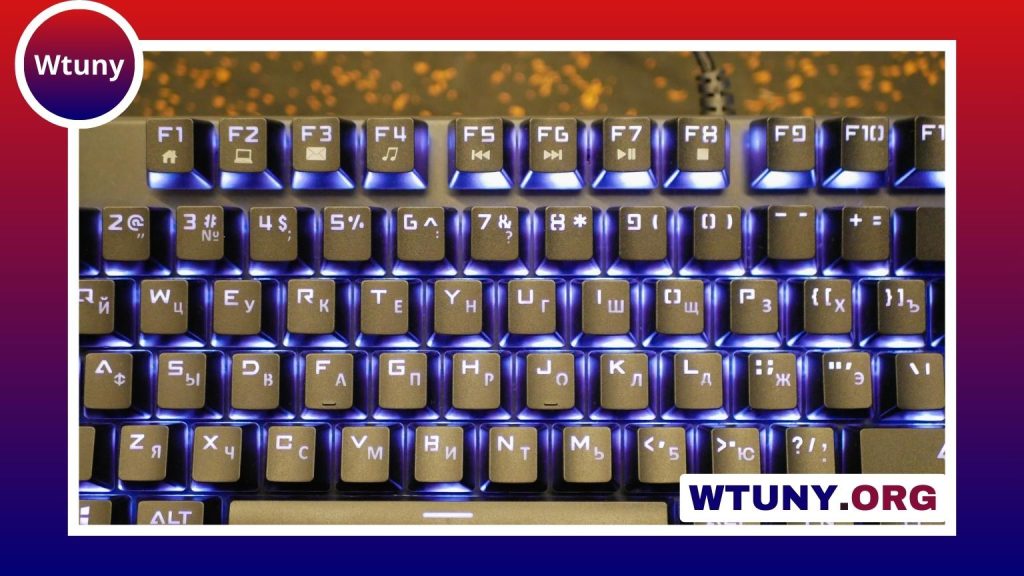
A wired keyboard and mouse can be an excellent choice when dependable connectivity, straightforward setup, and consistent response matter more than eliminating cables. A USB connection avoids battery management and wireless pairing, making wired peripherals useful for office desks, classrooms, home workstations, development setups, and gaming PCs.
The best combination depends less on buying matching products and more on choosing a keyboard and mouse that suit the way you work. Typing comfort, hand fit, sensor performance, desk layout, and available USB ports should all influence the decision.
Why choose a wired keyboard and mouse?
Wired peripherals are generally simple to install: connect them to compatible USB ports and use them without charging or pairing. They can also provide a stable connection in environments where several wireless devices operate nearby. For businesses and schools, this simplicity can make standardised deployments and replacements easier.
Gamers and other users who value predictable input may also prefer a direct connection. A wired setup removes the need to monitor battery levels and can help avoid interruptions during long work or gaming sessions. The trade-off is cable management and the need to keep the keyboard and mouse within reach of the computer or hub.
Choose the keyboard for your main activity
Office work and general use
For documents, email, browsing, and data entry, a full-size keyboard with a familiar layout can be practical. A number pad is useful for frequent numerical work, while media keys and convenient function shortcuts can help people who regularly control audio or video. Quiet membrane keyboards are often a sensible choice in shared spaces.
Comfort matters more than an impressive feature list. Look for a layout that feels natural, keys with consistent movement, and a height and angle that allow a relaxed wrist position. If the keyboard will be used for many hours each day, consider whether its size leaves enough room for the mouse.
Typing and programming
Some typists prefer mechanical switches because of their tactile feedback and distinct key feel. Others prefer the quieter, softer action of a membrane design. Neither type is automatically best; switch preference, noise tolerance, and budget should guide the choice. If possible, test the keyboard before buying or select a model with the layout and switch style you already know you enjoy.
Gaming
Gaming keyboards may include anti-ghosting, rollover support, backlighting, programmable keys, and macro functions. These features can be useful, but they should not replace the basics: comfortable key spacing, reliable construction, and a layout that suits the games you play. A mechanical keyboard is an option for users who want a more pronounced response, while a gaming membrane keyboard can offer a quieter and often less expensive alternative.
What to look for in a wired mouse
Mouse shape and size have a direct effect on comfort. A large right-handed design may suit one user, while an ambidextrous or smaller model may work better for another. Consider your grip style, hand size, and whether you use the mouse for short tasks or extended sessions.
- Sensor: An optical sensor is common for everyday use and gaming. For games, consider responsiveness and tracking consistency rather than relying on DPI alone.
- DPI adjustment: Adjustable sensitivity can make it easier to move between precise tasks and fast cursor movement.
- Buttons: Extra programmable buttons can help with shortcuts, editing tools, or game commands, but unnecessary buttons may add cost and clutter.
- Scroll wheel: Check that it feels controlled and comfortable, especially if you regularly browse long documents or timelines.
- Cable: A suitable cable length and durable construction are important if the computer sits under a desk or the peripherals are moved often.
Combo kit or separate peripherals?
A bundled keyboard and mouse is convenient when you want a simple, low-cost setup. Products such as the Logitech MK120 and wired desktop kits from Dell or HP represent the straightforward office-oriented approach described in the legacy selection. These packages can be appropriate for classrooms, reception desks, shared workstations, and basic home use.
Buying separately gives you more control. You might choose a quiet full-size keyboard for work and a more shaped gaming mouse, or combine a compact mechanical keyboard with an ergonomic mouse. The keyboard and mouse do not need to come from the same manufacturer as long as their connections and software requirements suit your computer.
Examples of setups by use case
- Basic office setup: Choose a full-size membrane keyboard and an optical mouse with a comfortable shape.
- Home workstation: Prioritise key feel, cable length, media controls, and a mouse that remains comfortable throughout the workday.
- Mixed work and gaming: Consider a backlit or mechanical keyboard with anti-ghosting and a responsive gaming mouse.
- Dedicated gaming setup: Look for a keyboard with rollover support and a mouse with adjustable sensitivity, suitable shape, and any buttons you genuinely need.
Examples mentioned in the original selection include Logitech’s MK120, Dell’s KB216 with an MS116 mouse, HP wired desktop sets, Corsair’s K55 and Harpoon combination, and Razer’s Cynosa and DeathAdder pairing. Availability and specifications can vary, so treat these as examples of product categories rather than a universal ranking.
Check compatibility and desk setup
Before buying, confirm that your computer, docking station, or USB hub has enough suitable ports. Measure the route from the computer to the desk so the cables will not pull against the connectors or cross the main working area. A wired setup is only convenient when the cables can be routed neatly.
Ultimately, the right wired keyboard and mouse are the ones that match your workload, fit your hands, and provide the controls you will actually use. Start with comfort and connection reliability, then add gaming, lighting, macro, or media features only when they offer a clear benefit.