
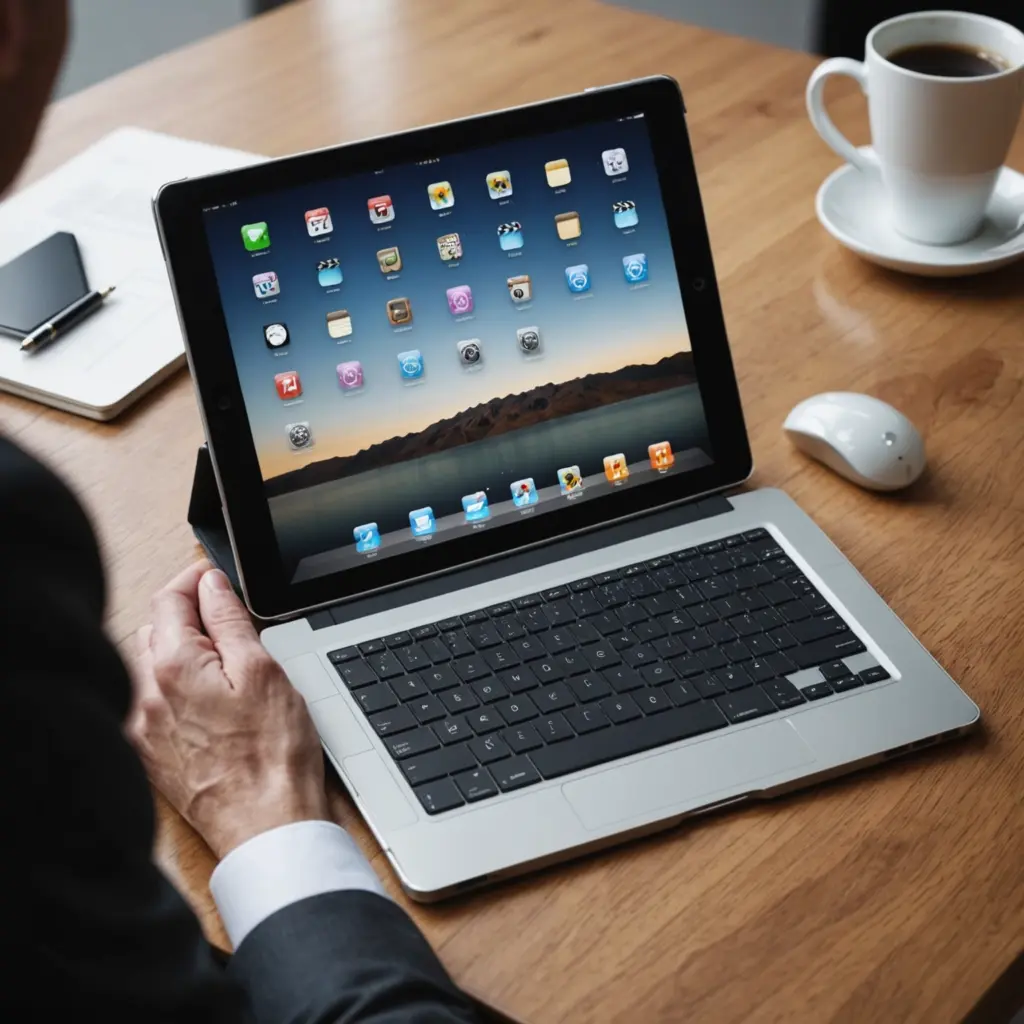
A wireless mouse can be a practical upgrade for a laptop, tablet, or home-office setup—and it does not have to look bland. Cute wireless mice are available in soft colors, compact shapes, and minimalist finishes that add personality without sacrificing everyday usability. For a Cute Wireless Mouse, check brand focused options to ensure model compatibility and reliable performance.
The best choice depends on more than appearance. Before buying, consider how you connect it, how long you will use it at a time, which devices need to support it, and whether portability or comfort matters most.
Why choose a cute wireless mouse?
A well-designed mouse can make a desk feel more personal and make routine tasks more enjoyable. A small pastel model may suit a tablet bag or student workspace, while a refined minimalist mouse can complement a professional office.
Design can also serve a practical purpose. Compact mice are easier to carry, rounded surfaces can feel pleasant in the hand, and quiet buttons are useful in shared offices, libraries, and bedrooms. However, a smaller shape is not automatically more comfortable for extended work, so appearance should be considered alongside fit and support.
Popular styles and model families
Several established product lines illustrate the range of designs available:
- Logitech Pebble: A slim, understated option with a muted color palette. The Pebble series includes models that connect through Bluetooth, a USB receiver, or both, depending on the version.
- Apple Magic Mouse: A sleek choice for people who value a clean appearance and multi-touch gestures. It is especially suited to users who work within the Mac ecosystem.
- Microsoft Surface Mobile Mouse: A thin, travel-friendly design with a restrained finish that works well in a portable setup.
- Microsoft Arc Mouse: A distinctive option that can flatten for storage, making it convenient for commuters and people who carry a mouse with a laptop.
- Xiaomi compact mice: Simple, space-saving designs that may appeal to shoppers looking for an affordable Bluetooth-style option.
These examples serve different priorities. One may be better for carrying in a small bag, another for gesture control, and another for switching between connection methods. Always check the specifications for the exact model rather than relying only on the product family name.
Bluetooth or USB receiver?
Bluetooth is convenient when you want to connect directly to a compatible laptop, tablet, or phone without using a USB port. It is particularly useful for thin devices with few available ports. Pairing is generally straightforward, although the exact process depends on the operating system and mouse.
A USB receiver, sometimes described as a 2.4 GHz wireless connection, is often valued for its simple plug-in setup. It can be a practical choice for a desktop or laptop that does not have dependable Bluetooth support. The receiver does occupy a USB port, and it is small enough to misplace, so storage is worth considering. For an ergonomic wireless upgrade, compare this cute mouse with Logitech’s K350 features and layout.
Some mice offer both connection types. That flexibility is useful if you move between a laptop and tablet or want an alternative connection method when troubleshooting. If multi-device use is important, check whether the mouse supports switching between paired devices and whether any companion software is required.
Comfort and performance matter
Small mice are portable, but they may provide less palm support than larger, sculpted designs. For occasional browsing, travel, or classroom work, a petite shape may be ideal. For long editing, writing, or data-entry sessions, look for a size that allows your hand to rest naturally rather than gripping the mouse tightly.
Also consider the details that affect everyday use:
- Tracking: A consistent optical sensor is more important for general work than a high specification on its own.
- Pointer speed: Adjustable sensitivity can help you find a comfortable balance between control and quick movement.
- Click noise: Quiet switches are useful in shared spaces, while some users may prefer a more pronounced click.
- Scrolling: A smooth, dependable wheel makes browsing documents and web pages easier.
- Power: Check whether the model uses replaceable batteries or a rechargeable battery, and note how it is charged if applicable.
Tips for choosing and setting up your mouse
Start by listing the devices you intend to use. Confirm that the mouse supports their connection method and operating systems. If you want customizable buttons, gesture controls, or multi-device switching, check whether those features require the manufacturer’s software. Basic pointer movement may work without an app, while advanced controls may not.
For travel, prioritize a durable finish, compact dimensions, and a safe place to store the USB receiver if the mouse uses one. At home, comfort may deserve more attention than the smallest possible footprint. Matching the mouse with a keyboard or desk mat can create a coordinated look, but it should not outweigh an appropriate shape and reliable connection.
After pairing, adjust pointer speed in your computer’s settings and try the mouse on the surfaces where you normally work. Keep the sensor area clean, recharge the mouse or replace its batteries before important tasks, and store it with your laptop accessories when traveling.
Final considerations
A cute wireless mouse can combine personal style with useful everyday features. Choose Bluetooth for convenient device pairing, a USB receiver for a straightforward desktop connection, or a dual-mode model for added flexibility. Then compare size, comfort, tracking, button noise, and power requirements. With those factors in mind, it is easier to find a mouse that looks good on your desk and feels dependable in daily use.






