
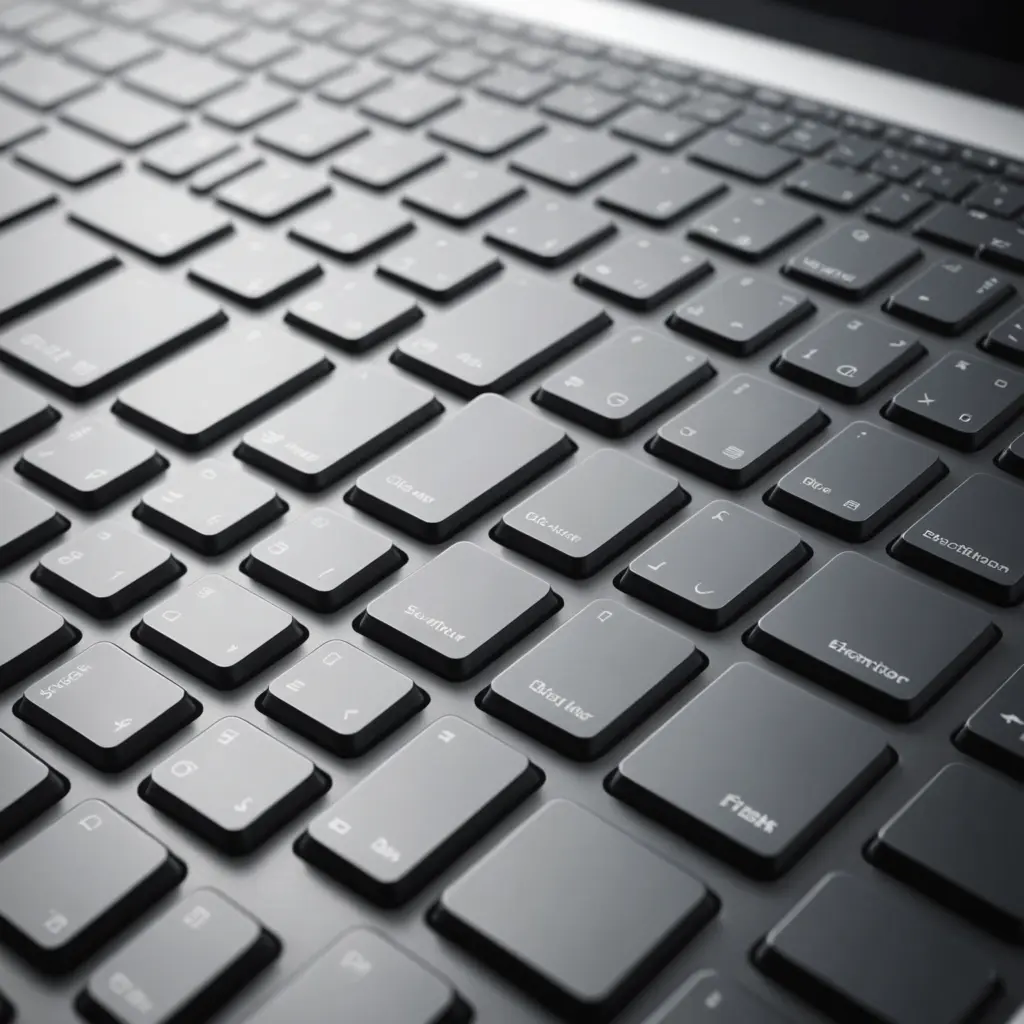
The Apple Magic Keyboard for iPad Pro M4 is designed to make Apple’s latest iPad Pro models feel more like compact laptops without giving up the tablet’s touchscreen and portability. It combines a built-in keyboard, trackpad and protective folio design in an accessory that attaches magnetically and connects through the iPad Pro’s Smart Connector.
For anyone who writes frequently, works with documents or wants more precise pointer control, the Magic Keyboard can make the iPad Pro more practical for everyday productivity. The most important buying decision is choosing the correct version for your iPad Pro’s screen size and generation.
Design and construction
The Magic Keyboard follows Apple’s minimalist design language and is made to complement the slim profile of the iPad Pro. Its rigid folio construction supports the tablet while the cantilevered hinge allows the screen to be positioned at a comfortable viewing angle.
When closed, the accessory forms a protective cover around the display. When open, the hinge holds the iPad Pro above the keyboard, creating a setup that is suitable for typing at a desk, on a lap or while travelling. The keyboard attaches and detaches magnetically, so switching between a keyboard-based workflow and handheld tablet use is quick.
Compatibility and model selection
The M4 Magic Keyboard is intended for the corresponding iPad Pro generation and is available in versions for different screen sizes. Before purchasing, check both the iPad Pro generation and its display size rather than relying on the product name alone.
- 11-inch iPad Pro: Choose the Magic Keyboard version made for the 11-inch M4 iPad Pro.
- 13-inch iPad Pro: Choose the larger Magic Keyboard made for the 13-inch M4 iPad Pro.
- Older or different iPad models: Confirm compatibility carefully, since the fit, magnetic attachment and Smart Connector alignment are model-specific.
Matching the keyboard to the correct size is essential. A compatible model should attach securely, close properly and provide the intended connection through the Smart Connector. Product listings may use descriptions such as “Magic Keyboard for iPad Pro 11-inch M4” or “Magic Keyboard for iPad Pro 13-inch M4,” but the device specifications should always be checked before ordering.
Typing and trackpad experience
The keyboard uses a scissor mechanism designed to provide stable key movement and tactile feedback. Its quiet operation makes it suitable for extended writing sessions, email, note-taking and document editing. The layout gives the iPad Pro a more familiar laptop-style working experience while keeping the touchscreen available for direct interaction.
The integrated glass-topped trackpad supports precise pointer control and multitouch gestures in iPadOS. It is useful for selecting text, moving through spreadsheets, navigating menus and working in creative applications. Users can move between trackpad gestures, keyboard shortcuts, touchscreen controls and Apple Pencil input depending on the task.
Power, connection and portability
The Magic Keyboard does not require separate Bluetooth pairing. Once attached, it uses the Smart Connector to communicate with the iPad Pro and draw power from the tablet. This keeps setup simple and avoids maintaining a separate battery or charging routine for the keyboard.
Its folio design adds protection while remaining suitable for everyday carrying. The 11-inch version is the more compact choice for users who prioritise portability, while the 13-inch version provides a larger working area for multitasking and creative work. Either option can be removed when the iPad Pro is better suited to reading, drawing or handheld use.
Who is the Magic Keyboard for?
The accessory is particularly useful for people who regularly type on an iPad Pro. Students can use it for notes and assignments, while remote workers may appreciate having a laptop-like setup that can be assembled in seconds. Writers, professionals and users working with documents or presentations can benefit from the combination of physical keys and pointer control.
Creative users may also value the ability to switch quickly between a keyboard-and-trackpad workflow and touchscreen or Apple Pencil interaction. The Magic Keyboard is less necessary for people who mainly watch video, browse casually or use the iPad Pro as a handheld tablet.
Alternatives and buying considerations
A standalone Bluetooth keyboard can be a useful alternative if you want a keyboard that detaches completely or works across multiple devices. However, it may not offer the same magnetic attachment, integrated trackpad or Smart Connector convenience.
Before buying, consider how often you type, whether a built-in trackpad matters, how much portability you need and whether the larger 13-inch setup justifies its added size for your workflow. For compatible iPad Pro owners who want a refined typing and pointer experience, the Apple Magic Keyboard M4 offers a streamlined way to extend the tablet into a more capable mobile workstation.






