
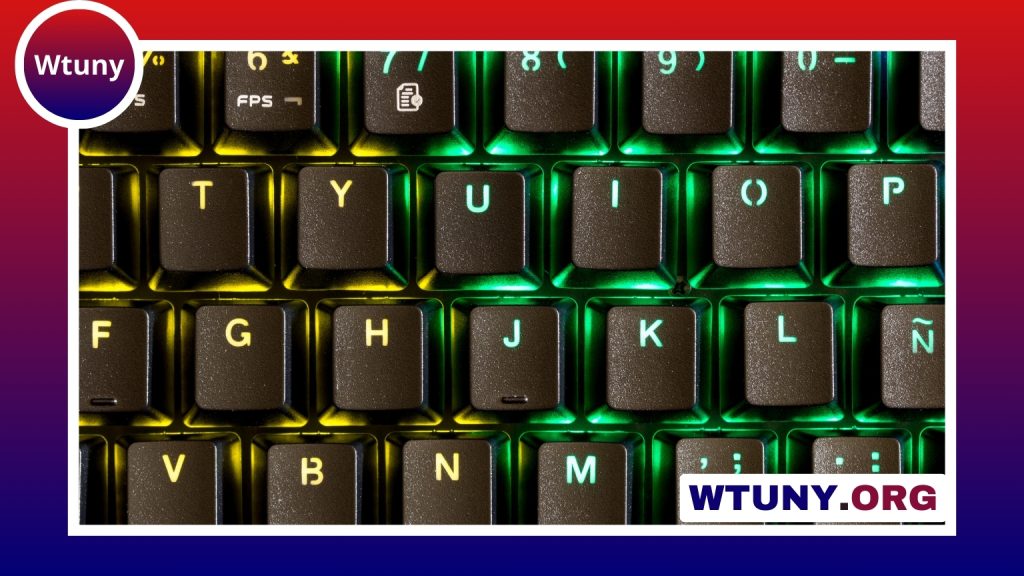
A TKL keyboard case is designed for a tenkeyless mechanical keyboard: a layout that removes the dedicated number pad while keeping the function row, arrow keys, and navigation cluster. This format offers a practical middle ground between a full-size keyboard and more compact layouts. It reduces the keyboard’s width, creates more room for mouse movement, and preserves many of the keys used for everyday work.
Why choose a tenkeyless keyboard case?
For many users, a TKL keyboard provides the features they need without the extra width of a 100% or full-size board. The shorter footprint can make it easier to position the mouse closer to the keyboard, which is useful for gaming and for desks with limited space. It can also help create a more balanced workstation for people who rarely use a numeric keypad.
TKL is also a popular choice for custom mechanical keyboard projects. It leaves room for different case materials, mounting systems, plates, and acoustic modifications while retaining a familiar layout. If you regularly enter large amounts of numerical data, a separate numpad may be more convenient than switching away from a TKL board.
Case materials and their effect on typing
The case material influences weight, rigidity, appearance, and sound. Common options include:
- Aluminum: A rigid, heavier material that can give the keyboard a stable feel and a more pronounced, resonant sound.
- Polycarbonate or acrylic: Lightweight materials that may produce a softer, more muted character and offer a different visual style.
- Brass or stainless steel components: Often used for plates, weights, or accents. These add mass but can also increase the overall cost and weight of the build.
Material alone does not determine the final result. Switches, keycaps, the plate, stabilizers, foam, and the mounting method all contribute to the keyboard’s sound and feel. A heavier case may improve stability, while a lighter case can be easier to move or carry.
Understanding mounting styles
The mounting system describes how the plate and PCB are supported inside the case. It has a direct effect on flex, firmness, and acoustic behavior.
- Tray mount: The assembly is supported at selected points inside the case. It is straightforward but may produce a less uniform feel across the board.
- Top mount: The plate is secured to the upper portion of the case, creating a relatively direct and firm typing response.
- Gasket mount: Rubber or silicone sections separate the plate from the case, often producing a softer, more isolated feel.
- Sandwich mount: The plate is held between case sections, giving the build a distinct structure and typing character.
When selecting a case, consider the material and mounting style together. A rigid aluminum case with a firm mount will feel different from a polycarbonate case using gaskets, even when both support the same general layout.
Compatibility: the detail that matters most
A case is not automatically compatible with every TKL PCB or plate. Before buying, verify the exact layout and physical specifications. Most TKL boards use an 87-key arrangement, but details such as bottom-row spacing, stabilizer positions, mounting holes, and USB placement can vary.
Check all of the following:
- PCB dimensions and mounting-hole locations
- Plate layout and support for your chosen switches and stabilizers
- Standoff height and internal clearance
- USB connector type and port location
- Support for wireless batteries, if applicable to the PCB
- Bottom-row and modifier-key spacing
A case made for a 75% keyboard generally cannot accept a TKL PCB. A 75% layout compresses the design and rearranges or removes some keys, so it requires a dedicated plate and case. Likewise, a TKL case is not a direct substitute for a 100% case, which includes the number pad and uses different dimensions and mounting points.
Standard and custom TKL cases
An off-the-shelf mechanical keyboard case can be a practical choice when you want a predictable build with fewer compatibility questions. Custom and small-run cases offer more opportunities to choose colors, finishes, logos, weights, plates, and internal dampening. They may also provide a more distinctive appearance for a personal setup, studio, or gaming desk.
Customisation is most useful when the underlying parts have been planned first. Confirm that the PCB, plate, stabilizers, and case belong to the same compatible system before choosing cosmetic upgrades. A visually appealing case is of limited value if its internal mounting points or cutouts do not match the rest of the build.
How to choose the best TKL keyboard case
Begin by deciding what matters most in your setup:
- Desk space and portability: Choose a lighter, compact design if you move the keyboard frequently.
- Stability: Consider a heavier case if you prefer a firmly planted keyboard.
- Typing feel: Compare mounting styles and look for the amount of flex or firmness you prefer.
- Sound: Review the complete build, including plate material, foam, switches, and keycaps rather than judging the case alone.
- Appearance: Select the finish, color, and accent materials that suit your workspace.
- Ease of assembly: Clear documentation and confirmed PCB compatibility can prevent expensive mistakes.
The right TKL keyboard case should fit both your components and your daily workflow. By checking compatibility before purchase and weighing material, mounting, portability, and aesthetics together, you can build a tenkeyless keyboard that offers the compact footprint you want without giving up the keys and functionality you use most.






