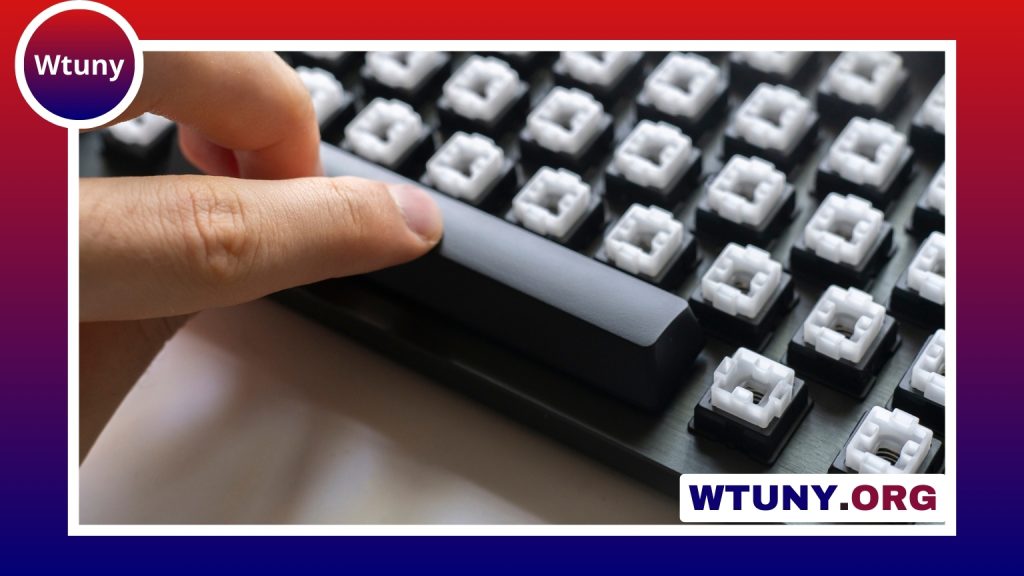
Replacing the keycaps on a keyboard is a simple way to change its appearance, sound, and typing feel without replacing the entire board. Often called KB keys, keycaps are the removable tops that sit above the switches and provide the surface your fingers press. The right set can make a basic keyboard feel more personal and better suited to writing, programming, gaming, or everyday work.
What keycaps change
Keycaps do not determine a switch’s actuation point or electrical behavior, but they have a noticeable effect on the experience of using a keyboard. Their material, thickness, shape, and lettering can influence:
- Typing feel: The shape and height of each row affect finger positioning and hand movement.
- Sound: Thick or thin caps, along with the underlying keyboard construction, can change the volume and character of keystrokes.
- Readability: Clear, high-contrast legends are useful for unfamiliar layouts, shared keyboards, and long work sessions.
- Appearance: A new color scheme or themed set can transform the look of a keyboard.
- Wear resistance: Some materials and legend methods hold up better against heavy daily use.
Keycap materials
The two materials most commonly considered are ABS and PBT.
- ABS: ABS keycaps are easy to mold and are available in many colors and detailed designs. With extended use, the surfaces may develop a smooth, glossy sheen where fingers regularly rest.
- PBT: PBT is generally more resistant to shine and discoloration. It often produces a slightly deeper or more muted sound, although the final result also depends on the keyboard and switches.
Material alone does not guarantee quality. Thickness, molding accuracy, surface texture, and the quality of the legends also matter. Thick keycaps may feel more substantial, while thinner caps can provide a lighter or brighter sound.
Profiles and keycap shapes
A keycap profile describes its height, slope, and shape across the rows. Common profiles include OEM, Cherry, SA, and DSA. Sculpted profiles use different shapes or heights for different rows, while uniform profiles use a consistent form across the set.
A sculpted profile can provide clearer finger placement and may feel natural for touch typing. A uniform profile offers a more consistent appearance and can be convenient for certain custom layouts. Neither option is universally better, so comfort and familiarity should guide the choice. If possible, compare the profile with the one already on your keyboard before buying a complete set.
How legends are applied
The lettering method affects both appearance and durability:
- Dye sublimation: Dye is transferred into the keycap surface, commonly on PBT caps. This method is well suited to detailed legends and can remain readable through regular use.
- Doubleshot molding: Two pieces of plastic form the keycap and its legend. Because the legend is part of the cap rather than printed on top, it is designed to resist wearing away.
- Laser etching or pad printing: These methods can reduce production cost and support certain designs, but the printed or etched surface may show wear sooner than molded or infused legends.
Check compatibility before you buy
Compatibility is the most important practical consideration. Confirm the following details before ordering:
- Stem type: Many mechanical keyboards use a cross-shaped Cherry-style stem, but low-profile and specialized keyboards may use different mounts.
- Layout: Check whether the set supports ANSI, ISO, or the regional layout used by your board.
- Bottom row: Some keyboards use unusual spacebar, modifier, or Alt-key sizes that a standard set may not cover.
- Special keys: Confirm support for macro columns, split layouts, ortholinear designs, or other nonstandard arrangements.
- Profile restrictions: Make sure the profile works with your keyboard’s case, plate, and any surrounding keys.
Product photographs are not always enough to confirm coverage. Look for a layout diagram or complete key list, especially when replacing caps on a compact or unusual keyboard.
Replacing and cleaning keycaps
A keycap puller makes removal safer and easier than pulling caps with your fingers or a sharp object. Remove each cap by lifting straight upward with even pressure. Larger keys, such as the spacebar, Shift, and Enter keys, may be attached to stabilizers, so remove them carefully to avoid disturbing the stabilizer components.
When installing the new set, align each cap with the switch stem and press down gently until it is seated. Do not force a cap that does not line up. If a large key feels uneven or rattles after installation, inspect its stabilizers rather than pressing harder.
For routine cleaning, use a soft brush or gentle compressed air to clear dust and loose debris. For a deeper clean, remove the caps and wash them separately in warm water with a small amount of mild soap. Rinse them thoroughly and allow them to dry completely before reinstalling them. Moisture left inside a keycap can reach the switch and cause problems.
Choosing keycaps for different uses
- Writing and programming: Prioritize comfortable profiles, durable legends, and strong contrast.
- Gaming: Textured or differently colored caps can make frequently used keys easier to locate by touch.
- Shared workspaces: Color-coding can help distinguish shortcuts, function layers, or commonly used controls.
- Compact or travel keyboards: Check exact key sizes and consider lower-profile options when reducing overall height matters.
- Visual customization: Themed sets and individual accent or artisan caps can change the character of a setup without replacing the keyboard itself.
A practical buying checklist
Before choosing a set, decide which matters most: comfort, sound, appearance, durability, or price. Then verify the stem type, layout coverage, bottom-row measurements, profile, and legend method. Basic ABS sets can be suitable for casual use, while PBT, doubleshot, and specialty designs may cost more. Reviews that discuss fit, legend quality, and actual layout coverage are often more useful than photographs alone.
With the right compatibility checks, new KB keys are a relatively simple upgrade. They can refresh a worn keyboard, improve its visual identity, and tailor the typing experience to the way you use it every day.